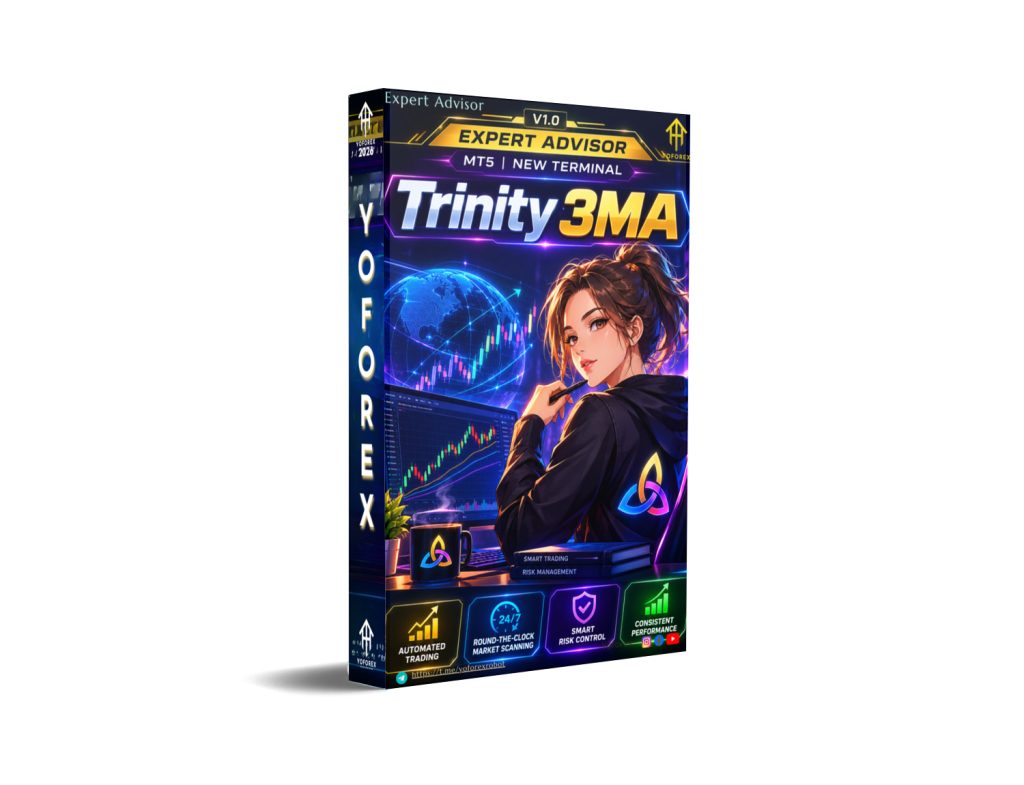
Trinity 3MA EA V1.0 MT5: A Disciplined Trend-Following System for Gold and Major Pairs
Many traders know the frustration of chasing momentum too early or holding through choppy ranges. Fixed stop-losses get hit by normal volatility, while delayed entries miss the real move. Trinity 3MA EA V1.0 MT5 was built to address exactly these issues by waiting for clear multi-timeframe trend alignment before entering.
Available through YoForex, this MT5 Expert Advisor focuses on structured trend and momentum trading rather than constant activity.
What Is Trinity 3MA EA V1.0 MT5?
Trinity 3MA EA is a fully automated trend-following Expert Advisor for MetaTrader 5. It was originally optimized around the volatility of Gold (XAUUSD) but can also be applied to trending forex pairs such as GBPJPY or EURUSD.
The core idea is simple: the EA does not guess direction. It waits until three exponential moving averages align in a clear sequence and then confirms the shift on a closed bar. This reduces the chance of reacting to temporary noise.
How Does Trinity 3MA EA Work?
The strategy centers on a “Trinity” of moving averages (default periods 8, 24 and 72 EMA):
- The 72-period MA defines the major trend direction.
- The 24-period MA tracks intermediate pullbacks and acts as dynamic support or resistance.
- The 8-period MA serves as the momentum trigger.
A buy signal appears only when the fast MA sits above the medium MA, which itself sits above the slow MA. The reverse sequence is required for sells. Entries are taken on closed bars to avoid repainting.
Additional filters keep the system selective:
- An ADX filter measures trend strength and helps avoid low-momentum or ranging conditions.
- A maximum spread filter blocks entries during news spikes, rollover periods or poor liquidity.
- Dynamic ATR-based stop-loss and take-profit levels expand or contract according to current volatility instead of using fixed pip distances.
Once a trade is open, a smart trailing stop can activate only after the position moves into profit, locking in gains as the trend continues.
Position sizing can be set as fixed lots or as a percentage of account equity (for example 1.5% risk per trade). The EA then calculates the lot size from the ATR stop distance and current equity.
Key Features
- Tri-MA alignment logic – entries require clear fast-medium-slow order on closed bars.
- Dynamic ATR stop-loss and take-profit – volatility-adjusted exits instead of rigid pip targets.
- ADX trend-strength filter – reduces trading in choppy markets.
- Smart trailing stop – activates only in profit and trails tick-by-tick.
- Auto-lot risk management – percentage-based position sizing based on stop distance and equity.
- Max spread protection – avoids entries under unfavorable broker conditions.
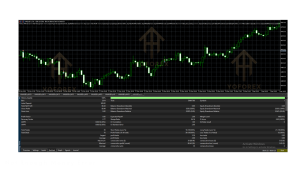
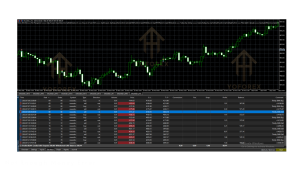
- On-chart PnL dashboard – real-time balance, equity and floating profit/loss display.
- Fully customizable inputs – MA periods and methods (EMA, SMA, SMMA, LWMA), ATR multipliers, trailing settings, ADX threshold, spread limit and slippage.
Quick Features Table
| Feature | Details |
|---|---|
| Platform | MT5 |
| Strategy | Trend-following with multi-MA alignment |
| Trading Style | Momentum / trend continuation |
| Pairs | Optimized for XAUUSD; also GBPJPY, EURUSD |
| Timeframe | M5 (intraday) or H1 (swing) |
| Risk Management | ATR-based SL/TP, auto-lot %, trailing stop |
| Automation | Fully automated entries and management |
| Best For | Trend-focused traders seeking structured rules |
Main Benefits
The EA removes the need to constantly monitor charts for MA crossovers. Once parameters are set, it applies the same rules every time: wait for alignment, check ADX and spread, size the position according to risk percentage, and manage the trade with ATR stops and trailing logic.
Volatility-based stops help the system adapt when Gold or major pairs become more or less active. The ADX filter and spread protection aim to keep the EA out of the least favorable conditions. Traders who prefer clear, rule-based trend participation rather than discretionary timing may find this structure useful.
Who Is Trinity 3MA EA For?
- Traders who already follow multi-moving-average strategies and want them automated.
- Users focused on Gold (XAUUSD) or strongly trending pairs.
- Intermediate and experienced MT5 users comfortable adjusting ATR multipliers, ADX thresholds and risk percentage.
- Busy traders who prefer a system that waits for confluence instead of trading every signal.
- Those who can run a low-latency VPS for reliable trailing-stop execution.
Who Should Avoid It?
- Absolute beginners who have never tested an EA on a demo account.
- Traders looking for high-frequency scalping or mean-reversion systems.
- Users unwilling to adjust settings for different market conditions or account sizes.
- Anyone expecting consistent profits without drawdowns or the need for proper risk management.
- Traders who cannot or will not use a VPS and a low-spread account type.
Trinity 3MA EA vs Manual Trading
| Aspect | Manual Multi-MA Trading | Trinity 3MA EA |
|---|---|---|
| Entry discipline | Depends on trader focus and emotion | Fixed alignment + closed-bar confirmation |
| Risk sizing | Often approximate or emotional | Automatic % risk based on ATR distance |
| Stop management | Manual adjustment required | Dynamic ATR + optional trailing |
| Market filters | Trader must watch ADX and spread | Built-in ADX and max-spread checks |
| Availability | Limited by screen time | 24/5 once configured |
What To Check Before Buying
- Confirm the strategy matches your preferred style (trend following on M5 or H1).
- Review the risk settings: start with a conservative percentage and understand ATR multipliers.
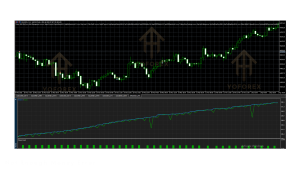
- Check expected drawdown behavior on historical data for the pairs and timeframes you plan to use.
- Verify MT5 compatibility and that your broker offers the required symbols with acceptable spreads.
- Prefer raw-spread or ECN accounts; test the max-spread filter under your broker’s conditions.
- Plan for a low-latency VPS if you intend to use the trailing stop actively.
- Examine all input parameters and prepare to optimize MA periods, ADX threshold and risk % on demo.
- Confirm support channels and update policy from the seller.
- Always run extensive demo testing before any live capital.
How To Get Started
- Purchase or obtain the EA from a trusted source such as YoForex.
- Install it in the MT5 Experts folder and restart the terminal.
- Attach it to an XAUUSD (or chosen pair) chart on M5 or H1.
- Set risk percentage or fixed lot size, ATR multipliers, ADX level and max spread.
- Enable AutoTrading and ensure the terminal has stable internet (ideally via VPS).
- Monitor the on-chart dashboard and journal for the first days on a demo account.
- Adjust parameters only after observing behavior across different market conditions.
FAQs
What pairs work best with Trinity 3MA EA?
It was optimized for XAUUSD. GBPJPY and EURUSD are also mentioned as suitable for trending conditions.
Which timeframes are recommended?
M5 for more frequent intraday moves or H1 for smoother swing-style trends.
Does it use fixed or dynamic stops?
Dynamic ATR-based stop-loss and take-profit by default; fixed points are also available as an option.
Is a VPS required?
A low-latency VPS is recommended for reliable trailing-stop execution.
Can I change the moving-average periods?
Yes. Periods and methods (EMA, SMA, SMMA, LWMA) are fully customizable.
How does position sizing work?
You can choose fixed lots or auto-lot based on a risk percentage of equity and the current ATR stop distance.
Will it trade during news?
The max-spread filter and ADX filter help reduce activity in extreme conditions, but no filter is perfect.
Is past performance a guarantee of future results?
No. All trading involves risk of loss. Always test thoroughly on demo and never risk money you cannot afford to lose.
Conclusion
Trinity 3MA EA V1.0 MT5 offers a structured, rules-based approach to trend and momentum trading. Its combination of multi-MA alignment, ATR risk management, ADX filtering and automatic position sizing gives traders a clear framework rather than discretionary guesswork.
If the strategy logic matches the way you already think about trends, the practical next step is to review the full input list, run it on a demo account under your broker’s conditions, and evaluate whether the risk controls and trade frequency suit your goals.
You can find Trinity 3MA EA and related resources on the YoForex site. Take the time to understand every setting before going live.
Support & Disclaimer
Support
If you need help installing or configuring your EA, or face any kind of bug, feel free to reach out on:
WhatsApp: Click here
Telegram Group: Join our community
Disclaimer:
Forex and gold trading involve risk. Past performance doesn’t guarantee future results. Always test robots on demo before live trading and use proper risk management.
REFERRAL
Join the VIP Signals Telegram Channel for real-time expert trading signals and stay ahead in the forex market. Get personalized strategies by becoming a part of our Real Account Management Telegram Channel and optimize your trading experience. If you’re aiming to Pass PropFirm Challenges , join our dedicated channel for tips and proven methods. Start managing your capital effectively with expert advice from our Funded Account Management Telegram Channel. For advanced traders, our HFT EA / Passing Telegram Channel offers high-frequency trading insights and strategies to boost your performance.