Introduction
Trading US30 manually can be demanding. The index is known for strong directional movements, sharp intraday pullbacks and rapidly changing volatility. Traders who want to participate in these movements without constantly monitoring the market may consider an automated Expert Advisor.
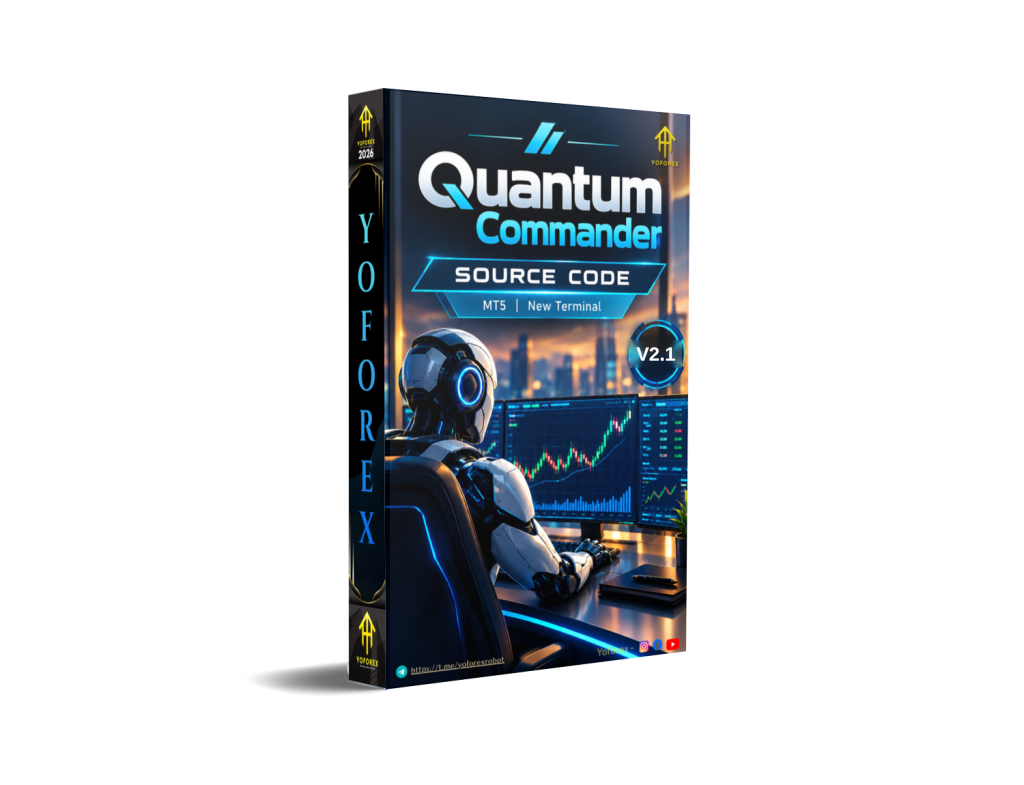
Quantum Commander EA V2.1 MT5 is a MetaTrader 5 Expert Advisor developed specifically for the US30 index. Its stated approach is to identify pullbacks within established trends, automatically execute trades and manage open positions according to predefined rules.
Unlike Grid and Martingale systems, Quantum Commander uses a single-position structure. The EA is designed to open one position at a time and manage that position from entry through exit.
For traders researching automated US30 systems, the important questions are not simply whether the EA is automated, but how its strategy works, how exposure is controlled, what broker conditions it needs and whether its trading style matches the user’s risk tolerance.
What Is Quantum Commander EA V2.1?
Quantum Commander is a fully automated MetaTrader 5 Expert Advisor designed exclusively for US30/Dow Jones Index trading.
The system focuses on trend-following pullbacks. Instead of simply chasing an extended price movement, the EA looks for a pullback within an established market trend before attempting an entry.
Once a position is opened, the EA automatically manages it using predefined Stop Loss and Take Profit parameters, dynamic trailing functionality and an additional opposite-signal exit mechanism.
The product is currently listed as version 2.1.
One of its defining characteristics is its exposure structure. Quantum Commander does not use Grid trading, Martingale, position averaging or escalating lot sizes. Each trade is treated as an independent position.
How Does Quantum Commander EA Work?
The publicly described workflow is straightforward:
Trend analysis → Pullback identification → Automated entry → Position management → Exit
Signal
Quantum Commander analyzes US30 to identify the prevailing market trend and potential pullbacks.
The developer describes the system as a trend-based pullback strategy. However, the complete proprietary formula used internally to qualify every signal is not publicly detailed, so specific indicators should not be assumed.
Entry
The EA waits for what it considers a qualified pullback within the prevailing trend.
This means the basic concept is not to blindly chase a strong price movement. Instead, the system attempts to enter after a retracement while the broader directional movement remains relevant.
Position Management
After entering a trade, Quantum Commander manages the position automatically.
Each trade is opened with a defined Stop Loss and Take Profit structure. When the position moves favorably, the dynamic trailing mechanism can follow the movement and protect accumulated gains.
Exit
The EA has several stated exit mechanisms:
- Fixed Stop Loss
- Fixed Take Profit
- Dynamic Trailing Stop
- Opposite-signal exit logic
When a position moves into a loss, the EA monitors price action on the M1 timeframe. If a valid opposite-direction signal appears, the EA may close the position before the original Stop Loss is reached.
This creates an additional response mechanism for changing market conditions.
Risk Management
Quantum Commander’s risk structure is based on controlled individual positions rather than recovery trading.
The EA explicitly does not use:
- Grid trading
- Martingale
- Position averaging
- Aggressive recovery scaling
- Escalating lot sizes
Only one position can remain open at a time.
This can make the exposure model easier to understand, although it does not eliminate trading risk or drawdown.
Quantum Commander Strategy Explained
The core strategy is trend-following pullback trading on US30.
The concept is relatively simple: identify the prevailing direction, wait for a pullback and look for an opportunity to enter in the direction of the established trend.
US30 can experience substantial directional moves followed by short-term retracements. A pullback strategy attempts to use these retracements rather than entering after an already extended movement.
The strategy is therefore best understood as a directional trend strategy, not as a Grid, Martingale or averaging system.
An important distinction for buyers is that the exact proprietary signal calculation is not fully disclosed in the public description. Therefore, it would be inaccurate to claim that Quantum Commander is based on a particular combination of indicators unless that information is confirmed by the developer.
Key Features
The confirmed product characteristics include:
- MetaTrader 5 Expert Advisor
- Designed specifically for US30
- Trend-following pullback strategy
- Fully automated trade execution
- Automated entry and exit management
- Fixed Stop Loss
- Fixed Take Profit
- Dynamic Trailing Stop
- Optional fixed Take Profit mode
- Opposite-signal exit using M1 analysis
- One open position at a time
- No Grid strategy
- No Martingale
- No position averaging
- No aggressive recovery scaling
- Linear exposure structure
- Compatible with different chart timeframes
- Designed for continuous automated operation through VPS
Quick Specifications
| Feature | Details |
|---|---|
| Platform | MetaTrader 5 |
| Version | 2.1 |
| Strategy | Trend-following pullback |
| Trading Style | Automated directional trading |
| Instrument | US30 / Dow Jones Index |
| Timeframe | Compatible with chart timeframes; M1 used for opposite-signal monitoring |
| Entry | Trend-based pullback |
| Stop Loss | Fixed Stop Loss |
| Take Profit | Fixed Take Profit with optional fixed TP mode |
| Trailing | Dynamic Trailing Stop |
| Exit Logic | TP, SL, trailing and opposite-signal exit |
| Position Structure | One open position at a time |
| Grid | No |
| Martingale | No |
| Averaging | No |
| Automation | Fully automated |
| VPS | Required for uninterrupted operation |
| Account Type | Hedging |
Main Benefits
Automated Execution
The most obvious benefit is automation. Traders do not need to manually watch US30 continuously or execute every qualifying setup themselves.
The EA handles signal processing, entries and position management according to its programmed rules.
Trend-Pullback Approach
Quantum Commander is designed around a recognizable trading concept: following an established trend while looking for a pullback entry.
This may appeal to traders who prefer directional strategies instead of range-based recovery systems.
No Martingale or Grid
For traders specifically looking to avoid aggressive recovery mechanisms, this is an important distinction.
The EA does not increase exposure by repeatedly adding positions against a losing trade.
One Position at a Time
The single-position structure keeps the exposure model relatively straightforward.
Instead of creating a basket of positions, each signal results in an individual trade that is managed independently.
Automated Position Management
Stop Loss, Take Profit, trailing and opposite-signal management are handled automatically.
This can reduce the amount of manual intervention required once the EA is correctly configured.
US30 Specialization
Quantum Commander is not presented as a general-purpose multi-market EA. It is designed specifically around US30.
That specialization may be attractive to traders who specifically want automated exposure to the Dow Jones index.
Limitations & Risks
Automation does not remove market risk.
US30 is a leveraged index instrument and can experience rapid movements. Several factors can influence actual trading results.
Market Volatility
US30 can move quickly during major market events and periods of increased volatility. A trend-pullback system may behave differently during strong trends, sideways markets and sudden reversals.
Spread and Slippage
Real execution can differ from theoretical or historical execution.
Spread expansion and slippage may affect entries, Stop Loss execution and overall trade results.
Broker Differences
Execution quality can vary between brokers because of differences in:
- Spreads
- Commissions
- Liquidity
- Execution speed
- Contract specifications
- Quote precision
- Swap conditions
- Slippage
- Trading infrastructure
The developer recommends brokers or account environments offering ECN, RAW or low-spread conditions.
VPS Dependency
The product specifies VPS usage as mandatory for uninterrupted 24/5 operation.
A reliable VPS and stable connection are therefore important parts of the setup.
Drawdown
The absence of Grid and Martingale logic does not mean that the EA cannot experience losing trades or drawdown.
A single position can still move against the trader before being closed.
Incorrect Configuration
Incorrect symbol selection, account configuration, broker conditions or other settings can affect how the EA operates.
Testing the EA in the intended trading environment before live deployment is therefore important.
Who Is Quantum Commander EA For?
Quantum Commander may be suitable for traders who:
- Want an automated US30 strategy.
- Use MetaTrader 5.
- Prefer trend-following systems.
- Like pullback-based entries.
- Want to avoid Martingale.
- Want to avoid Grid systems.
- Prefer one-position exposure.
- Are comfortable with US30 volatility.
- Can maintain a reliable VPS environment.
- Understand leveraged index trading.
It may also interest traders who already operate automated systems on other markets and want a US30-focused strategy.
Who Should Avoid It?
Quantum Commander may not be suitable for traders who:
- Need an MT4 EA.
- Prefer trading multiple Forex pairs from one system.
- Are uncomfortable with US30 volatility.
- Do not want to use VPS infrastructure.
- Prefer Grid or Martingale recovery strategies.
- Expect automation to eliminate losses.
- Do not understand leverage and margin requirements.
- Want complete manual control over every entry and exit.
Beginners should take particular care to understand how US30 contracts, leverage, margin, spreads and volatility work before using an automated system.
Quantum Commander vs Manual Trading
| Factor | Quantum Commander | Manual Trading |
|---|---|---|
| Execution | Automated | Trader executes manually |
| Screen Time | Lower | Usually higher |
| Consistency | Rule-based | Depends on trader |
| Emotional Interference | Reduced | Can influence decisions |
| Speed | Automated | Human-dependent |
| Flexibility | Limited to programmed logic | High |
| Monitoring | VPS/MT5 required | Direct trader monitoring |
| Risk Management | Programmed rules | Trader-controlled |
Neither approach is automatically superior in every market.
The advantage of an EA is systematic execution and consistency. Manual trading provides greater flexibility and allows a trader to interpret unusual market conditions that may not be covered by programmed rules.
What To Check Before Using Quantum Commander
Before deploying Quantum Commander, traders should review:
1. MT5 Compatibility
Confirm that your trading environment supports MetaTrader 5 and the required Expert Advisor functionality.
2. US30 Symbol
Different brokers can use different names or contract specifications for US30. Confirm the exact symbol available on your account.
3. Account Type
The product specifies a hedging account, so verify that your broker account is configured appropriately.
4. Broker Conditions
Check spreads, commissions, execution speed, contract specifications and trading hours.
5. VPS
A VPS is required for uninterrupted operation, so choose a stable environment with reliable connectivity.
6. Risk Settings
Understand how Stop Loss, Take Profit, trailing and opposite-signal exits work before allowing the EA to trade.
7. Testing
Test the EA using your actual broker’s US30 specification before considering live deployment.
8. Market Conditions
Do not assume that a strategy that behaves well during one market regime will behave identically during another.
Quantum Commander EA Settings
Quantum Commander includes several important trading-management components, including:
- Stop Loss
- Take Profit
- Dynamic Trailing Stop
- Optional fixed Take Profit functionality
- Opposite-signal exit logic
- Position-management parameters
The public product information does not provide enough detail to accurately reproduce every individual input parameter and its default value.
For that reason, traders should review the actual MT5 input panel and developer documentation rather than relying on settings from another Quantum EA.
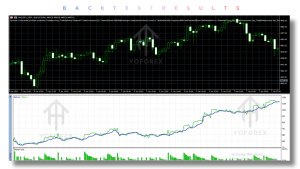
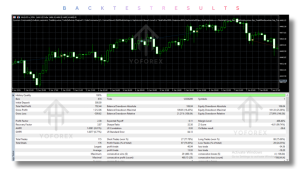
Quantum Commander Backtesting & Performance
Performance should be evaluated carefully.
A historical backtest is not the same as a forward test, and neither is identical to live trading.
Backtest
A backtest evaluates how the programmed strategy would have behaved using historical market data.
Forward Test
A forward test provides information about how the EA behaves under current market conditions and broker execution.
Live Trading
Live results introduce real spreads, commissions, slippage, execution delays and other broker-specific factors.
For this reason, historical performance should never be treated as a guarantee of future results.
The safest evaluation process is to test Quantum Commander under the same broker, symbol, account type and trading environment that you intend to use.
How To Get Started
A cautious setup process can be:
Step 1 — Check compatibility
Confirm MT5, US30 and hedging-account compatibility.
Step 2 — Review the requirements
Check your broker’s spreads, execution conditions and contract specifications.
Step 3 — Prepare the VPS
Set up a reliable VPS for continuous MT5 operation.
Step 4 — Install the EA
Install Quantum Commander and attach it to the appropriate US30 chart.
Step 5 — Review settings
Check Stop Loss, Take Profit, trailing and other available parameters.
Step 6 — Demo test
Allow the EA to operate on a demo environment before considering live deployment.
Step 7 — Monitor execution
Review trades, spreads, slippage and platform logs.
Step 8 — Consider live use carefully
Only proceed when you understand the system and the associated market risks.
Is Quantum Commander EA V2.1 Worth Using?
Quantum Commander has several characteristics that make it distinct from many automated trading systems.
Its strongest features are its US30 specialization, trend-pullback methodology, automated position management, one-position structure and explicit avoidance of Grid and Martingale techniques.
The system may be particularly interesting to traders who want a dedicated US30 EA rather than a multi-symbol Forex robot.
However, the strategy is still exposed to the normal risks of automated index trading. US30 volatility, spread, slippage, broker execution and changing market conditions can all affect results.
The right question is therefore not simply whether Quantum Commander is “good.”
The more useful question is whether its strategy, exposure structure, broker requirements and risk characteristics match your own trading approach.
FAQs
What is Quantum Commander EA V2.1?
Quantum Commander EA V2.1 is a MetaTrader 5 Expert Advisor designed specifically for automated US30 trading using a trend-following pullback strategy.
Is Quantum Commander MT4 or MT5?
Quantum Commander is designed for MetaTrader 5.
What strategy does Quantum Commander use?
It uses a trend-following pullback strategy, looking for pullbacks within established US30 trends.
Does Quantum Commander use Martingale?
No. The stated system design does not use Martingale.
Does Quantum Commander use Grid trading?
No. The EA does not use Grid trading or position averaging.
How many positions can Quantum Commander have open?
The product description states that the EA is limited to one open position at a time.
Does Quantum Commander use a trailing stop?
Yes. The EA includes a dynamic Trailing Stop designed to follow favorable price movement.
Does Quantum Commander require a VPS?
Yes. The product specifies VPS usage as mandatory for uninterrupted 24/5 operation.
Conclusion
Quantum Commander EA V2.1 is a specialized MT5 Expert Advisor built around US30 trend-following and pullback trading.
Its design is particularly notable for avoiding Grid, Martingale and averaging mechanisms. Instead, it follows a single-position exposure model with automated Stop Loss, Take Profit, trailing and opposite-signal management.
For traders searching for a dedicated US30 Forex/index bot, this makes Quantum Commander a system worth evaluating.
However, automated trading still involves risk. US30 can be highly volatile, and real-world results can be affected by broker execution, spreads, slippage, VPS stability
Support & Disclaimer
Support:
If you need help installing or configuring your EA, or face any kind of bug, feel free to reach out on:
Telegram Group: Join our community
Disclaimer:
Forex and gold trading involve risk. Past performance doesn’t guarantee future results. Always test robots on demo before live trading and use proper risk management.
REFERRAL
Join the VIP Signals Telegram Channel for real-time expert trading signals and stay ahead in the forex market. Get personalized strategies by becoming a part of our Real Account Management Telegram Channel and optimize your trading experience. If you’re aiming to Pass PropFirm Challenges , join our dedicated channel for tips and proven methods. Start managing your capital effectively with expert advice from our Funded Account Management Telegram Channel. For advanced traders, our HFT EA / Passing Telegram Channel offers high-frequency trading insights and strategies to boost your performance.