Introduction
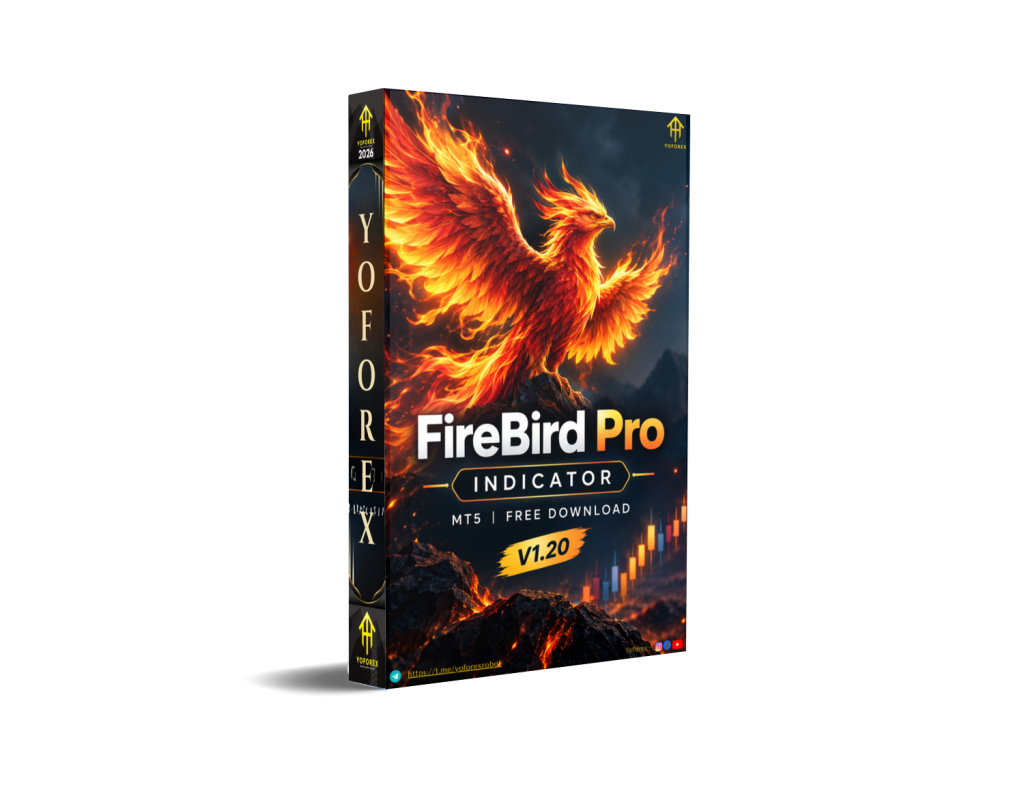
Many Forex traders spend hours watching charts for clean entries, only to second-guess signals or miss moves because of lagging or repainting tools. FireBird Pro Indicator V1.20 MT5 aims to reduce that friction by placing visual buy and sell arrows based on its internal logic.
This article explains what the indicator is, how it works according to available information, its practical strengths and limitations, who it suits, and what to check before downloading and using it. Information is drawn from product descriptions associated with Yoforexea / Yoforexorg. Verify all details, settings and compatibility on the official product page before use.
What Is FireBird Pro Indicator V1.20 MT5?
FireBird Pro Indicator V1.20 is a custom technical indicator for the MetaTrader 5 platform. It generates visual buy and sell signals (typically green and red arrows) on the chart using proprietary algorithms that look at trend, momentum, volatility and price structure.
It is designed as a decision-support tool rather than a fully automated Expert Advisor. The trader still decides whether to enter, manage risk and exit. According to descriptions from Yoforexorg, signals are non-repainting once a candle closes, and the indicator is intended for major Forex pairs across multiple timeframes.
How Does FireBird Pro Indicator Work?
Available descriptions outline a general flow:
- The indicator analyzes price action, momentum shifts, trend conditions and related filters.
- When conditions align, it plots a buy or sell arrow after the candle closes.
- Optional alerts (sound, email or push) can notify the trader of new signals.
- The trader then evaluates the signal against higher-timeframe context, risk rules and other confluence before deciding to trade.
Exact internal calculations are proprietary and not publicly detailed. Do not treat arrows as automatic trade instructions.
FireBird Pro Strategy Explained
Public information describes a blend of trend-following and reversal logic. It looks for momentum shifts, potential continuation or exhaustion points and structure-based confirmations before placing arrows.
No complete strategy rule-set, entry filters, or exit rules are published beyond general guidance such as confirming with higher-timeframe direction and using opposite signals or predefined targets for exits. Any trading approach built around the arrows remains the trader’s responsibility.
Key Features
From product descriptions associated with Yoforexorg:
- Visual buy (green) and sell (red) arrows on the chart
- Non-repainting signals (once the candle closes)
- Works on major Forex pairs
- Multi-timeframe support (M1 through higher timeframes)
- Optional alerts (sound, email, push)
- Relatively simple interface with limited complexity claimed
- Designed for MT5
Exact input parameters and customization options should be checked after installation.
Quick Specifications
| Feature | Details |
|---|---|
| Platform | MetaTrader 5 (MT5) |
| Strategy | Proprietary trend / momentum / structure logic (details not fully public) |
| Trading Style | Decision-support indicator (scalping to swing possible depending on use) |
| Instruments/Pairs | Major Forex pairs (EURUSD, GBPUSD, USDJPY, AUDUSD, etc.); other symbols may be tested |
| Timeframe | Multiple (M1 and higher reported) |
| Risk Management | None built-in (trader responsibility) |
| Automation | Signals only; no automatic order placement |
| VPS | Optional (useful for continuous chart monitoring and alerts) |
| Best For | Traders seeking visual non-repainting signals on MT5 |
Main Benefits
- Reduces the need for constant manual scanning by highlighting potential setups on the chart.
- Non-repainting design (as claimed) can make historical review clearer than many arrow tools.
- Multi-timeframe and multi-pair flexibility allows use across different trading styles.
- Alerts can help traders step away from the screen while still receiving notifications.
- Simple visual output may suit traders who prefer clear directional cues over complex multi-panel systems.
These are practical usability points, not performance guarantees.
Limitations & Risks
- Indicators generate signals; they do not manage risk, position size or psychology. Losses are possible.
- Market conditions change. Strong trends, ranging markets, news spikes and low-liquidity periods can produce different signal quality.
- Spread, slippage and broker execution still affect actual results even with clean signals.
- Incorrect higher-timeframe confirmation or ignoring context increases risk.
- Backtesting an indicator shows historical signal placement, not live trading outcomes with costs and psychology.
- Connectivity, platform freezes or incorrect installation can miss signals.
- Proprietary logic means users cannot fully audit the underlying rules.
Always treat past signal appearance as historical information only.
Who Is FireBird Pro Indicator For?
- MT5 users looking for a visual arrow-based signal tool.
- Traders who want non-repainting signals and optional alerts.
- Scalpers, intraday or swing traders willing to add their own confirmation and risk rules.
- Beginners who prefer clear visual cues while learning, provided they still practice proper risk management.
- Strategy builders who may combine the arrows with other analysis.
Who Should Avoid It?
- Traders seeking a fully automated EA that opens and closes trades without intervention.
- Anyone expecting guaranteed results or a “set and forget” system.
- Users unwilling to demo-test, apply stop-losses or manage risk independently.
- Those who need fully transparent, open-source logic they can audit line by line.
- Traders who cannot or will not verify compatibility with their broker and MT5 build.
FireBird Pro Indicator vs Manual Trading
| Aspect | FireBird Pro Indicator | Pure Manual Trading |
|---|---|---|
| Execution | Signals only; trader executes | Full discretionary control |
| Screen time | Reduced with alerts | High continuous monitoring |
| Consistency | Rule-based signal placement | Varies with trader discipline |
| Emotional interference | Lower at signal generation stage | Higher throughout the process |
| Speed | Fast visual cues | Depends on analysis speed |
| Flexibility | Limited to its logic | Fully adaptable |
| Monitoring | Chart + optional alerts | Constant attention required |
| Risk management | Fully trader-controlled | Fully trader-controlled |
What To Check Before Buying / Downloading
- Confirm it is an indicator for MT5 (not MT4 or an EA).
- Verify the download source (official Yoforexorg page recommended).
- Check current MT5 build compatibility and whether .ex5 files load without issues.
- Review any input parameters after installation.
- Test on a demo account across several pairs and timeframes.
- Confirm alert functionality if you plan to use notifications.
- Understand that no built-in risk or money management is included.
- Check license terms (described as free in available sources—verify).
- Ensure your broker offers the symbols and spreads you intend to trade.
- Have a clear plan for position sizing, stop-loss and take-profit before live use.
FireBird Pro Indicator Settings
Specific input parameters are not detailed in public product descriptions beyond general claims of a user-friendly interface. After attaching the indicator to a chart, review the Inputs tab in MT5 for available options (colors, alerts, sensitivity if present, etc.). Start with defaults and adjust only after observing behavior on demo.
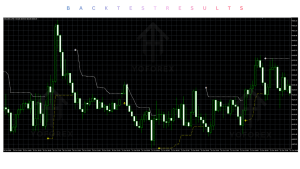
FireBird Pro Backtesting & Performance
No independently verified long-term backtest, forward-test or live performance statistics are provided in the sources used for this article. Promotional claims appearing on third-party pages should be disregarded until you can reproduce results yourself under realistic conditions (spread, slippage, commission).
Any historical signal review must clearly distinguish between arrow placement and actual trading results including costs and human factors. Past appearance of signals does not predict future performance.
How To Get Started
- Confirm MT5 compatibility and download from the official Yoforexorg product page.
- Open MT5 → File → Open Data Folder → MQL5 → Indicators and place the .ex5 file.
- Restart MT5 or refresh the Navigator.
- Attach the indicator to a chart and review inputs.
- Enable alerts if desired.
- Demo-test thoroughly across pairs and timeframes while applying your own risk rules.
- Only consider live use after consistent demo observation and a written trading plan.
Never risk capital you cannot afford to lose.
Is FireBird Pro Indicator Worth Buying / Using?
FireBird Pro Indicator V1.20 MT5 is a free visual signal tool for MetaTrader 5 that emphasizes non-repainting arrows and multi-timeframe usability according to available descriptions. Its value depends on whether clear chart signals and optional alerts improve your process more than pure discretionary analysis or other indicators you already use.
Strengths include accessibility (free), visual simplicity and claimed non-repainting behavior. Limitations include the lack of transparent logic, no built-in risk management, and the usual risks that apply to any technical indicator.
It is worth evaluating on demo if you trade on MT5 and want an arrow-based confirmation layer. It is not a substitute for a complete trading plan, risk rules or ongoing education.
FAQs
What is FireBird Pro Indicator V1.20 MT5?
A custom MT5 indicator that plots visual buy and sell arrows based on proprietary trend, momentum and structure logic.
Is it for MT4 or MT5?
MT5 only according to product information.
How does it work?
It analyzes market conditions and places non-repainting arrows after candle close when its internal criteria are met. Alerts are optional.
What strategy does it use?
A blend of trend-following and reversal elements. Exact rules are proprietary.
Can it be backtested?
You can review historical arrow placement on charts, but this is not the same as testing a complete trading system with costs and execution.
Is it suitable for beginners?
It can provide visual guidance, but beginners still need solid risk management and should practice extensively on demo.
What broker is required?
Any broker offering MT5 and the desired symbols. Execution quality still matters.
How do I get / install it?
Download from the official Yoforexorg page, place the file in the MT5 Indicators folder, restart the platform and attach to a chart.
Conclusion
FireBird Pro Indicator V1.20 MT5 is a free, MT5-only visual signal tool associated with Yoforexea / Yoforexorg. It offers non-repainting buy/sell arrows and multi-timeframe flexibility for traders who want chart-based decision support rather than full automation.
Main strengths: accessibility, visual clarity and claimed reliability of signal placement. Important considerations: proprietary logic, no automatic risk management, and the need for the trader to supply confirmation, position sizing and discipline.
Suitable for MT5 users evaluating arrow indicators who are willing to demo-test thoroughly. Not suitable for those seeking a hands-off EA or guaranteed outcomes.
Next step: Visit the official product page on Yoforexorg, review the current details, download if it matches your needs, and test carefully on a demo account before any live use.
Support & Disclaimer
Support:
If you need help installing or Downloading or configuring your EA , or face any kind of bug, feel free to reach out on:
Telegram Group: Join our community
Disclaimer:
Forex and gold trading involve risk. Past performance doesn’t guarantee future results. Always test robots on demo before live trading and use proper risk management.
REFERRAL
Join the VIP Signals Telegram Channel for real-time expert trading signals and stay ahead in the forex market. Get personalized strategies by becoming a part of our Real Account Management Telegram Channel and optimize your trading experience. If you’re aiming to Pass PropFirm Challenges, join our dedicated channel for tips and proven methods. Start managing your capital effectively with expert advice from our Funded Account Management Telegram Channel. For advanced traders, our HFT EA / Passing Telegram Channel offers high-frequency trading insights and strategies to boost your performance