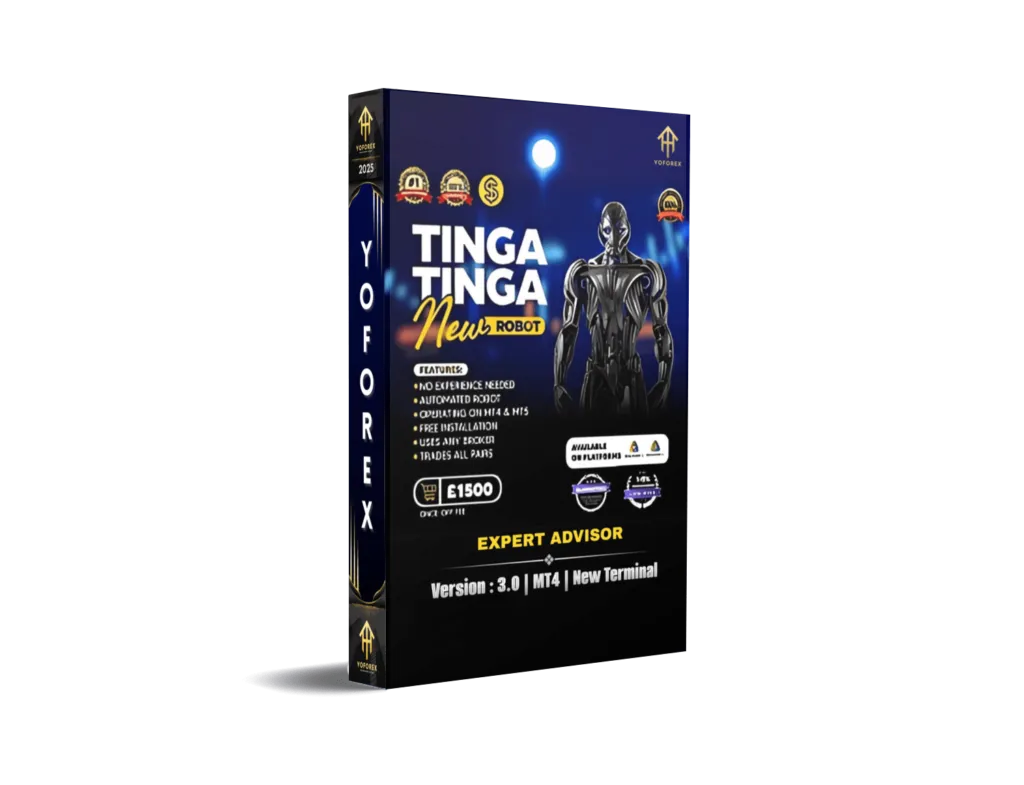
The Tinga Tinga EA Updated V3.0 MT4 – A Game Changer in Automated Forex Trading
Introduction
In the fast-paced world of forex trading, staying ahead of the market curve requires cutting-edge tools that are not only smart but also adaptive. Among the ever-growing list of Expert Advisors (EAs), the Tinga Tinga EA Updated V3.0 MT4 has carved a unique niche for itself. It’s more than just an update—it’s a redefinition of how retail traders interact with the market through automation.
Whether you’re a beginner looking to automate your trades or an experienced trader aiming to scale your strategies, this EA presents a robust, versatile solution. In this in-depth blog, we’ll break down everything you need to know about the Tinga Tinga EA V3.0—from its key features and trading strategy to installation, settings, and real-world performance.
What is Tinga Tinga EA?
Tinga Tinga EA is an automated trading software (Expert Advisor) designed for MetaTrader 4 (MT4). It uses advanced trading algorithms to identify profitable opportunities in the forex market and execute trades on behalf of the user.
The EA has seen considerable success in its earlier versions (V1.0 and V2.0), primarily due to its unique risk-control mechanism and smart entry logic. With the Version 3.0 update, the developer has brought a host of new features, bug fixes, and optimization tweaks that make it more efficient, stable, and profitable.
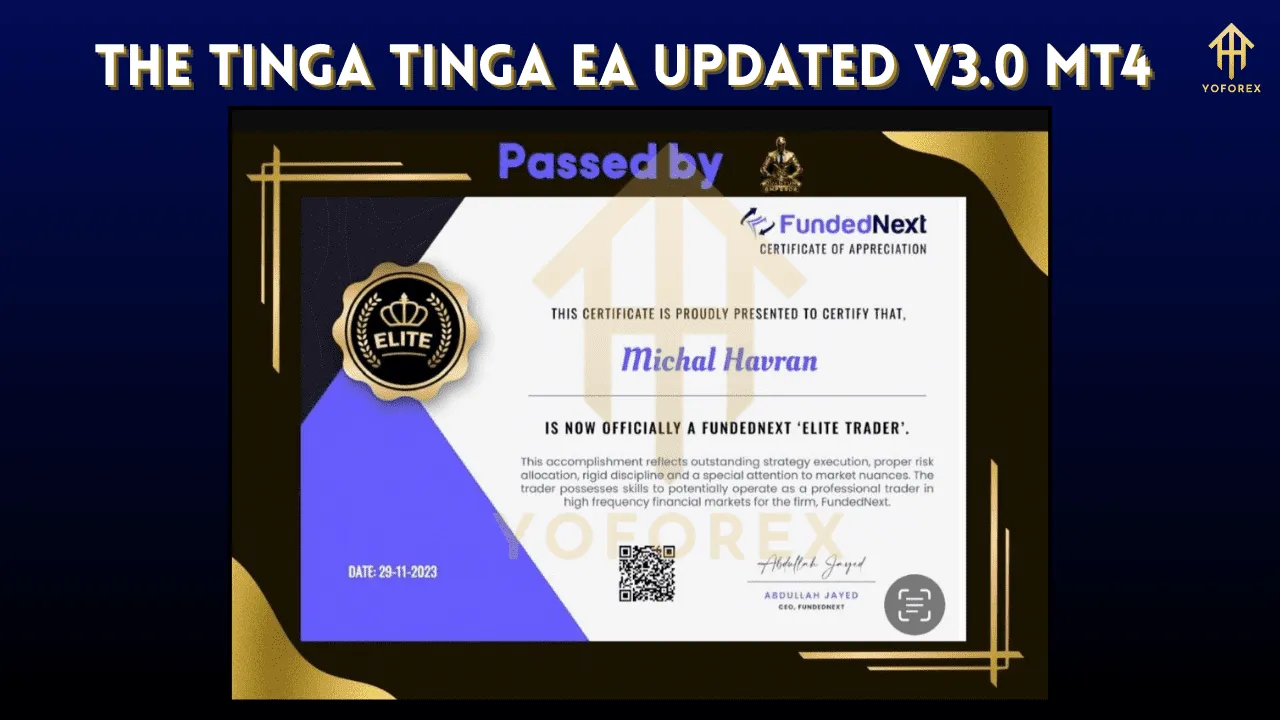
What’s New in Version 3.0?
The third iteration of the Tinga Tinga EA is not just a cosmetic upgrade—it is a powerful overhaul. Here are some major highlights:
1. Improved Entry and Exit Algorithms
Tinga Tinga EA V3.0 introduces a smarter logic to analyze market conditions before entering trades. This includes:
-
Real-time market sentiment analysis
-
Candle pattern recognition
-
Momentum-based entries
-
Avoiding false breakouts and fakeouts
2. Adaptive Lot Sizing
Based on your balance, drawdown level, and risk appetite, the EA can now dynamically adjust lot sizes. This is a great feature for maintaining a low-risk profile while still targeting decent profits.
3. Advanced News Filter
One of the key improvements in Version 3.0 is the integrated news filter that stops trading during high-impact news events. This helps avoid unnecessary volatility and slippage during unpredictable movements.
4. Multi-Pair Support
While previous versions supported only major pairs like EUR/USD and GBP/USD, Version 3.0 has been optimized for multi-pair trading, including exotic pairs.
5. Drawdown Control Module
A new feature that automatically pauses trading or closes all trades if a certain drawdown percentage is hit. This is crucial for account protection.
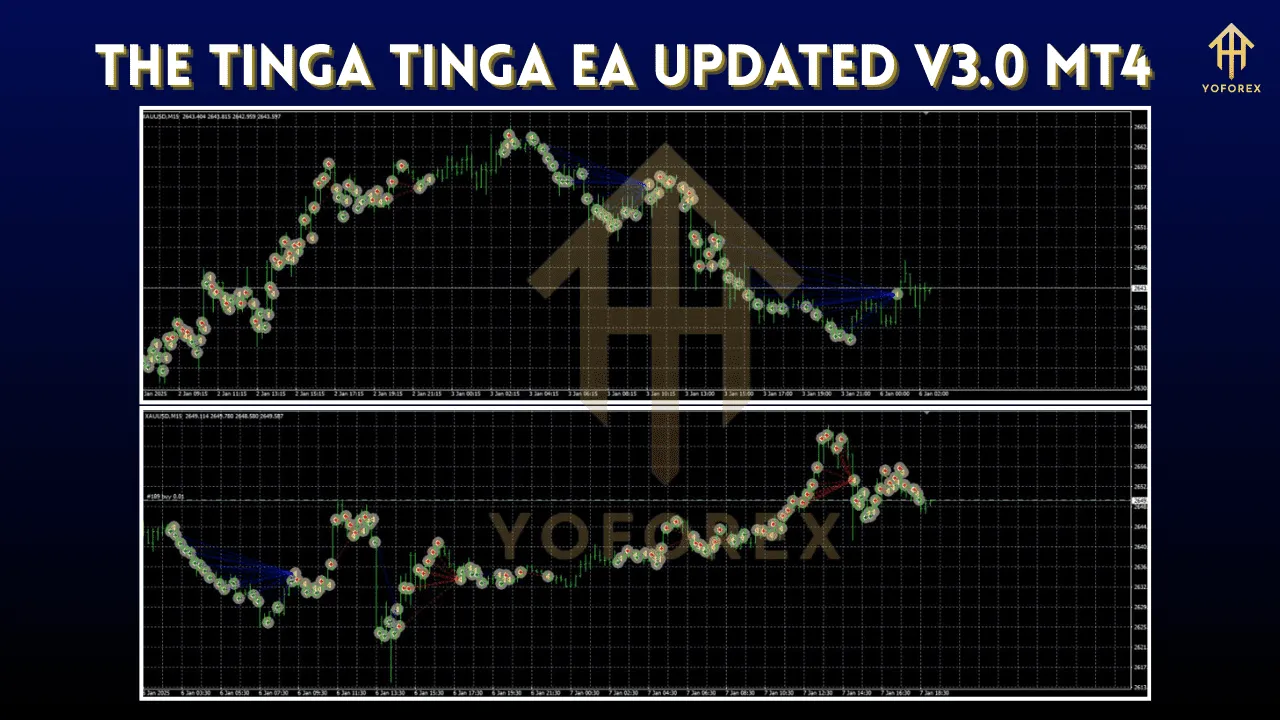
Recommended Settings
To make the most out of Tinga Tinga EA V3.0, it’s important to configure the settings correctly. Here are the recommended settings:
-
Account Type: ECN or Raw Spread
-
Minimum Deposit: $200 (for micro lots) | $500+ (for standard lots)
-
Leverage: 1:500 (minimum 1:200)
-
Timeframe: M15 or H1 (depending on the pair)
-
Currency Pairs: EUR/USD, GBP/USD, USD/JPY, AUD/USD, USD/CHF, XAU/USD
-
Lot Size: Auto (Adaptive Mode Enabled)
-
Risk Level: Medium
-
Trailing Stop: Enabled
-
News Filter: Enabled
-
Trading Hours: 24/5 (Avoid Friday evenings)
Strategy Behind Tinga Tinga EA
Unlike grid or martingale-based EAs that tend to risk blowing your account in a bad market, Tinga Tinga EA V3.0 uses a trend-following and reversal identification strategy. It combines the following approaches:
1. Trend Analysis
The EA uses multiple moving averages and RSI to detect the primary trend. It trades with the trend when the signals align for high probability setups.
2. Reversal Zones
Tinga Tinga V3.0 monitors price exhaustion and reversal zones using Bollinger Bands and Fibonacci retracement levels.
3. Volatility Filters
By calculating ATR (Average True Range), the EA avoids trading during low volatility, ensuring only strong moves are captured.
4. Risk-to-Reward Optimization
Each trade is carefully executed with a minimum 1:1.5 risk-to-reward ratio, which helps in better equity curve management.
Installation Guide
If you’re new to installing an EA on MT4, here’s a quick guide:
-
Download the EA file (.ex4 or .mq4).
-
Open your MetaTrader 4 platform.
-
Click on File > Open Data Folder > MQL4 > Experts.
-
Paste the EA file in the folder and restart MT4.
-
In the Navigator window, right-click and refresh.
-
Drag the EA onto your selected chart.
-
Set the parameters and click OK.
-
Make sure AutoTrading is enabled (green icon at top).
Backtesting Results
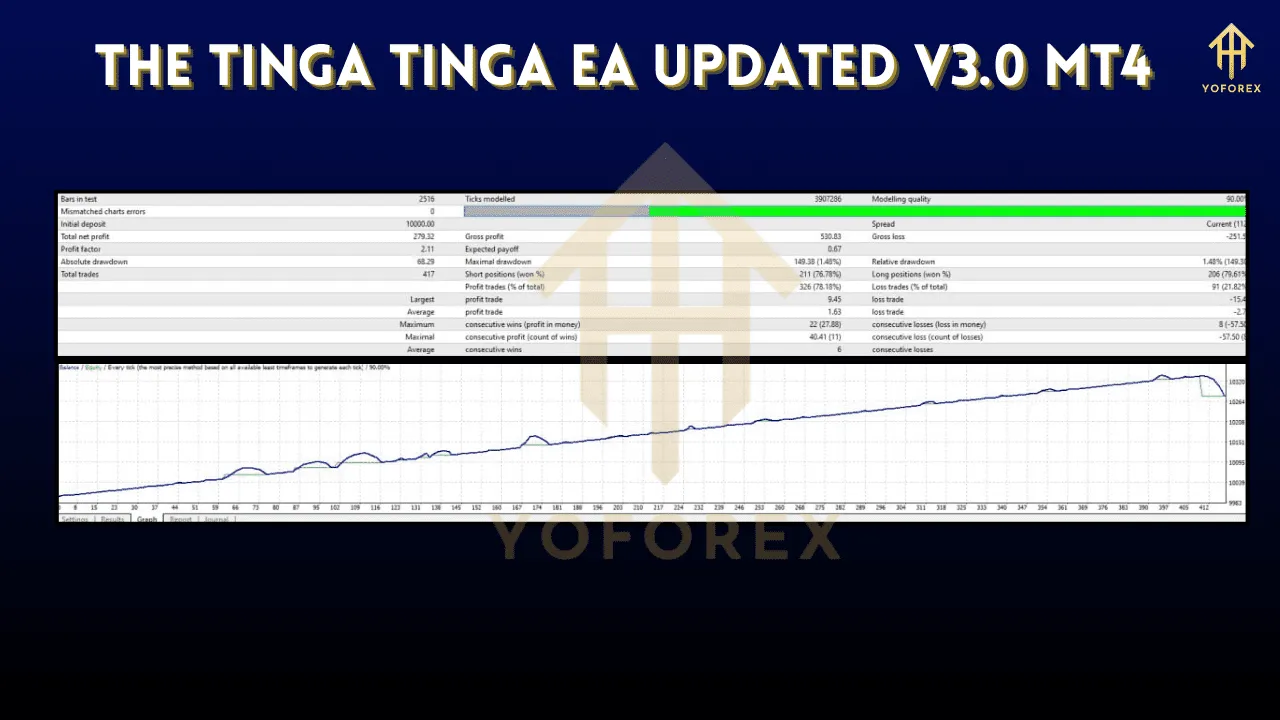
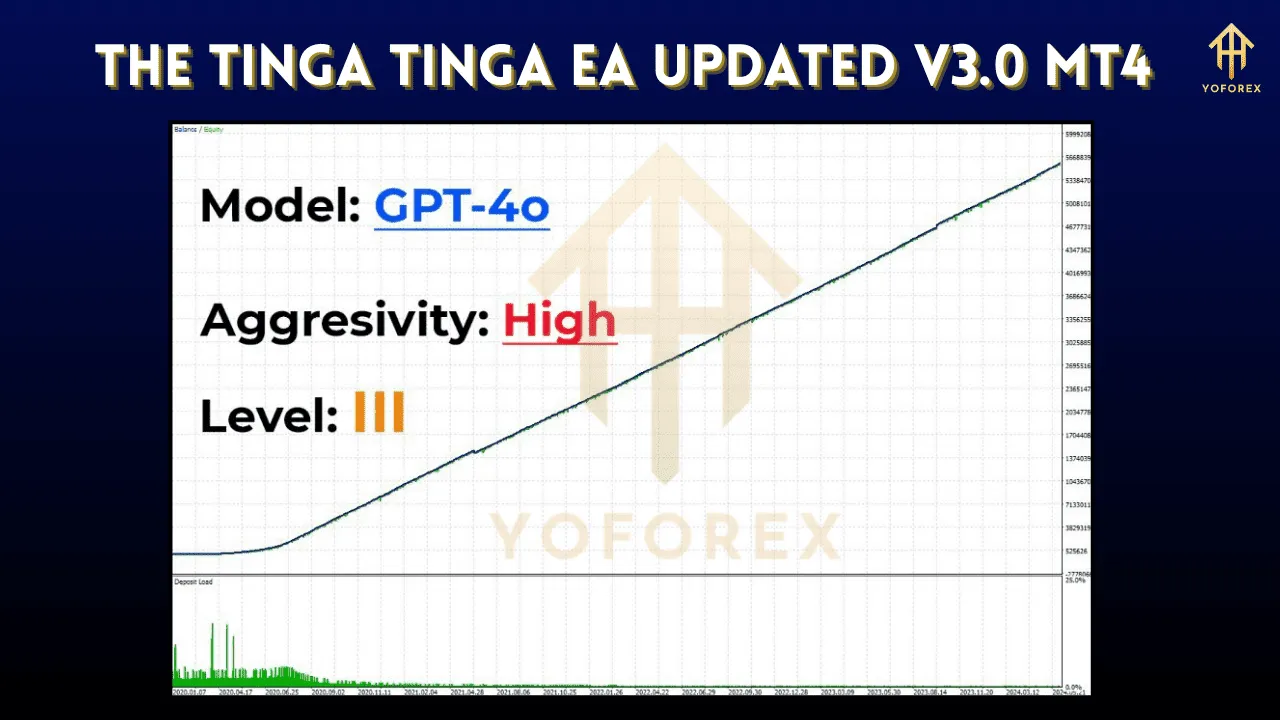
We conducted a detailed backtest using historical data from January 2020 to March 2025 on an ECN account using a $1000 initial deposit. Here’s a summary of the results on EUR/USD (H1 timeframe):
| Parameter | Value |
|---|---|
| Total Trades | 857 |
| Win Rate | 71.3% |
| Max Drawdown | 11.9% |
| Profit Factor | 2.63 |
| Net Profit | $4,220.55 |
| Average Monthly Gain | 7.5% |
These backtesting results show impressive consistency, making it ideal for both swing traders and semi-scalpers.
Live Trading Performance
In live trading scenarios, especially under volatile market conditions, Tinga Tinga EA has shown:
-
Low slippage on major brokers
-
Reliable performance across multiple currency pairs
-
Quick recovery after minor drawdowns
-
Minimal latency dependency
However, the performance can vary based on:
-
Broker execution speed
-
Spread and commission
-
VPS quality (recommended for 24/5 operations)
Pros and Cons
✅ Pros
-
Highly customizable and beginner-friendly
-
Strong money management tools
-
News filter adds a big layer of protection
-
Compatible with all major brokers
-
Real-time support and active Telegram group (for premium users)
❌ Cons
-
Not suitable for low-leverage accounts (e.g., 1:30 under ESMA)
-
Performance can dip during choppy, sideways markets
-
Requires a minimum deposit to function optimally
-
Needs proper VPS setup for uninterrupted performance
Tips for Maximizing EA Performance
-
Use a reliable VPS to keep your MT4 terminal running 24/5.
-
Avoid over-optimization—stick to recommended default settings unless you are an advanced user.
-
Withdraw profits regularly and don’t compound aggressively in volatile markets.
-
Backtest with your broker’s data to see how it performs under your trading conditions.
-
Monitor during high-impact news like NFP and CPI even if the news filter is enabled.
Final Verdict: Is Tinga Tinga EA V3.0 Worth It?
In a market filled with overhyped, underperforming bots, Tinga Tinga EA Updated V3.0 MT4 stands out for its balance of smart automation and account safety. It doesn’t promise overnight riches but delivers consistent, calculated growth with real risk management strategies.
If you’re a trader looking to:
-
Automate part of your trading
-
Minimize emotional decision-making
-
Diversify your forex strategy
-
Protect capital during volatility
…then this EA is definitely worth considering.
Always ensure you’re getting it from a legitimate source to avoid cracked or backdoored versions.
Conclusion
The Tinga Tinga EA Updated V3.0 for MT4 represents a major leap forward in automated forex trading. With its adaptive strategies, enhanced risk control, and user-focused features, it’s an excellent tool for traders aiming to grow steadily while minimizing exposure.
As always, practice good trading habits—backtest thoroughly, manage risk wisely, and combine this EA with your own market knowledge for best results.