Introduction :
In the high-pressure world of manual trading, the difference between a consistently profitable trader and a gambler often boils down to one variable: discipline. While strategy and technical analysis are the engines of trading, risk management is the brakes and the steering wheel. Without them, a crash is inevitable. Unfortunately, the default interface of MetaTrader 5 (MT5) is surprisingly primitive when it comes to risk controls. It requires traders to perform mental arithmetic for lot sizes, manually drag stop losses to break-even, and fumble through menus to close partial positions. In fast-moving markets like Gold or Nasdaq, this friction costs money.
Enter the CAN EA Smart Guardian Manual Trading Assistant V9.40 MT5. This is not an automated robot that trades for you; it is a professional-grade “Trading Cockpit” designed to overlay your chart and handle the mathematical and mechanical heavy lifting. Whether you are a scalper needing split-second execution or a prop firm trader requiring strict daily drawdown limits, this utility acts as your digital risk manager.
Version 9.40 represents a significant leap forward in stability and functionality. It introduces refined “Stealth” capabilities to hide your stops from brokers, smoother graphical performance, and enhanced equity protection protocols. At YoForex.org, we believe this tool is the missing link for manual traders who want to operate with institutional efficiency. In this comprehensive review, we will explore how the Smart Guardian can transform your trading desk, enforce your discipline, and protect your capital from the most dangerous element in the market: your own emotions.
Key features :
1. Instant Risk-Based Lot Calculation :
The most immediate benefit of the CAN EA Smart Guardian is the elimination of “fat-finger” errors and guessing. Instead of manually calculating lot sizes based on your account balance and stop loss distance, the EA does it instantly. You simply drag a visual line on the chart to your desired invalidation point, select your risk percentage (e.g., 1%), and the panel automatically calculates the exact lot size required. This ensures that losing 20 pips on EURUSD or 200 pips on Gold results in the exact same monetary loss, stabilizing your equity curve.
2. The “Guardian” Equity Protection :
True to its name, the core feature of CAN EA V9.40 is its ability to protect the account from the trader. It includes a robust “Daily Loss Limit” and “Max Drawdown” function. If your daily floating or realized loss hits a predefined threshold (e.g., 3% of equity), the Smart Guardian will forcefully close all open positions and lock the terminal from further trading for the rest of the day. This is the ultimate cure for “revenge trading” and is essential for passing prop firm challenges like FTMO or FundedNext.
3. Advanced Trailing Stop Engine :
Standard MT5 trailing stops are rigid and often get hit by random market noise. CAN EA V9.40 offers a suite of dynamic trailing options:
-
Step Trailing: Moves the stop only after price has advanced a significant “step,” reducing server load and preventing premature exits.
-
Fractal Trailing: Places the stop behind recent market structure (Highs/Lows), allowing the trade to breathe.
-
ATR Trailing: Adjusts the stop distance based on real-time market volatility.
-
Moving Average Trail: Perfect for trend-following strategies where the stop rides a key MA.
4. Stealth (Virtual) Order Mode :
In an era of sophisticated broker algorithms and stop-hunting, revealing your exact Stop Loss level can be a disadvantage. The “Virtual Order” mode in V9.40 keeps your SL and TP hidden from the broker. The levels exist only within the EA’s memory. The EA monitors the price feed and sends a close command only when the market price actually hits your level. This prevents spread-widening spikes from triggering your stop unnecessarily.
5. Automated Trade Management (ATM) :
Professional trading involves scaling out. The CAN EA Smart Guardian automates this complex process. You can configure “Partial Close” rules, such as closing 50% of the position when the trade is 20 pips in profit, while simultaneously moving the Stop Loss to Break-Even. This “Free Trade” mechanism psychologically unburdens the trader, securing the bag while leaving runners to catch the larger trend.
6. High-Speed One-Click Panel :
The GUI is designed for speed. In high-volatility events like NFP, navigating menus is too slow. The panel provides one-click buttons to “Close All,” “Close Winners,” “Close Losers,” “Reverse Position,” or “Hedge.” This instant reactivity can save an account during a flash crash or maximize profit during a sudden spike.
Recommended settings :
Since the CAN EA Smart Guardian is a utility and not a strategy, the “settings” are about workflow optimization rather than finding a magical profitable parameter. However, for the best experience on V9.40, we recommend the following configurations:
Risk Management:
-
Risk Calculation: Set to “% of Equity” rather than Balance. This CAN EA allows your position sizing to grow or shrink organically with your account performance.
-
Default Risk Per Trade: 1.0% to 2.0%. Do not exceed 2% if you are trading a Prop Account.
-
Max Lot Cap: Set a safety ceiling (e.g., 20 Lots) to prevent calculation errors on assets with strange contract sizes.
Protection Settings:
-
Daily Stop Loss: Set to 4.5% if you are on a Prop Firm with a 5% daily limit. This buffer ensures the CAN EA closes you out before the firm breaches your account.
-
Daily Profit Target: Optional, but setting a 3-5% daily target with an alert can help you walk away when you are winning.
Trailing & Exit:
-
Auto Break-Even: Enabled. Trigger at 15 Pips / Offset +2 Pips (to cover commissions).
-
Trailing Type: “Fractal” for Swing Trading (H1/H4), “Step” for Scalping (M1/M5).
-
Stealth Mode: Enabled (Only if you are using a VPS).
Panel Aesthetics:
-
Opacity: Set to 80% so you can see price action behind the panel.
-
Position: Top-Right or Bottom-Right depending on your chart setup.

Backtest result :
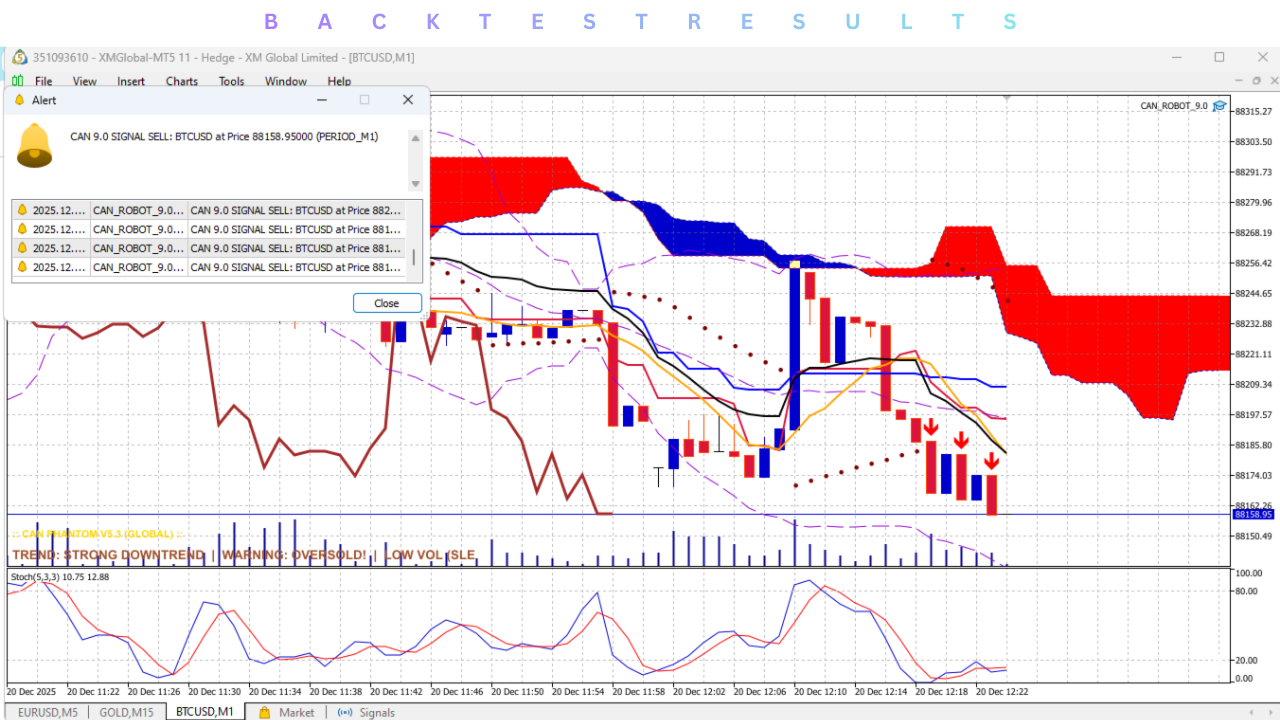
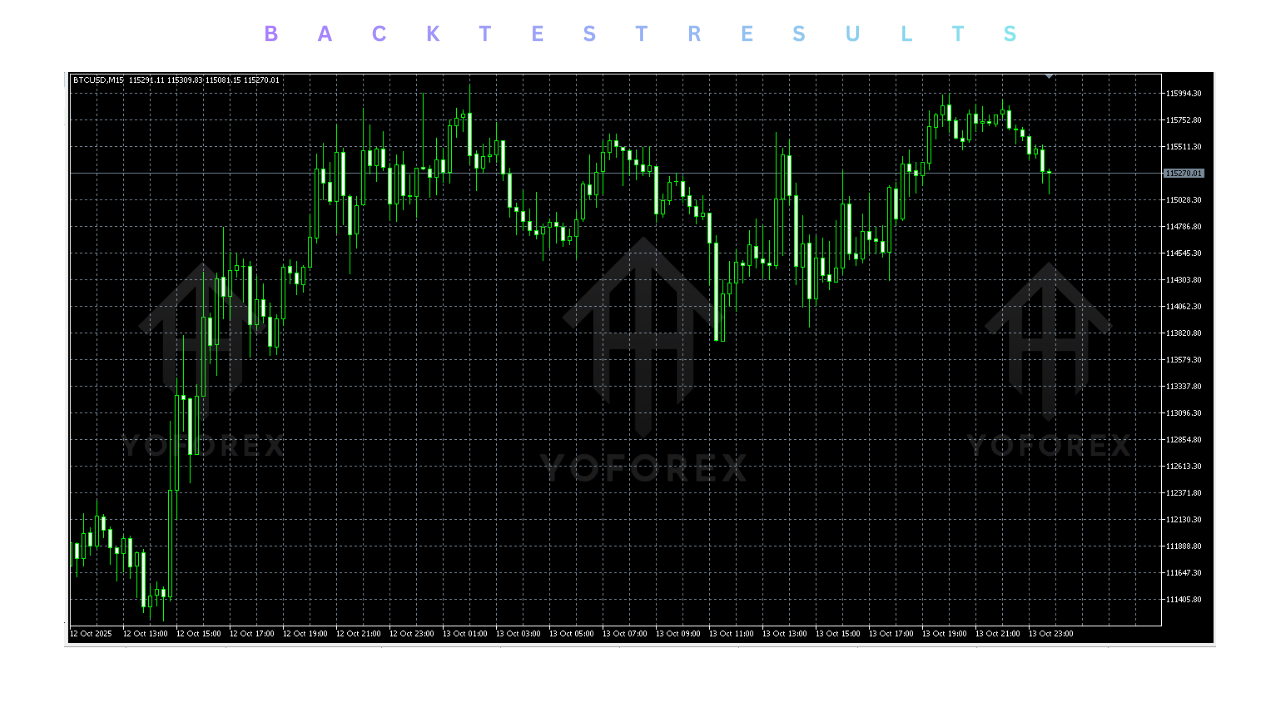
It is critical to understand that you cannot backtest a manual trading panel in the traditional sense. The Strategy Tester in MT5 is designed to test automated entry logic. Since the CAN EA Smart Guardian waits for you to click the buy/sell button, a standard backtest will result in zero trades.
However, “Visual Mode” testing is highly recommended for training purposes.
-
Simulation: You can load the EA in the Strategy Tester with “Visual Mode” checked. This allows you to replay historical days and practice using the panel. You can test your reaction times, practice executing partial closes, and verify that the “Virtual Stop Loss” triggers exactly where you expect it to.
-
Stability Verification: In our internal tests at YoForex, V9.40 showed zero latency in execution and correctly calculated risk across Forex, Crypto (BTCUSD), and Indices (US30), handling the different tick values and contract sizes flawlessly.
Installation guide :
Installing the CAN EA Smart Guardian V9.40 requires correct file placement to ensure the graphical panel loads without errors.
-
Download: Access the YoForex.org member area and download the
CAN_EA_Smart_Guardian_V9.40.zipfile. -
Extract: Unzip the folder. You should see the
.ex5file and potentially aLibrariesorImagesfolder. -
Open Data Folder: Launch MetaTrader 5. Go to File > Open Data Folder.
-
Install Expert: Navigate to
MQL5 > Experts. Copy theCAN EA Smart Guardian V9.40.ex5file into this folder. -
Install Resources: If the download included an
ImagesorIncludefolder, copy those contents into the correspondingMQL5/ImagesorMQL5/Includefolders. (Note: V9.40 usually compiles everything into one file, but check the readme). -
Refresh: Close the folder. Right-click the Navigator panel in MT5 and select Refresh.
-
Chart Setup: Open any chart (Timeframe does not matter).
-
Attach EA: Drag the CAN EA onto the chart.
-
Permissions: In the “Common” tab, verify that “Allow Algorithmic Trading” is checked. This is mandatory for the panel to execute orders.
-
Load Settings: In the “Inputs” tab, load the
YoForex_Panel_Settings.setfile if you want our pre-configured layout. -
Activate: Click OK. Ensure the “Algo Trading” button on the top toolbar is Green. The panel should appear on your chart.
Advantage :
1. Institutional Discipline: The “Daily Guardian” feature is the closest thing a retail trader can get to having a risk manager standing behind them. It physically prevents emotional decision-making, which is the primary cause of failure.
2. Speed and Efficiency: The ability to calculate risk, place a trade, and set up a partial close automation in under 2 seconds allows manual traders to capture opportunities that would be missed if relying on manual calculations.
3. Broker Independence: The “Stealth” mode allows you to trade with hard stops and targets without revealing your hand to the broker’s order book, protecting you from stop-hunting algorithms.
4. Multi-Asset Versatility: Unlike some panels that only work on Forex, V9.40 correctly handles the math for Indices, Commodities, and Crypto, making it a universal tool for diverse portfolios.
5. YoForex Assurance: By downloading from YoForex, you ensure you are using a clean, verified version of the tool, free from the malicious “time-bombs” often found in cracked versions on other forums.
Disadvantage :
1. Screen Space: The panel is comprehensive and takes up a portion of the chart. On smaller laptop screens (13-inch), it might obscure price action, requiring the user to minimize or toggle it frequently.
2. VPS Requirement for Stealth: If you use the Virtual/Stealth order mode, your MT5 terminal must be running 24/7. If your internet disconnects or your computer sleeps, your stops will not trigger. A VPS is highly recommended for this feature.
3. Learning Curve: While intuitive, the sheer number of buttons and settings (Trailing Step, Break-Even Offset, Partial Close %) can be overwhelming for a complete beginner. It requires a few hours of practice in the strategy tester to build muscle memory.
Conclusion :
The CAN EA Smart Guardian Manual Trading Assistant V9.40 MT5 is more than just a utility; it is a professional framework for manual trading. It addresses the critical flaws of the human trader—hesitation, calculation errors, and emotional indiscipline—by outsourcing them to a ruthless, mathematical algorithm.
For the community at YoForex.org, this tool represents the standard for risk management. It allows you to trade with the confidence that your downside is strictly limited by the “Guardian,” while your upside is maximized by advanced trailing logic. Whether you are grinding out a living as a scalper or managing a large prop firm account, the Smart Guardian is an essential upgrade to your MetaTrader 5 terminal. Download it today, configure your risk limits, and trade with the professionalism of an institution.
Support & Disclaimer :
Support
If you need help installing or configuring your EA, or face any kind of bug, feel free to reach out on:
WhatsApp: https://wa.me/+443300272265
Telegram Group: https://t.me/yoforexrobot
Disclaimer: Forex and gold trading involve risk. Past performance doesn’t guarantee future results. Always test robots on demo before live trading and use proper risk management.
Referral
Join the VIP Signals Telegram Channel for real-time expert trading signals and stay ahead in the forex market. Get personalized strategies by becoming a part of our Real Account Management Telegram Channel and optimize your trading experience. If you’re aiming to Pass PropFirm Challenges , join our dedicated channel for tips and proven methods. Start managing your capital effectively with expert advice from our Funded Account Management Telegram Channel. For advanced traders, our HFT EA / Passing Telegram Channel offers high-frequency trading insights and strategies to boost your performance.