In the ever-evolving world of forex trading, automation has become the key to achieving consistent profitability. For traders who want to leverage advanced algorithms to optimize their strategies, Quantum Empire Grid Pro EA V1.0 MT4 presents a powerful solution. This Expert Advisor (EA) combines the flexibility of grid trading with sophisticated filtering mechanisms, offering traders the ability to automate their trading strategies across multiple timeframes and instruments.
In this blog post, we will delve into the features, advantages, backtesting results, and recommended settings for Quantum Empire Grid Pro EA V1.0 MT4, and explain why it could be the right fit for both beginner and experienced traders.
What is Quantum Empire Grid Pro EA V1.0 MT4?
Quantum Empire Grid Pro EA V1.0 MT4 is a fully automated forex trading robot designed for use on MetaTrader 4 (MT4). This EA operates using a grid trading system, which means it opens multiple trades at different levels to manage market volatility and capture profits as the market fluctuates. Unlike traditional trading strategies, which rely on a single entry point, the grid system ensures that trades are opened at multiple price levels, giving traders the opportunity to recover from potential drawdowns.
The EA is compatible with a wide range of forex pairs, indices, metals, and cryptocurrencies, making it a versatile tool for traders seeking to diversify their portfolios. Quantum Empire Grid Pro EA also includes customizable signal modes and risk management features to help traders fine-tune their trading strategies.
Key Features of Quantum Empire Grid Pro EA V1.0 MT4
1. Smart Grid and Averaging System
Quantum Empire Grid Pro uses a sophisticated grid and averaging system to place trades. This means that instead of opening a single trade, the EA opens multiple trades at different levels to capitalize on market fluctuations. This system can help recover from drawdowns by averaging out losing positions over time.
2. Four Signal Modes for Versatility
One of the standout features of this EA is the ability to choose from four different signal modes:
- Chaotic Pulse Mode: A volatility-based signal mode that detects momentum pulses and takes advantage of early trends.
- SMA Filter Mode: Uses Simple Moving Average (SMA) filters to confirm trends before entering a trade.
- Custom Indicator Mode: Allows traders to integrate custom indicators like RSI, MACD, or Stochastic for trade signals.
- Combined Filter Mode: Combines the SMA filter and custom indicators to improve signal accuracy.
3. Risk Management Features
Risk management is a critical aspect of any successful trading strategy, and Quantum Empire Grid Pro EA doesn’t disappoint. The EA comes with several risk management features to help protect your account:
- Maximum Drawdown Limit: Set a maximum drawdown level to prevent large losses.
- Profit Limit: Choose a target profit for the day, after which the EA will stop trading to lock in gains.
- Trade Size Control: Adjust the size of each trade based on your account balance and risk tolerance.
4. Flexible Session Filters
Quantum Empire Grid Pro EA allows traders to limit trading to specific market sessions. By doing so, you can avoid high-risk times and ensure that the EA only trades during favorable market conditions.
5. High-Frequency Trading on M1/M5 Timeframes
For traders looking for higher trade volumes, this EA performs exceptionally well on lower timeframes like M1 and M5. With frequent trades, the EA takes advantage of small price movements, making it an ideal choice for those who prefer fast-paced trading.
Backtesting Results: A Look at the EA’s Performance
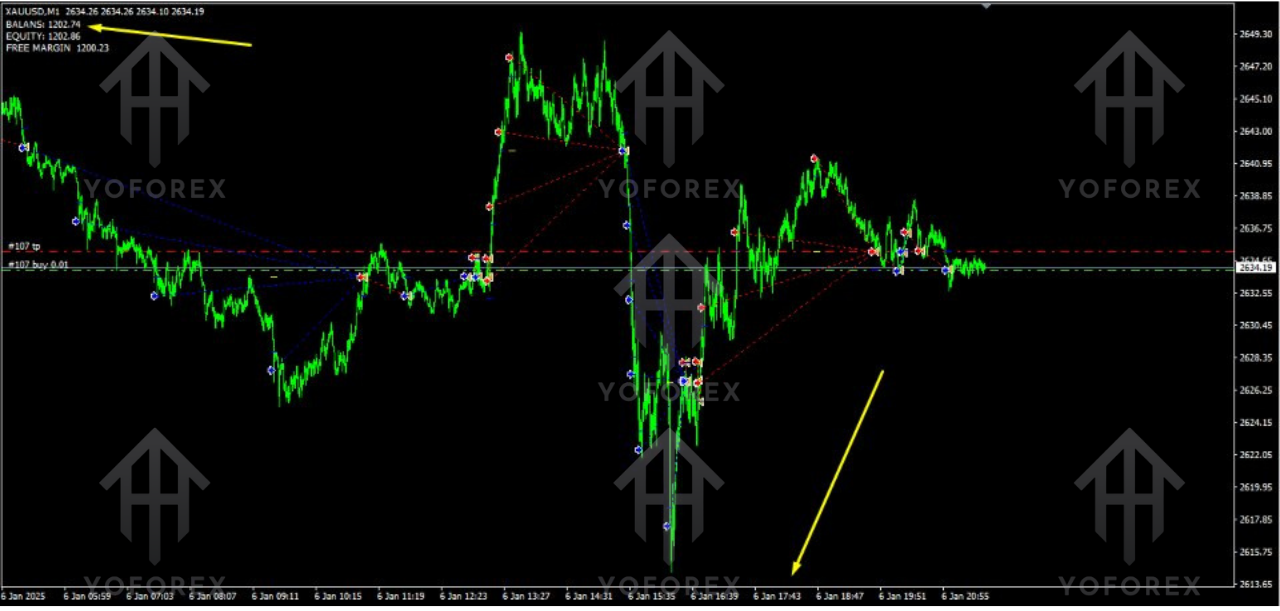
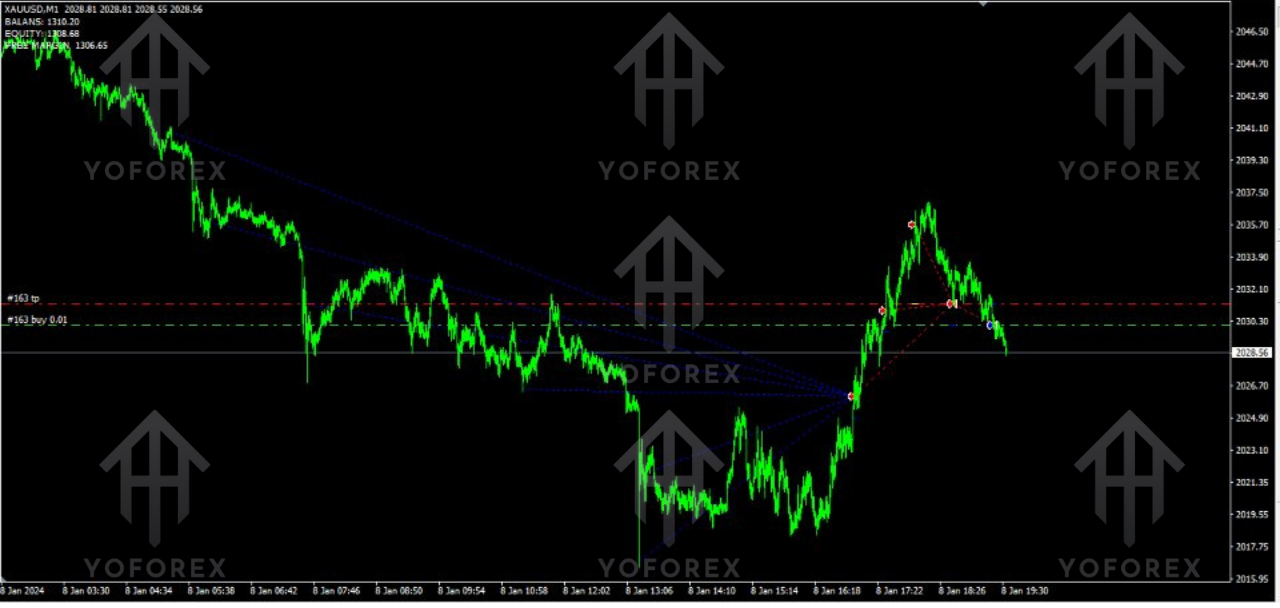
Before deciding to use any trading robot, it’s important to evaluate its performance through backtesting. The vendor claims that Quantum Empire Grid Pro EA V1.0 MT4 has shown consistent profitability during backtesting over several years, with a focus on a wide range of instruments.
According to the vendor’s backtesting results:
- The EA achieved a growth of 84% over two years, indicating solid performance in diverse market conditions.
- It executed 168+ trades during the testing period on H1 timeframe, with significantly higher trade frequency on M1/M5 timeframes.
- The backtests show that the EA is capable of maintaining consistent profitability while managing risk through the grid trading system.
It’s important to note that these results are vendor-provided and should be taken with caution. To get a true sense of how the EA performs in live conditions, it is highly recommended to conduct forward testing on a demo account before deploying it on a live trading account.
Recommended Settings for Quantum Empire Grid Pro EA V1.0 MT4
For optimal performance, it’s crucial to adjust the settings of the EA based on your trading style, risk tolerance, and market conditions. Below are some recommended settings to get started:
-
Risk Level: Medium to High
-
Set the risk level to a moderate or high setting depending on your account size. For smaller accounts, use a lower risk setting to reduce exposure.
-
-
Timeframe: M1, M5 (for frequent traders)
-
The EA performs best on lower timeframes like M1 and M5, but it can also be used on higher timeframes like H1 for more conservative trading.
-
-
Lot Size: Variable (Based on Account Balance)
-
Adjust the lot size based on your account balance and the risk percentage you’re comfortable with. A smaller lot size will minimize potential losses but may reduce profit opportunities.
-
-
Maximum Drawdown: 20% to 30%
-
Set a maximum drawdown limit to prevent the EA from continuing to trade when significant losses occur. This helps protect your account from large drawdowns.
-
-
Profit Target: 5-10% Daily
-
Set a daily profit target to lock in profits. Once the target is reached, the EA will stop trading for the day, allowing you to secure gains and avoid overtrading.
-
Advantages of Quantum Empire Grid Pro EA V1.0 MT4
- High Flexibility: The EA can be customized to suit different trading styles, asset classes, and market conditions.
- Automated Trading: By automating your trading strategies, you can save time and remove emotions from the trading process.
- Grid Trading for Profit Recovery: The grid and averaging system help reduce the impact of losing trades by averaging out positions.
- Risk Management Features: With drawdown protection and profit limits, this EA helps mitigate risks and protect your capital.
Disadvantages of Quantum Empire Grid Pro EA V1.0 MT4
- Risk of Drawdowns: Like any grid trading system, there is a risk of significant drawdowns if the market moves against your positions.
- High Trade Volume: The EA executes a large number of trades, especially on lower timeframes. This can lead to increased spread costs and potential slippage.
- Requires Regular Monitoring: While the EA is automated, it’s still important to monitor its performance regularly, especially during periods of high volatility.
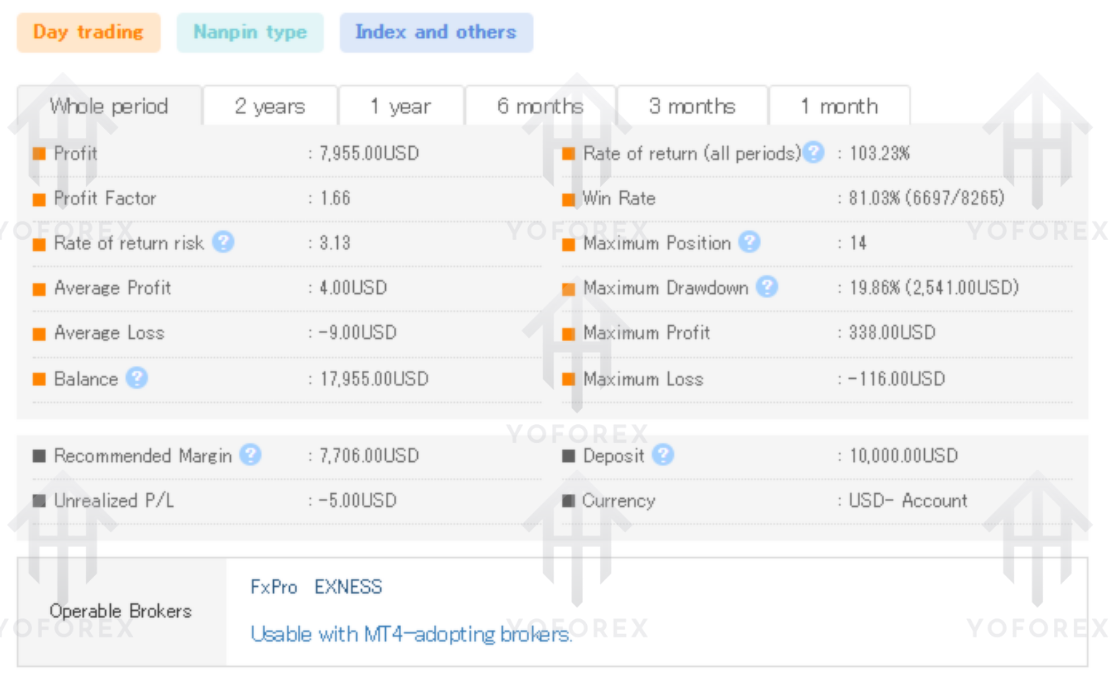
Why Prefer Quantum Empire Grid Pro EA V1.0 MT4?
Quantum Empire Grid Pro EA V1.0 MT4 is an excellent choice for traders who want to automate their trading strategies while maintaining flexibility. Its grid and averaging system allows for a dynamic approach to trading, while its risk management features provide a safety net. Whether you’re a beginner looking for a hands-off trading solution or an experienced trader seeking a more advanced EA, Quantum Empire Grid Pro EA offers the versatility and performance you need.
Conclusion
Quantum Empire Grid Pro EA V1.0 MT4 is a highly versatile and powerful trading robot designed to help traders capitalize on market movements. With its grid trading system, multiple signal modes, and robust risk management features, it offers a comprehensive solution for both beginners and experienced traders.
While it has the potential to generate significant profits, it’s important to approach it with a clear understanding of the risks involved, particularly the potential for drawdowns. By starting with a demo account and carefully optimizing the settings, you can maximize the EA’s performance and achieve consistent trading success.