
Unleashing Profit Potential: A Deep Dive into Ilan EA V6.10 for MT4
In the fast-paced world of forex trading, automated trading systems (Expert Advisors or EAs) have revolutionized how traders execute strategies. Among the most talked-about EAs is Ilan EA V6.10, a robust tool designed for MetaTrader 4 (MT4) that combines sophisticated algorithms with user-friendly customization. Whether you’re a seasoned trader or exploring automation for the first time, this guide will walk you through everything you need to know about Ilan EA V6.10, its optimal settings, and how to leverage it for consistent profits.
What is Ilan EA V6.10?
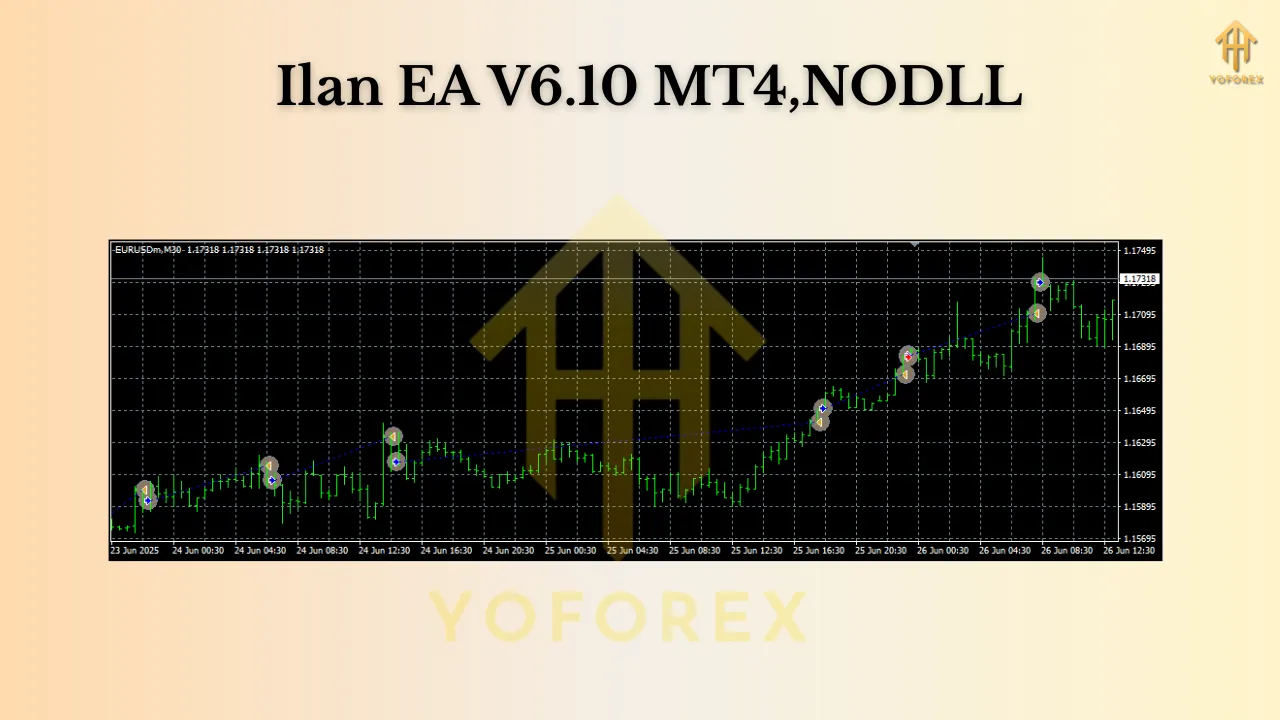
Ilan EA V6.10 is a grid-based trading EA renowned for its ability to capitalize on market volatility using a martingale strategy. Unlike conventional EAs that rely solely on trend-following, Ilan employs a dynamic grid approach: it opens multiple orders at predefined intervals, adjusting lot sizes based on market movements. This allows it to profit from both sideways and trending markets, making it a versatile tool for diverse market conditions.
Key Features:
- Grid Trading: Automatically places buy/sell orders at set distance intervals.
- Martingale Management: Increases lot sizes after losses to recover capital faster.
- Risk Controls: Configurable stop-loss, take-profit, and maximum drawdown limits.
- Multi-Currency Support: Optimized for EURUSD, EURGBP, and CADCHF.
- Timeframe Flexibility: Operates efficiently on M15 and H1 charts.
Optimal Settings: Currency Pairs & Timeframes
Ilan EA V6.10 excels across multiple currency pairs, but its performance shines brightest on:
- EURUSD: The most liquid pair, offering tight spreads and predictable volatility. Ideal for grid strategies due to its frequent retracements.
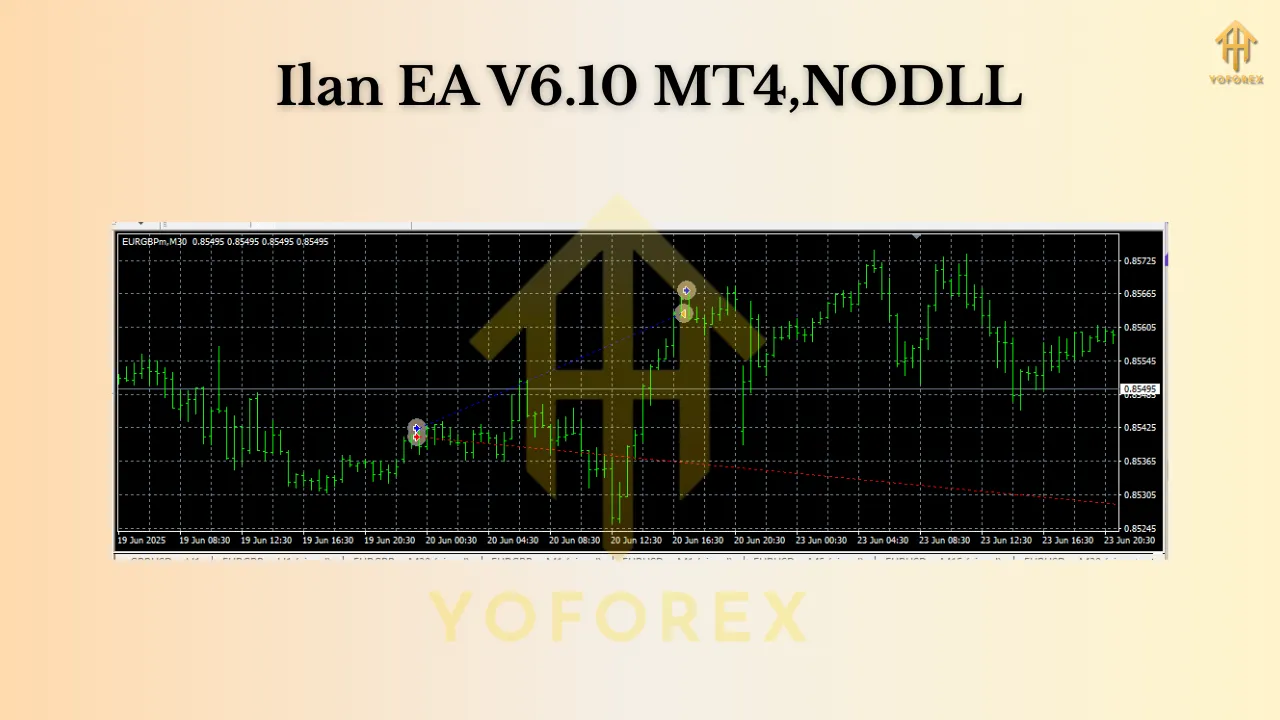
- EURGBP: Benefits from the Eurozone and UK economic dynamics, providing ample opportunities for grid-based entries.
- CADCHF: A less volatile pair with strong correlations to commodity markets, reducing false signals.
Recommended Timeframes:
- M15 (15-minute): Best for capturing short-term price fluctuations and maximizing trade frequency.
- H1 (1-hour): Balances trade frequency with higher-quality entries, reducing noise.
Pro Tip: Avoid using the EA on highly volatile news events (e.g., NFP reports) to prevent unexpected drawdowns.
Unlocking Power: The Role of SetFiles
One of Ilan EA V6.10’s standout features is SetFiles—pre-configured parameter files that optimize performance for specific pairs or conditions. These files (e.g., EURUSD_SetFile.ini) bundle settings like:
- Grid spacing (distance between orders)
- Martingale multipliers
- Risk percentages
- Magic numbers (for trade identification)
How to Use SetFiles:
- Download SetFiles tailored to your target pair (e.g., EURUSD) from reputable sources or the EA’s official repository.
- Place the
.inifile in MT4’sMQL4/Filesfolder. - Load the EA onto your chart and select the SetFile in the settings.
Why SetFiles Matter: They eliminate guesswork, ensuring your EA aligns with historical backtests and live market conditions. For beginners, they provide a plug-and-play solution; for experts, they serve as a baseline for customization.
Risk Management: Minimum Balance & Drawdown Control
While Ilan EA V6.10 offers high-profit potential, prudent risk management is non-negotiable. The minimum recommended balance is $1,000 USD, though $2,000+ is ideal for smoother operation.
Critical Risk Parameters:
- Stop-Loss (SL): Set to 1.5–2x the grid spacing to prevent catastrophic losses.
- Take-Profit (TP): Aim for 2:1 reward-to-risk ratios.
- Max Drawdown: Cap at 20–30% of your account.
- Lot Size: Start with 0.01 lots per $1,000 balance.
Example: For a $1,000 account:
- Initial lot: 0.01
- Max drawdown: $200 (20%)
- Grid spacing: 20 pips (M15) or 50 pips (H1)
Performance & Real-World Expectations
Backtests of Ilan EA V6.10 show impressive results:
- EURUSD (M15): 15–20% monthly ROI with 10–15% drawdown.
- EURGBP (H1): 10–15% monthly ROI with 8–12% drawdown.
- CADCHF (H1): 8–12% monthly ROI with 5–10% drawdown.
Pros & Cons: Is Ilan EA V6.10 Right for You?
Pros:
✔ Adapts to ranging and trending markets.
✔ SetFiles simplify optimization.
✔ Low maintenance (set-and-forget).
✔ Proven track record across multiple pairs.
Cons:
❌ High drawdown during strong trends (martingale risk).
❌ Requires stable VPS for 24/7 operation.
❌ Not suitable for risk-averse traders.
Getting Started: Step-by-Step Guide
- Install MT4 & Ilan EA: Download MT4 and place the EA in
MQL4/Experts. - Fund Your Account: Minimum $1,000 (use a broker with low spreads).
- Apply SetFiles: Load
.inifiles for your target pairs. - Optimize Settings: Adjust SL/TP, lot sizes, and grid spacing.
- Test on Demo: Run for 2–4 weeks to validate performance.
- Go Live: Start with small lots and monitor closely.
Final Thoughts
Ilan EA V6.10 is a powerful grid-trading EA that thrives on volatility, making it ideal for EURUSD, EURGBP, and CADCHF on M15/H1 timeframes. Its SetFiles feature ensures plug-and-play efficiency, while robust risk controls protect against excessive drawdowns. With a $1,000+ balance, it offers a compelling path to automated profits—but only when paired with disciplined risk management.