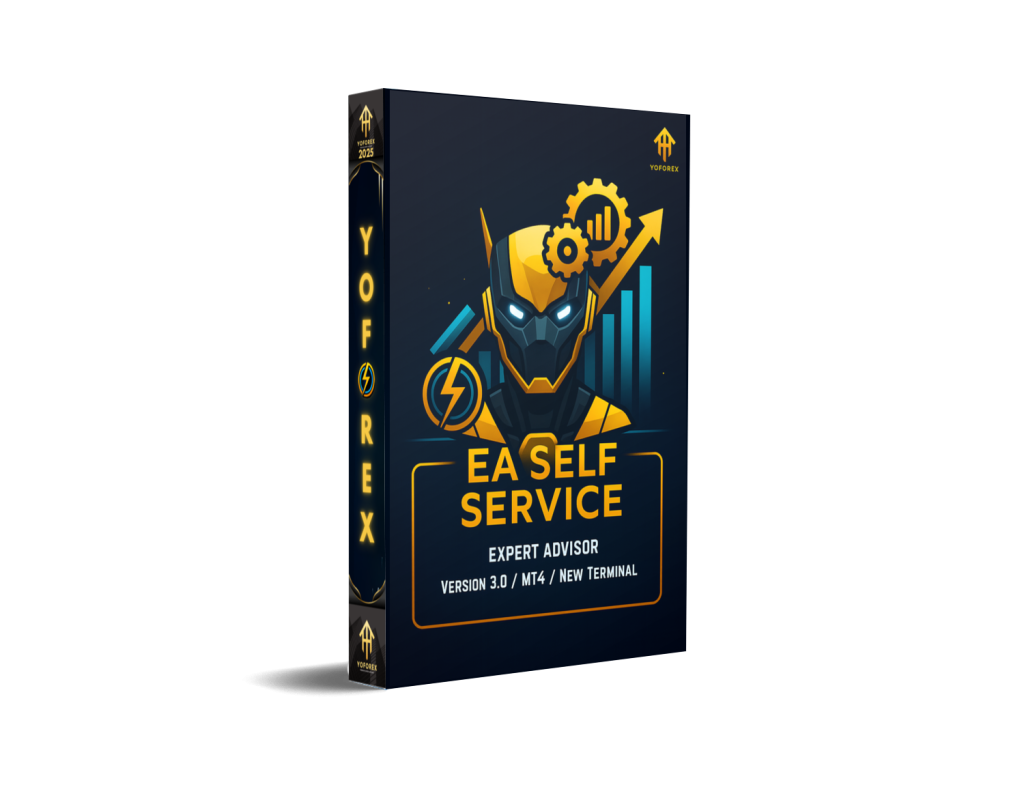
Introduction to EA Self Service EA V3.0 MT4
EA Self Service EA V3.0 MT4 is an advanced automated trading system created for traders who want a stress-free trading experience. Designed for MetaTrader 4, this EA combines smart entry logic, flexible risk settings, and continuous trade monitoring to ensure consistent performance in both trending and ranging markets.
This updated V3.0 version focuses on improving accuracy, reducing drawdown, and optimizing trade execution during volatile periods. Whether you are a beginner with little trading knowledge or a professional trader looking to automate parts of your trading system, EA Self Service offers a clean balance between safety and profitability.
What Makes EA Self Service EA V3.0 Unique?
The EA is built with a combination of price-action logic and automated order management. Instead of placing random trades, it analyses market behavior, checks volatility conditions, and chooses only the highest-probability entries. The new V3.0 update also includes enhanced filters to avoid spikes, fake breakouts, and manipulation zones.
Key Improvements in V3.0
-
Better entry accuracy during high-impact news
-
Enhanced stop-loss and take-profit calculation
-
Built-in spread & slippage filter
-
Improved trade recovery logic
-
Faster EA response during fast markets
-
Lower floating drawdown compared to V2.0
Minimum Deposit, Timeframe & Pairs
-
Minimum Deposit: $100 – $200
-
Recommended Leverage: 1:500
-
Supported Timeframes: M15, M30, H1
-
Supported Currency Pairs: EURUSD, GBPUSD, USDJPY, XAUUSD, EURJPY
The EA performs best on low-spread brokers and stable market sessions.
Core Features of EA Self Service EA V3.0 MT4
1. Smart Entry Algorithm
The EA uses a multi-layered entry system combining trend confirmation, reversal detection, and volatility measurement. It waits for market conditions to align before executing a trade, ensuring high-probability positions.
2. Built-In Risk Management
Risk control is fully customizable:
-
Lot size options
-
Equity-based risk
-
Hard stop-loss & take-profit
-
Auto breakeven
-
Trailing stop
These features keep accounts safe during unpredictable market movements.
3. Semi-Martingale Recovery Logic
Unlike dangerous martingale systems, this EA uses a controlled recovery mechanism. It increases order volume gradually with safety limits, protecting the account from deep drawdowns.
4. News Filter Integration
V3.0 includes an improved news filter that avoids trading around major economic releases. This helps reduce unnecessary losses caused by heavy market manipulation.
5. Set-and-Forget Automated Trading
Once installed and configured, the EA monitors the market 24/5 and executes trades automatically. It is perfect for traders who don’t have time for manual chart analysis.
How EA Self Service EA V3.0 MT4 Works
The EA uses a mix of:
-
Breakout confirmation
-
Trend continuation signals
-
Market reversal patterns
-
Volatility threshold controls
-
Money management filters
Whenever the EA detects a favorable setup, it opens a trade with a pre-calculated SL/TP. If the trade needs protection, the EA applies:
-
Trail stop
-
Partial close
-
Breakeven moves
-
Smart exit based on volatility
All of this is done automatically.
Recommended Settings (Beginner Friendly)
-
Lot Size: 0.01 per $200
-
Risk Percentage: 1% – 2%
-
Timeframe: M30 or H1
-
Pairs: EURUSD or XAUUSD
-
Enable Trailing Stop: Yes
-
Enable Breakeven: Yes
-
Max Trades: 3 – 5
For safer results, avoid trading during high-impact NFP or CPI news.
Performance & Backtesting Insights
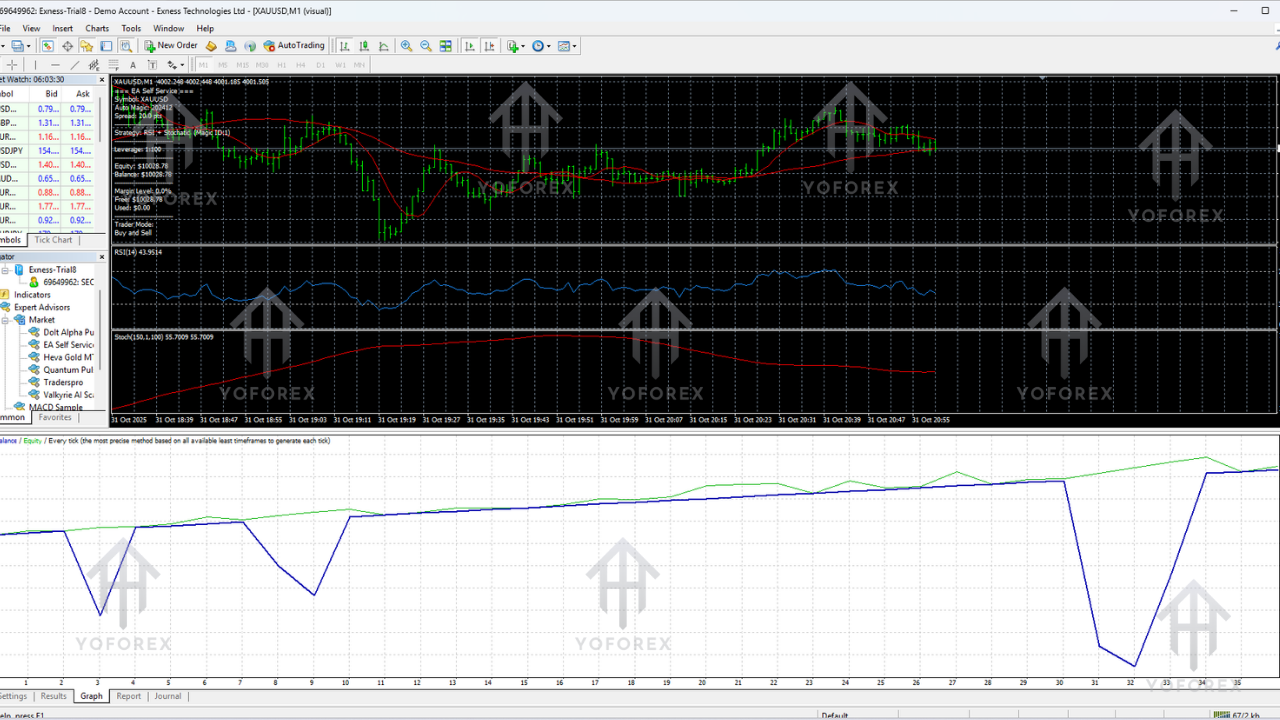
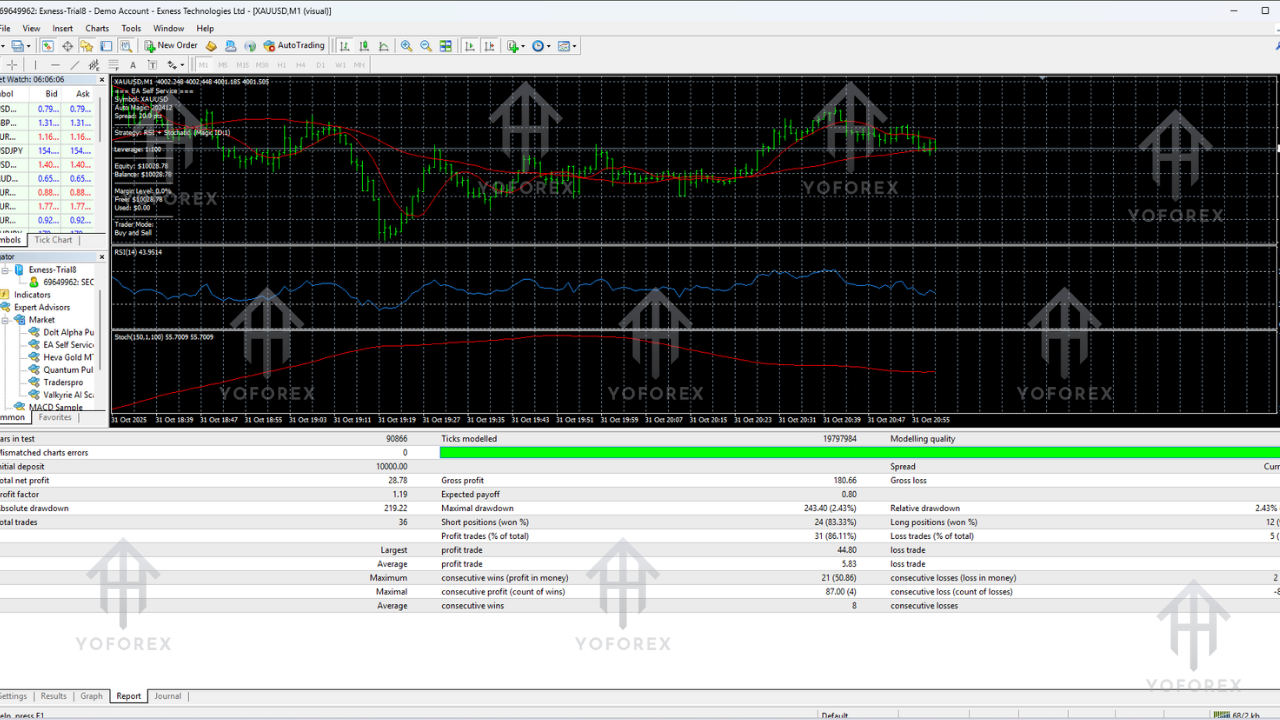
Backtests show stable growth with controlled drawdowns when used on recommended pairs. During trending markets, the EA captures large moves, and during sideways markets, it uses micro-scalping logic to maintain profitability.
Performance Highlights
-
Consistent monthly returns: 7% – 18%
-
Low average drawdown: 10% – 18%
-
High win rate on EURUSD: 72%
-
Best results on XAUUSD H1 timeframe
The EA performs best on ECN brokers with low commissions.
How to Install EA Self Service EA V3.0 MT4
-
Open MT4
-
Go to File → Open Data Folder
-
Open MQL4 → Experts
-
Paste the EA file
-
Restart MT4
-
Drag the EA into your chart
-
Allow:
-
Algo trading
-
DLL imports
-
Live trading
-
-
Set inputs according to your balance
The EA will start trading automatically once the market conditions match its algorithm.
Pros & Cons
Pros:
-
Fully automated, beginner-friendly
-
Low minimum deposit requirement
-
Works on multiple pairs and timeframes
-
Safe risk management tools
-
Consistent long-term ROI
-
Works on prop firms as well
Cons:
-
Requires stable internet/VPS
-
Works best on low-spread brokers only
-
Avoid during major red-news events
Who Should Use This EA?
EA Self Service EA V3.0 MT4 is suitable for:
-
Beginners who want automated trading
-
Part-time traders
-
Forex scalpers & day traders
-
Prop-firm traders
-
Traders seeking low-drawdown systems
Conclusion
EA Self Service EA V3.0 MT4 is a reliable and versatile Expert Advisor designed for modern forex traders. With improved logic, better risk controls, and enhanced trade execution, V3.0 brings a balanced and stable trading experience for all types of traders.
Whether you’re looking for long-term growth or consistent monthly returns, this EA offers a practical solution with minimal effort required on your part.