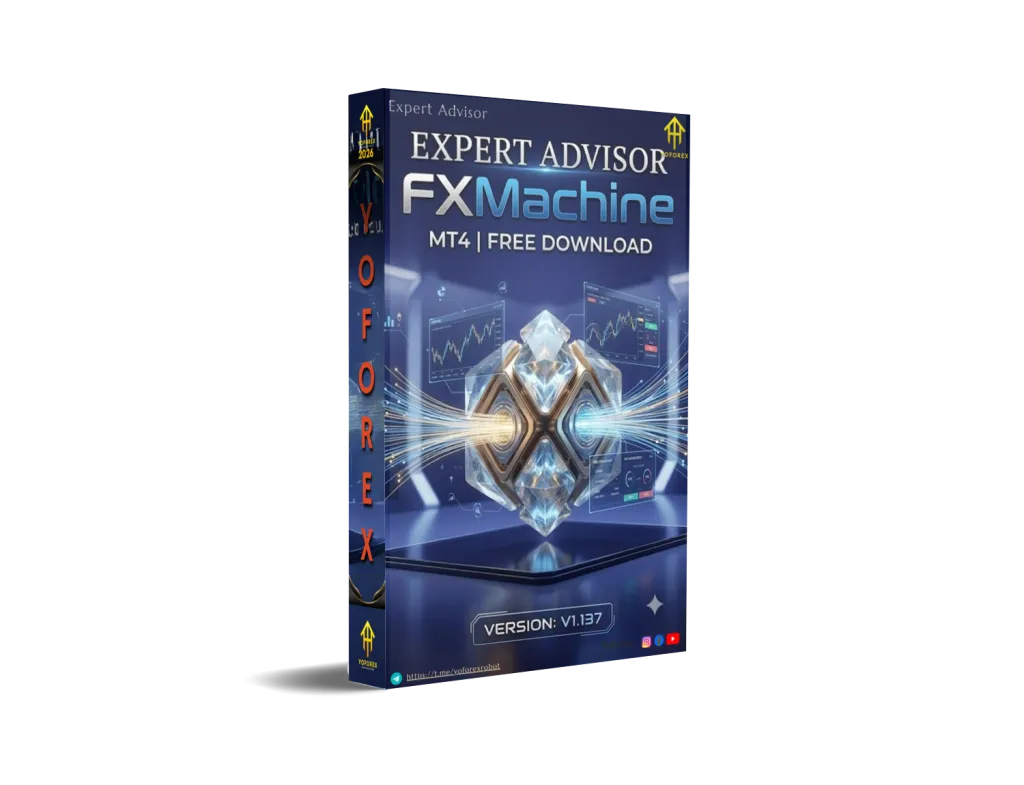
FXMachine EA V1.137 MT4: A Practical Look at This Multi-Currency Trading Bot
Many traders want automation that can watch several major pairs without constant screen time, while still giving them control over risk. Manual trading often means missing opportunities or staying glued to charts. FXMachine EA V1.137 MT4 is built to address that need on MetaTrader 4.
This article explains what the bot is, how it operates, its main features, who it suits, and what you should check before deciding.
What Is FXMachine EA V1.137 MT4?
FXMachine EA V1.137 is an Expert Advisor for MetaTrader 4. It is a multi-currency automated trading system designed for major pairs including EURUSD, USDCAD, EURGBP, and GBPUSD.
The bot uses standard market analysis tools (indicators, price movement, and bar patterns) combined with its own interpretation of those signals. It aims to open a limited number of positions and manage them with built-in exit and support logic. Version 1.137 includes refinements for compatibility and risk handling.
It runs fully automatically once attached to a chart and enabled. The brand YoForex regularly covers tools like this for traders exploring automation options.
How Does FXMachine EA V1.137 Work?
The trading process follows a clear sequence:
- The EA analyzes the chart using its signal logic.
- When conditions align, it opens 1–2 orders based on the confirmed signal.
- It aims to close those trades in profit.
- If the preferred profit targets are not reached after a period, a secondary exit mode activates. This can close at a small profit, small loss, or breakeven, or group-close multiple trades.
- If positions remain open too long, a support algorithm engages. This is designed to help accelerate recovery and limit prolonged drawdown.
A key element is the advanced drawdown control system. It calculates stop-loss levels across open orders so that total drawdown stays within a percentage limit you set. This gives traders a defined risk boundary.
The EA is compatible with any MT4 broker and does not require special account conditions. It works across timeframes, though many users run it on M15 (as noted for EURUSD) or H1 depending on preference. Results are described as consistent across timeframes when default settings are used.
Key Features
- Multi-currency algorithm optimized for USDCAD, EURGBP, GBPUSD, and EURUSD
- Opens a maximum of 1–2 orders per signal
- Smart exit logic for profit targets or alternative exits
- Support algorithm for prolonged trades
- User-defined maximum drawdown percentage with automatic stop-loss allocation
- Beginner-friendly “All Auto” mode plus full manual parameter control
- No special broker requirements
- Compatible with recent MT4 builds
- Detailed user manual typically included
Quick Features Table
| Feature | Details |
|---|---|
| Platform | MetaTrader 4 (MT4) |
| Strategy | Signal-based with adaptive exit & support |
| Trading Style | Automated multi-currency |
| Pairs | EURUSD, USDCAD, EURGBP, GBPUSD |
| Timeframe | Works on all; M15 commonly used for EURUSD |
| Risk Management | User-set max drawdown % with SL calculation |
| Automation | Fully automated once running |
| Best For | Traders seeking multi-pair automation |
Main Benefits
Time freedom – Once configured and running (ideally on a VPS), the EA handles analysis, entries, and exits without constant monitoring.
Defined risk boundary – Setting a maximum drawdown percentage gives clearer control than systems without such limits.
Multi-pair coverage – Trading several major pairs from one system can diversify exposure compared with single-pair bots.
Flexible setup – Auto mode for simplicity or full parameter access for those who want to fine-tune.
Broker flexibility – Works with standard MT4 accounts, so you can stay with your preferred broker.
These are practical operational advantages. Actual results always depend on market conditions, settings, broker conditions, and risk parameters you choose.
Who Is FXMachine EA V1.137 For?
- Traders who want multi-currency automation on MT4
- Busy traders who cannot watch charts all day
- Intermediate users comfortable with basic EA installation and risk settings
- Those who prefer systems that limit the number of simultaneous orders
- Algorithmic traders testing drawdown-controlled approaches
- Users already familiar with EURUSD on M15 or similar major pairs
Who Should Avoid It?
- Complete beginners who have never installed an EA or do not understand drawdown and lot sizing
- Traders looking for high-frequency scalping or pure trend-following systems with different logic
- Anyone expecting guaranteed results or risk-free trading (no system offers that)
- Users unwilling to test on a demo account first or monitor performance
- Traders who prefer single-pair specialized strategies only
FXMachine EA V1.137 vs Manual Trading
| Aspect | FXMachine EA | Manual Trading |
|---|---|---|
| Monitoring | Automated 24/5 | Requires constant attention |
| Emotion | Rules-based decisions | Subject to fear/greed |
| Multi-pair handling | Built-in across four majors | Harder to manage simultaneously |
| Risk control | User-set max drawdown % | Depends on trader discipline |
| Flexibility | Settings adjustable | Fully discretionary |
| Time required | Setup + occasional review | Ongoing chart watching |
What To Check Before Buying
Use this practical checklist:
- Strategy fit – Confirm the 1–2 order signal + support logic matches your style.
- Risk parameters – Understand how the max drawdown % works and set conservative values initially.
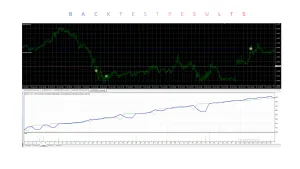
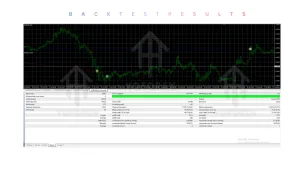
- Drawdown behavior – Review any available live or backtest equity curves (official MQL5 product page is a good starting point).
- MT4 compatibility – Ensure your platform build is recent enough.
- Broker conditions – Test spreads, execution, and minimum lot sizes on your broker.
- VPS recommendation – Continuous operation usually benefits from a reliable VPS.
- Settings – Check the auto mode and key parameters (risk %, lot handling).
- Support & documentation – Confirm a user manual is provided.
- Testing – Always run on demo first with realistic conditions before any live capital.
Never risk money you cannot afford to lose. Past performance (live or backtested) does not guarantee future results.
How To Get Started
- Obtain the FXMachine EA V1.137 file for MT4.
- Open MetaTrader 4 → File → Open Data Folder → MQL4 → Experts and place the .ex4 file there.
- Restart MT4 or refresh the Navigator.
- Open a chart of EURUSD (or another supported pair) on M15 or your preferred timeframe.
- Drag the EA onto the chart.
- Enable AutoTrading and set your preferred MaxDrawDown percentage (start conservatively).
- Use “All Auto” mode initially or adjust parameters after studying the manual.
- Run on a demo account for a meaningful period before considering live use.
- Monitor performance and adjust risk as needed.
A VPS is recommended for uninterrupted operation.
FAQs
What currency pairs does FXMachine EA trade?
It is programmed for USDCAD, EURGBP, GBPUSD, and EURUSD.
What timeframe should I use?
It works on all timeframes. M15 is commonly used for EURUSD; H1 is also frequently recommended.
Does it use martingale or grid?
The core description focuses on 1–2 orders per signal with adaptive exits and a support algorithm. Always verify the exact logic in the manual and test yourself.
Is there a minimum deposit?
Recommended minimums for 0.01 lot vary by pair (examples often cited around a few hundred dollars depending on the pair). Check current documentation.
Can I change the risk level?
Yes. You set the maximum drawdown percentage, and the EA calculates stops accordingly.
Does it work with any broker?
Yes, it is designed for standard MT4 brokers without special requirements.
Should I use a VPS?
Strongly recommended for continuous 24/5 operation.
Is it suitable for beginners?
Only if they are willing to learn basic EA installation, risk settings, and demo testing first.
CONCLUSION
FXMachine EA V1.137 MT4 offers a multi-currency approach with defined drawdown controls and limited order entries. It can suit traders who want automation across EURUSD and other majors without constant supervision, provided they approach it with realistic expectations and proper testing.
If this matches what you are looking for, review the full details, test thoroughly on demo, and decide based on your own risk tolerance and trading goals. You can explore the bot further through trusted sources such as the YoForex site and related resources.
Always remember: automated trading still involves risk. Proper configuration, monitoring, and capital management remain essential.
Support & Disclaimer
Support
If you need help installing or configuring your EA, or face any kind of bug, feel free to reach out on:
WhatsApp: Click here
Telegram Group: Join our community
Disclaimer:
Forex and gold trading involve risk. Past performance doesn’t guarantee future results. Always test robots on demo before live trading and use proper risk management.
REFERRAL
Join the VIP Signals Telegram Channel for real-time expert trading signals and stay ahead in the forex market. Get personalized strategies by becoming a part of our Real Account Management Telegram Channel and optimize your trading experience. If you’re aiming to Pass PropFirm Challenges , join our dedicated channel for tips and proven methods. Start managing your capital effectively with expert advice from our Funded Account Management Telegram Channel. For advanced traders, our HFT EA / Passing Telegram Channel offers high-frequency trading insights and strategies to boost your performance.