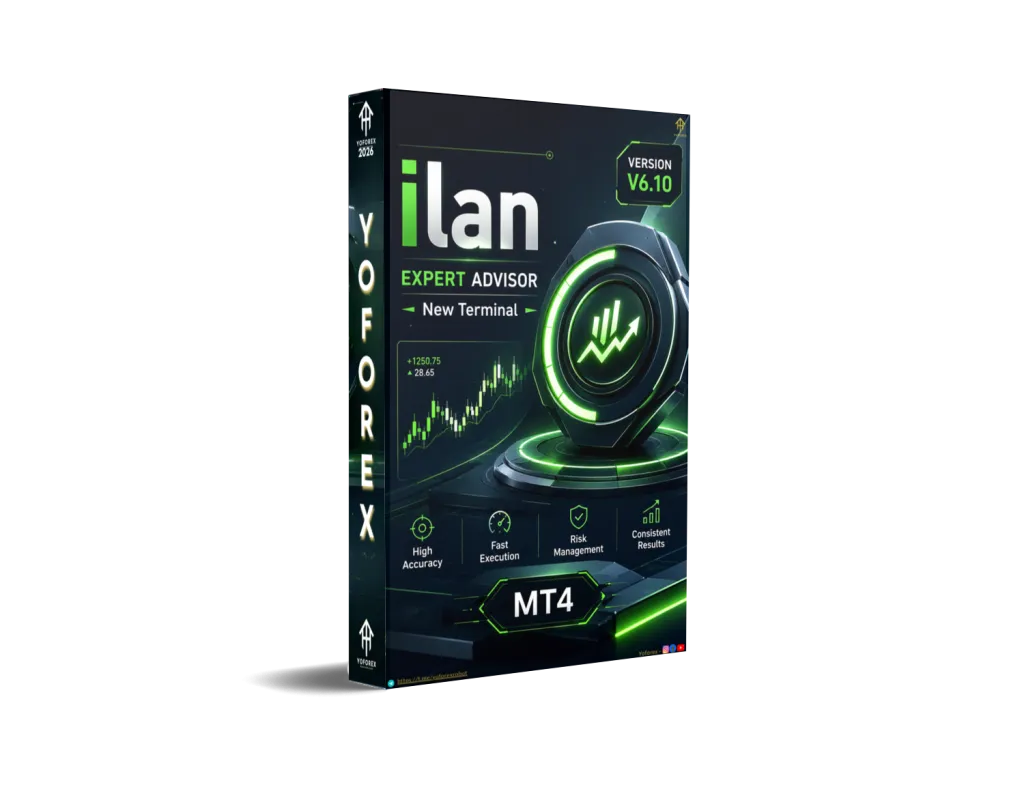
Ilan EA V6.10 MT4: A Practical Look at This Grid Trading Bot
Many Forex traders face the same problem: they understand range-bound markets can offer frequent small opportunities, but sitting in front of charts all day to catch every pullback is exhausting. Manual averaging or grid trading also brings emotional stress when price moves against you.
Ilan EA V6.10 MT4 is one of the well-known automated solutions built for this exact situation. It is a classic grid-and-averaging Expert Advisor for MetaTrader 4 that manages baskets of trades without constant supervision.
This article explains what the bot does, how it works, its main features, who it is suitable for, and what you should carefully check before using it. No hype — just clear information so you can decide if it fits your trading style.
What Is Ilan EA V6.10 MT4?
Ilan EA V6.10 is an Expert Advisor for MetaTrader 4 that uses a grid trading approach combined with optional lot scaling (often called Martingale-style).
It opens an initial trade based on its entry conditions, then places additional orders at set intervals if the market moves against the first position. The goal is to average the overall entry price and close the entire basket once a predefined profit target is reached.
Version 6.10 is a refined update of the long-standing Ilan concept. It focuses on clearer inputs, ready-to-use set files, and more practical risk controls compared with older versions. It is designed mainly for ranging or mean-reverting conditions rather than strong trending markets.
How Does Ilan EA V6.10 Work?
The process is straightforward once you understand the core idea:
- The EA places a first order when its signal conditions are met (often during a short-term pullback).
- If price continues against that trade, it opens additional positions at fixed or adaptive grid steps.
- Lot sizes can stay the same or increase according to the multiplier you choose.
- When the combined floating profit of the basket reaches the take-profit level, the EA closes all related trades at once.
- Built-in limits (maximum number of orders, equity stops, daily loss filters) help prevent the grid from expanding without control.
This logic works best when the market oscillates rather than runs in one direction for long periods. That is why many users prefer quieter pairs and careful position limits.
Key Features
- Fully automated trading on MT4
- Grid structure with adjustable step size
- Optional lot multiplier or fixed-lot mode
- Ready-made set files for popular pairs
- Maximum open trades limit
- Take-profit on the whole basket
- Equity and daily loss protection options
- Magic number support for running multiple instances
- Lightweight design suitable for VPS use
These features give traders flexibility while keeping the core logic simple.
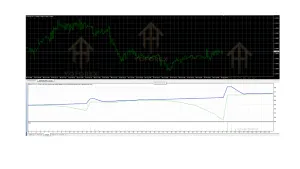
Quick Features Table
| Feature | Details |
|---|---|
| Platform | MetaTrader 4 (MT4) |
| Strategy | Grid + optional averaging/Martingale |
| Trading Style | Mean-reversion / range-focused |
| Pairs | EURUSD, EURGBP, CADCHF (common presets), also used on other majors |
| Timeframe | M5, M15, H1 (depending on set files) |
| Risk Management | Max orders, equity stops, daily loss limits, adjustable lots |
| Automation | Fully automated once attached |
| Best For | Traders comfortable with grid risk who want less screen time |
Main Benefits
Hands-off basket management Once configured, the EA handles entries, averaging, and basket closes without constant monitoring.
Ready set files Many packages include optimized presets, especially for EURGBP and CADCHF, so you do not start from zero.
Flexible risk controls You can choose conservative fixed lots or mild multipliers and set hard limits on the number of open trades.
Works on liquid pairs Focus on pairs with generally tighter spreads helps keep costs lower when multiple orders are open.
Clear structure The logic is transparent — you always know it is building a grid and waiting for a recovery to the take-profit level.
These benefits matter most when the market behaves in the way the strategy expects. They do not remove the need for proper capital and risk settings.
Who Is Ilan EA V6.10 For?
- Intermediate traders who already understand grid and averaging risk
- Busy traders who want a rules-based system that runs on a VPS
- Users who prefer mean-reversion approaches over pure trend following
- Traders willing to start on demo, use conservative lots, and monitor drawdown
- People looking to add a grid component alongside other strategies
It can also suit experienced traders who like to fine-tune step size, multipliers, and max trades themselves.
Who Should Avoid It?
- Complete beginners who have never traded a grid or Martingale system
- Traders who cannot tolerate seeing multiple open positions or temporary floating losses
- Anyone looking for a “set and forget forever” solution with very low drawdown
- Accounts with very small capital relative to the number of grid levels
- Traders who only want pure trend-following or single-trade systems
Grid strategies carry the risk of larger drawdowns during strong trends. If that risk profile does not match your personality or account size, this is not the right tool.
Ilan EA V6.10 vs Manual Trading
| Aspect | Ilan EA V6.10 | Manual Trading |
|---|---|---|
| Execution | Automatic 24/5 | Depends on your availability |
| Emotions | Removed from entries and exits | Strong influence on decisions |
| Grid management | Handled by the EA | You must place and track every order |
| Consistency | Follows rules exactly | Varies with discipline and fatigue |
| Monitoring needed | Periodic check of equity and news | Continuous attention |
| Risk control | Depends on your settings | Fully in your hands |
What to Check Before Buying
Before you decide, go through this practical checklist:
- Strategy understanding — Confirm you are comfortable with grid and possible lot scaling.
- Risk settings — Look at max open trades, lot size, and any equity stop options.
- Drawdown tolerance — Ask yourself how much floating loss you can accept.
- MT4 compatibility — Ensure it works with your current MT4 build.
- Broker conditions — Low spreads, reliable execution, and ECN/raw accounts are preferred.
- VPS — A stable VPS is strongly recommended for continuous operation.
- Set files and settings — Check whether presets are included and how adjustable the inputs are.
- Support and updates — See what documentation and help are provided.
- Testing — Always start on a demo account for several weeks across different market conditions.
Never skip the testing phase. Results on one period or one pair do not guarantee future performance.
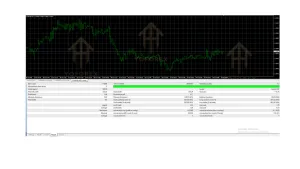
How to Get Started
- Download the EA and any provided set files from a trusted source such as those available via YoForex.
- Place the .ex4 file into your MT4 MQL4/Experts folder and restart the platform.
- Open a chart of your chosen pair and timeframe (many start with EURUSD M15 or H1, or the CADCHF/EURGBP presets).
- Attach the EA, load the matching set file, and review every input — especially lot size and max trades.
- Enable AutoTrading and run it first on a demo account.
- Monitor for at least one to two weeks, including news events, before considering a live account with small risk.
- Use a reliable VPS and keep an eye on equity, open positions, and major economic releases.
Start small. Adjust only after you understand how the equity curve behaves.
FAQs
What is Ilan EA V6.10 MT4?
It is a MetaTrader 4 Expert Advisor that uses a grid and optional averaging strategy to manage baskets of trades and close them at a collective profit target.
Does it use Martingale?
It supports lot multipliers (Martingale-style scaling), but many users choose fixed lots or very mild multipliers for lower risk.
Which pairs work best?
Common recommendations include EURUSD, EURGBP, and CADCHF. Some packages include optimized presets for the latter two.
What timeframe should I use?
M5, M15, and H1 are the most frequently mentioned, depending on the set files provided.
Is it suitable for beginners?
Only if the beginner is willing to learn grid risk thoroughly and start with very conservative settings on demo. Otherwise it is better suited to intermediate traders.
Do I need a VPS?
Yes, for reliable 24/5 operation and to reduce the risk of missed signals or disconnections.
Can I run it on multiple pairs?
Yes, using different magic numbers, but start with one pair until you understand the combined risk.
Are profits guaranteed?
No. No Expert Advisor can guarantee profits. Results depend on market conditions, settings, broker, and risk management.
Conclusion
Ilan EA V6.10 MT4 offers a clear, rules-based way to automate a classic grid approach on MetaTrader 4. It solves the problem of constant monitoring for traders who understand and accept the nature of averaging strategies.
If the idea of structured baskets, adjustable steps, and basket take-profits matches your style, and you are prepared to test thoroughly and keep risk under control, it is worth exploring further.
You can find more details, set files, and related tools on the YoForex platform. Always begin on a demo account, use conservative parameters, and never risk money you cannot afford to lose.
Ready to examine the files and test it yourself? Visit the product page and start with a careful demo run.
Support & Disclaimer
Support
If you need help installing or configuring your EA, or face any kind of bug, feel free to reach out on:
WhatsApp: Click here
Telegram Group: Join our community
Disclaimer:
Forex and gold trading involve risk. Past performance doesn’t guarantee future results. Always test robots on demo before live trading and use proper risk management.
REFERRAL
Join the VIP Signals Telegram Channel for real-time expert trading signals and stay ahead in the forex market. Get personalized strategies by becoming a part of our Real Account Management Telegram Channel and optimize your trading experience. If you’re aiming to Pass PropFirm Challenges , join our dedicated channel for tips and proven methods. Start managing your capital effectively with expert advice from our Funded Account Management Telegram Channel. For advanced traders, our HFT EA / Passing Telegram Channel offers high-frequency trading insights and strategies to boost your performance.