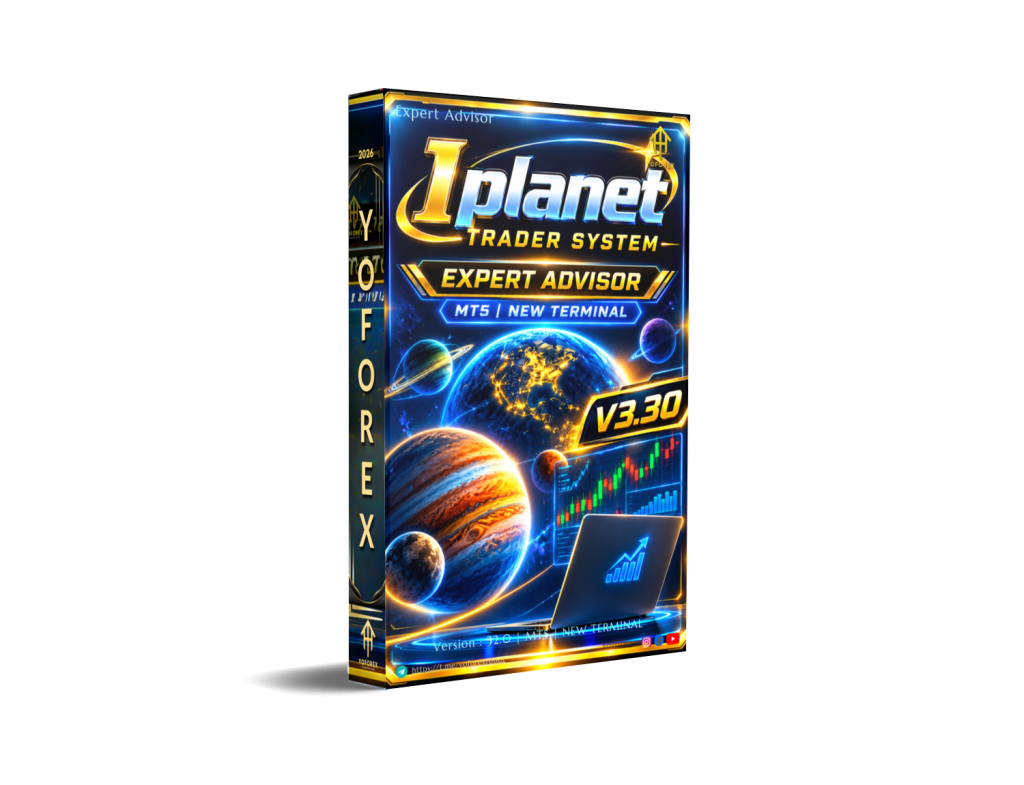
IPlanet Trader System EA V3.30 MT5 – One Robot for Scalping, Day Trading and Swing
Many traders end up running several Expert Advisors because one bot is built only for scalping, another only for swing, and a third fails when the symbol or broker conditions change. Spreads spike, stop levels differ, margin checks get ignored, and the result is rejected orders or unmanaged risk.
IPlanet Trader System EA V3.30 MT5 was built to solve that fragmentation. It is a single MT5 Expert Advisor that can switch between four trading styles, applies multiple trailing-stop methods, validates every order against real broker rules, and gives you full control from an on-chart panel.
What Is IPlanet Trader System EA V3.30 MT5?
IPlanet Trader System is a fully automated Expert Advisor for MetaTrader 5. It is designed to attach to any chart — forex majors, minors, metals, indices or other instruments your broker offers — and adapt its behaviour accordingly.
There is no symbol lock. The same robot can run in Scalper, Daytrade, Swing or Extreme mode. Every order is checked for stop distance, freeze level, free margin and volume limits before it is sent. An optional correlation filter helps prevent conflicting positions when the EA is used on multiple charts.
The system includes a modern on-chart control panel, multi-timeframe trend reading, a score-weighted signal engine and layered risk controls. It is offered through YoForex resources for traders who want one consistent engine instead of managing several separate EAs.
How Does IPlanet Trader System Work?
The EA reads market structure, momentum and trend indicators across multiple timeframes. Entries are decided by a confluence score built from three groups:
- Market structure / price action
- Momentum (MACD, Stochastic, RSI)
- Trend (EMAs, Bollinger Bands, ATR)
The weighting of each group is periodically adjusted according to recent hit rate, so the signal logic adapts over time rather than staying fixed.
You choose the trading mode from the panel:
- Scalper – faster entries on shorter moves (typically M1/M5)
- Daytrade (default) – balanced intraday approach with optional liquidity-hours filter (M15/H1)
- Swing – fewer, larger positions whose stop and target distances are derived from the symbol’s own weekly ATR (H4/D1)
- Extreme – reacts on every tick with a lower confluence threshold and a configurable cooldown
Once a trade is open, you can select one of four trailing methods: ATR-based, structure (fractal swing highs/lows), time-based, or classic fixed-distance trailing. Every stop modification is validated against the broker’s minimum distance and freeze level. If a change is rejected, the EA applies a progressive cooldown instead of repeatedly hitting the server.
Risk is calculated from account balance, chosen stop distance and the symbol’s real point value. Optional dynamic drawdown reduction, automatic breakeven, partial closes (TP1/TP2) and daily-loss or consecutive-loss pauses are also available.
Key Features
- Four selectable trading modes with dedicated SL/TP presets
- Four trailing-stop algorithms, each broker-validated
- Risk-% position sizing with margin and volume checks
- Optional dynamic risk reduction based on drawdown
- Automatic breakeven and two-stage partial close
- On-chart panel for mode switching, START/STOP, manual Buy/Sell and live performance metrics
- Multi-timeframe trend display and live confluence score
- Spread filter, trading silence window, daily loss limit, consecutive-loss pause
- Optional cross-symbol correlation filter
- Connection-loss guard
- Detailed logging, CSV trade journal and multi-language support (English, Portuguese, Spanish)
- Push, email and sound alerts
Quick Features Table
| Feature | Details |
|---|---|
| Platform | MT5 |
| Strategy | Confluence of structure, momentum & trend |
| Trading Style | Scalper / Daytrade / Swing / Extreme |
| Pairs | Any (forex, metals, indices, etc.) |
| Timeframe | Chart of choice; multi-TF internal reading |
| Risk Management | Risk %, adaptive trailing, BE, partial close, daily/consecutive loss limits |
| Automation | Full, with on-chart pause and manual override |
| Best For | Traders wanting one adaptable multi-mode EA |
Main Benefits
You no longer need a different EA for every style or symbol. One installation can handle short-term scalping or longer swing positions simply by changing the mode.
Broker compatibility is built in. Orders and stop modifications are validated before they leave the terminal, reducing rejected requests and unexpected behaviour.
Risk is handled systematically: position size is calculated automatically, and optional layers (drawdown reduction, daily loss limit, consecutive-loss pause) help keep exposure under control.
The on-chart panel removes the need to open the Inputs window every time you want to switch mode, pause trading or place a discretionary order. Open trades continue to be managed even when the EA is paused.
Who Is IPlanet Trader System For?
- Traders who want one robot that can cover multiple styles instead of several EAs
- MT5 users who trade different symbols and prefer adaptive rather than fixed-point stops
- Busy traders who value an on-chart control panel and clear START/STOP functionality
- Algorithmic traders who appreciate confluence scoring and adaptive weighting
- Intermediate and experienced users who understand risk settings and are willing to test on demo first
Who Should Avoid It?
- Absolute beginners who have never tested an EA or do not understand stop levels, margin and lot sizing
- Traders looking for a “set and forget forever” system with no monitoring or parameter review
- Anyone expecting guaranteed profits or zero drawdown
- Users whose broker uses hedging accounts if the EA is stated for Netting (confirm with the seller)
- Traders who refuse to adjust SL/TP presets when moving from a typical forex pair to gold or indices
IPlanet Trader System vs Manual Trading
| Aspect | Manual Trading | IPlanet Trader System EA V3.30 MT5 |
|---|---|---|
| Style switching | Requires constant attention | One-click mode change on panel |
| Order validation | Trader must check broker rules | Automatic pre-send checks |
| Trailing management | Manual or simple fixed trail | Four methods, broker-validated |
| Risk calculation | Often approximate | Risk-% with margin & volume awareness |
| Multi-symbol use | High workload | Optional correlation filter |
| Emotional bias | Present | Rules-based entries and exits |
What To Check Before Buying
- Confirm the strategy logic and the four modes match the styles you actually trade
- Review risk parameters, maximum drawdown settings and daily loss limits
- Verify MT5 compatibility and whether your account type is Netting
- Test on your specific broker (stop distance, freeze level, spread behaviour)
- Decide whether you will run a VPS for 24/5 operation
- Examine the default SL/TP presets and plan how you will adjust them for higher-volatility symbols
- Check available support, update policy and documentation
- Always run the EA on a demo account with realistic spread and slippage before considering live funds
How To Get Started
- Obtain the EA from the official YoForex source and install it in your MT5 Experts folder.
- Attach it to a chart of any symbol you intend to trade.
- Open the on-chart panel and select the desired mode (Scalper, Daytrade, Swing or Extreme).
- Review and adjust the risk percentage, SL/TP presets, trailing method and protective filters.
- Enable the START button only after you have confirmed settings on a demo account.
- Monitor the Experts log and the CSV journal during the first weeks of testing.
- Keep open positions under the EA’s trailing and breakeven management even if you pause new entries.
FAQs
Is IPlanet Trader System locked to specific pairs?
No. It is designed to run on any symbol your broker offers. Presets are typically tuned for standard forex pairs; adjust SL/TP for instruments with different volatility.
Can I switch modes without reattaching the EA?
Yes. Mode changes are made directly from the on-chart panel.
Does the EA keep managing open trades when paused?
Yes. Trailing stop and breakeven logic continue to work while new entries are stopped.
What account type is recommended?
Netting accounts are stated as the intended type. Always verify with your broker and the seller.
Is a VPS required?
Not strictly, but a stable VPS is advisable for continuous operation and reliable connection monitoring.
How is position size calculated?
From the risk percentage you set, the stop-loss distance and the symbol’s real point value, with additional margin and volume checks.
Does it work on gold and indices?
Yes, but you must review and adjust the stop and target distances because volatility differs from typical forex pairs.
Where can I find logs and trade history?
Detailed logs appear in the Experts tab and in the MQL5\Files folder. A one-line-per-trade CSV journal is also available.
Conclusion
IPlanet Trader System EA V3.30 MT5 offers a practical solution for traders who want one adaptable engine rather than a collection of single-purpose robots. Its multi-mode design, broker-aware order handling, flexible trailing options and on-chart controls address real operational problems that many automated systems ignore.
It is still a trading tool. Results depend on market conditions, broker execution, parameter choices and risk management. Past performance of any kind does not guarantee future results. Test thoroughly on a demo account, understand every input, and never risk capital you cannot afford to lose.
If the combination of multi-style trading, adaptive risk tools and full on-chart control matches what you are looking for, visit the YoForex site to view the current version, documentation and purchase options for IPlanet Trader System EA V3.30 MT5. Start with a careful demo evaluation so you can decide with real data whether it fits your trading approach.
Support & Disclaimer
Support
If you need help installing or configuring your EA, or face any kind of bug, feel free to reach out on:
WhatsApp: Click here
Telegram Group: Join our community
Disclaimer:
Forex and gold trading involve risk. Past performance doesn’t guarantee future results. Always test robots on demo before live trading and use proper risk management.
REFERRAL
Join the VIP Signals Telegram Channel for real-time expert trading signals and stay ahead in the forex market. Get personalized strategies by becoming a part of our Real Account Management Telegram Channel and optimize your trading experience. If you’re aiming to Pass PropFirm Challenges , join our dedicated channel for tips and proven methods. Start managing your capital effectively with expert advice from our Funded Account Management Telegram Channel. For advanced traders, our HFT EA / Passing Telegram Channel offers high-frequency trading insights and strategies to boost your performance.