ORB EA V1.0 MT5: Automate Your Breakout Trading for Consistent Profits
In the fast-paced world of Forex trading, capturing momentum-driven opportunities is key to success. The Opening Range Breakout (ORB) strategy has long been a favorite among professional traders for its simplicity and effectiveness in capitalizing on early market volatility. Now, with the launch of ORB EA V1.0 for MetaTrader 5 (MT5), traders can automate this powerful strategy—eliminating emotional decisions and saving countless hours. This blog dives deep into how this cutting-edge Expert Advisor (EA) works, its benefits, and why it’s a game-changer for MT5 users.
What is the Opening Range Breakout (ORB) Strategy?
The ORB strategy focuses on the initial price movements of a trading session (e.g., the first 30-60 minutes). Traders identify the high and low of this “opening range” and enter positions when the price breaks out beyond these levels. Breakouts often signal strong momentum, making this strategy ideal for currency pairs like EUR/USD, GBP/USD, or indices like the S&P 500.
Why ORB Works:
- Momentum Capture: Early volatility creates clear directional trends.
- High Probability: Breakouts from consolidation zones often lead to sustained moves.
- Simplicity: No complex indicators needed—just price action.
However, manual execution requires constant monitoring. That’s where ORB EA V1.0 MT5 steps in.
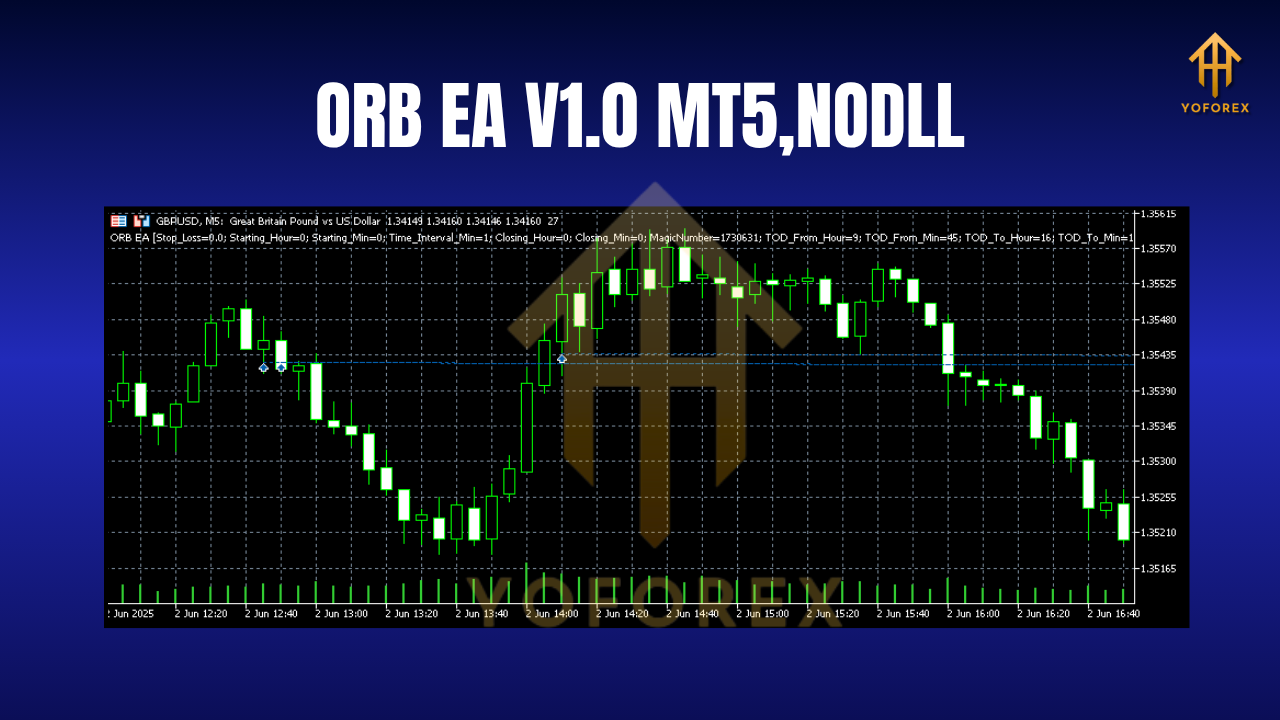
Introducing ORB EA V1.0 MT5: Your Automated Trading Partner
ORB EA V1.0 is a purpose-built Expert Advisor for MT5 that automates the entire ORB strategy. Designed for both beginners and seasoned traders, it combines algorithmic precision with customizable flexibility.
Key Features:
-
Customizable Opening Range:
- Set your preferred timeframe (e.g., 15, 30, or 60 minutes) to define the opening range.
- Automatically detects the session’s high and low.
-
Smart Breakout Detection:
- Enters trades only when price closes beyond the range with configurable filters (e.g., minimum breakout distance in pips).
- Avoids false breakouts using volatility-based thresholds.
-
Advanced Risk Management:
- Stop Loss (SL) & Take Profit (TP): Set fixed or dynamic levels based on ATR (Average True Range).
- Trailing Stop: Locks in profits as the trade moves in your favor.
- Lot Sizing: Adjusts position size based on account balance or fixed risk percentage.
-
Time & Session Filters:
- Trade only during specific sessions (e.g., London or New York open).
- Exclude high-impact news events to avoid volatility spikes.
-
MT5 Optimization:
- Leverages MT5’s lightning-fast backtesting engine.
- Compatible with hedging and netting accounts.
Why ORB EA V1.0 MT5 Stands Out
1. Eliminates Emotional Trading
Fear and greed sabotage manual trades. ORB EA V1.0 executes rules flawlessly, ensuring discipline even in volatile markets.
2. Saves Time & Effort
No more staring at screens! The EA scans markets 24/5, freeing you to focus on strategy refinement.
3. Backtested Reliability
MT5’s robust backtesting allows you to validate ORB EA V1.0 across years of historical data. Optimize parameters for different assets (e.g., EUR/USD vs. Gold) to find your edge.
4. Adapts to Market Conditions
Adjust settings like breakout distance, session times, and risk parameters to suit trending or ranging markets.
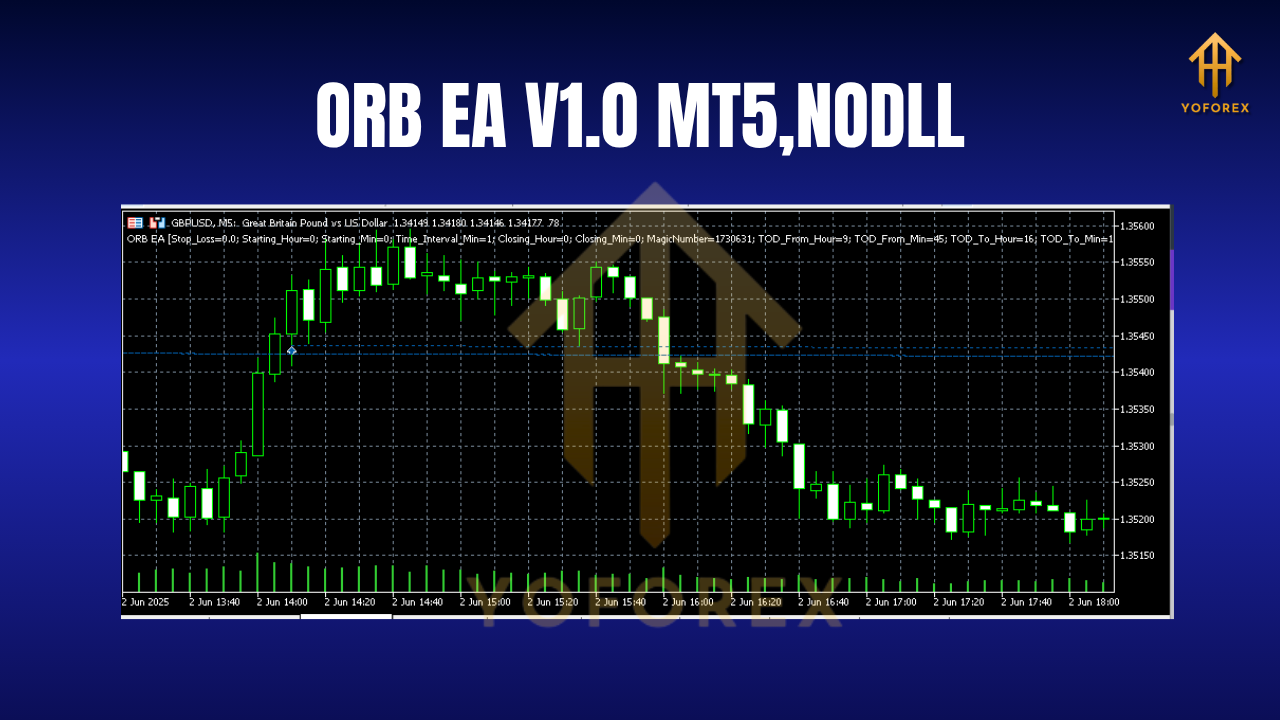
How to Set Up ORB EA V1.0 on MT5: A Quick Guide
-
Download & Install:
- Purchase or download ORB EA V1.0 (ensure it’s from a reputable source).
- In MT5, go to
File > Open Data Folder > MQL5 > Expertsand paste the EA file. Restart MT5.
-
Attach to a Chart:
- Drag the EA from the
Navigatorpanel onto your preferred chart (e.g., M15 EUR/USD).
- Drag the EA from the
-
Configure Parameters:
- Opening Range Duration: Set to 30 minutes for Forex.
- Breakout Distance: 5-10 pips to avoid noise.
- SL/TP: Use 1:2 risk-reward ratio or ATR-based settings.
- Time Filter: Enable London/New York overlap session.
-
Enable Automated Trading:
- Click the
AutoTradingbutton in MT5. Monitor trades in theToolboxtab.
- Click the
Pro Tip: Always test on a demo account first! Use MT5’s Strategy Tester to refine settings before going live.
Optimizing ORB EA V1.0 for Maximum Performance
Best Practices:
- Asset Selection: Focus on liquid pairs (EUR/USD, USD/JPY) during high-volume sessions.
- Volatility Filters: Increase breakout distance during major news events.
- Risk Management: Never risk >2% of your account per trade.
- Regular Reviews: Re-optimize parameters quarterly to adapt to market changes.
Common Pitfalls to Avoid:
- Over-Optimization: Don’t curve-fit settings to past data. Prioritize robustness over perfection.
- Ignoring Slippage: Use ECN brokers to minimize execution delays.
- Neglecting Fundamentals: Avoid trading during central bank announcements.
The Future of Trading: Automation with ORB EA V1.0
As markets grow more complex, automation isn’t just an advantage—it’s essential. ORB EA V1.0 for MT5 democratizes institutional-grade strategy execution, empowering retail traders to compete on a level playing field.
Why MT5?
- Superior Speed: Handles complex EAs faster than MT4.
- Advanced Tools: Built-in economic calendar, depth of market, and 21+ timeframes.
- Multi-Asset Support: Trade Forex, stocks, crypto, and futures from one platform.
Final Thoughts: Is ORB EA V1.0 Right for You?
If you’re a trader who values consistency, efficiency, and data-driven decisions, ORB EA V1.0 MT5 is a must-have tool. It transforms a proven manual strategy into a hands-free system, letting you capture breakout opportunities without stress.