
PortfoliosPro BREAKOUT EA V1.0 MT4 — A Practical Guide for Consistent Breakout Trading
Breakout trading is one of the most time-tested ways to capture directional moves after periods of consolidation. PortfoliosPro BREAKOUT EA V1.0 brings that logic to MetaTrader 4 with a clean rule-set, disciplined risk controls, and pair-specific presets for EURUSD, GBPUSD, and XAUUSD (Gold). If you prefer an objective, rules-driven approach over impulsive entries, this EA is designed to help you systematize your edge across multiple markets and timeframes.
Quick Specs
-
Supported pairs: EURUSD, GBPUSD, XAUUSD
-
Recommended timeframes: M15 for shorter, more frequent setups; H1 for higher-quality, fewer signals
-
Minimum deposit: $200 (with conservative lot sizing and risk per trade)
How the Strategy Works
At its core, PortfoliosPro BREAKOUT EA identifies a recent price range (the “box”) and places pending stop orders just outside that box to catch momentum as price expands. The EA is engineered to avoid many of the classic breakout pitfalls:
-
Session Awareness: You can define trading windows (e.g., London/NY overlap) when breakouts are more likely to carry.
-
Volatility Filter: ATR-based filters help skip cramped ranges that tend to fake out.
-
One-Trade-Per-Range Logic: After a breakout triggers, the EA cancels the opposite pending order to prevent whipsawing in choppy markets.
-
Risk First: Every trade includes a hard stop loss and optional trailing stop and break-even logic.
Key Features
-
Box Breakout Engine: Defines a consolidation window using N previous candles or a fixed time block (e.g., the Asian session) and places pending orders at a configurable offset.
-
ATR-Adaptive Risk: Option to size stops using ATR(14) multiples so your protection scales with current volatility.
-
Flexible Exits: Choose fixed TP, R-multiple targets (e.g., 1.0R, 1.5R, 2.0R), or trailing options (step trail or ATR trail).
-
Equity Protection: Daily drawdown guard (e.g., halt new trades after −3% or −5% equity drop).
-
News Pause (Optional): Temporarily disable entries around high-impact news on your chosen pairs.
-
Magic Number & Comments: Keep your portfolio organized if you run multiple EAs or instances.
Recommended Baseline Settings
These are starting points. Always forward-test on demo and tune to your broker’s spreads and execution.
EURUSD (M15)
-
Range Lookback: 12–18 candles
-
Entry Offset: 0.5–0.8 × ATR(14) above/below box
-
Stop Loss: 1.2–1.6 × ATR(14) from entry
-
Take Profit: 1.0–1.5R (test both fixed TP and a modest trail)
-
Max Spread Filter: 1.2–1.5 pips
GBPUSD (M15 or H1)
-
Range Lookback: 10–14 candles (M15) or previous session high/low (H1)
-
Entry Offset: ~0.6–0.9 × ATR(14)
-
Stop Loss: 1.5–2.0 × ATR(14) (Cable can be punchy)
-
Take Profit: 1.5–2.0R or ATR trail
-
Max Spread Filter: 1.8–2.5 pips
XAUUSD (Gold) (M15 or H1)
-
Range Lookback: 8–12 candles (M15) or use prior 4–6 hours (H1)
-
Entry Offset: 0.7–1.0 × ATR(14)
-
Stop Loss: 1.8–2.5 × ATR(14) (gold is volatile)
-
Take Profit: 1.0–1.8R + step trailing stop
-
Max Spread Filter: convert your broker’s points to $ spread and cap strictly
Risk Per Trade: For a $200 account, keep risk very small (e.g., 0.25%–0.5% per trade). Micro lots are recommended until you verify live behavior.
Installation & Setup (MT4)
-
Copy Files: Place the EA file in MQL4/Experts and restart MT4.
-
Enable Algo Trading: In MT4, turn on “AutoTrading” and allow DLL imports if required by the EA.
-
Attach to Chart: Open EURUSD, GBPUSD, or XAUUSD; select M15 or H1; attach the EA.
-
Broker Checks: Use a low-spread, fast-execution account (ECN/RAW preferred).
-
VPS Advice: If you trade multiple pairs or rely on session windows, consider a VPS for 24/5 connectivity.
-
Configure Inputs:
-
Trading session hours
-
Range lookback & entry offset
-
SL/TP method (fixed or ATR-based)
-
Trail/breakeven rules
-
Daily loss halt and max trades per day
-
Magic number and comment tags
-
Risk Management Philosophy
Breakout systems can experience bursts of wins followed by sequences of small losses. The EA’s design aims to keep losses shallow and wins meaningful:
-
Position Sizing: Base lot size on account equity and SL distance.
-
Daily Guardrails: Set a daily loss limit (percentage or cash). When hit, the EA stops opening new trades.
-
Avoid Over-Optimization: Favor robust, slightly conservative parameters that hold up across months.
-
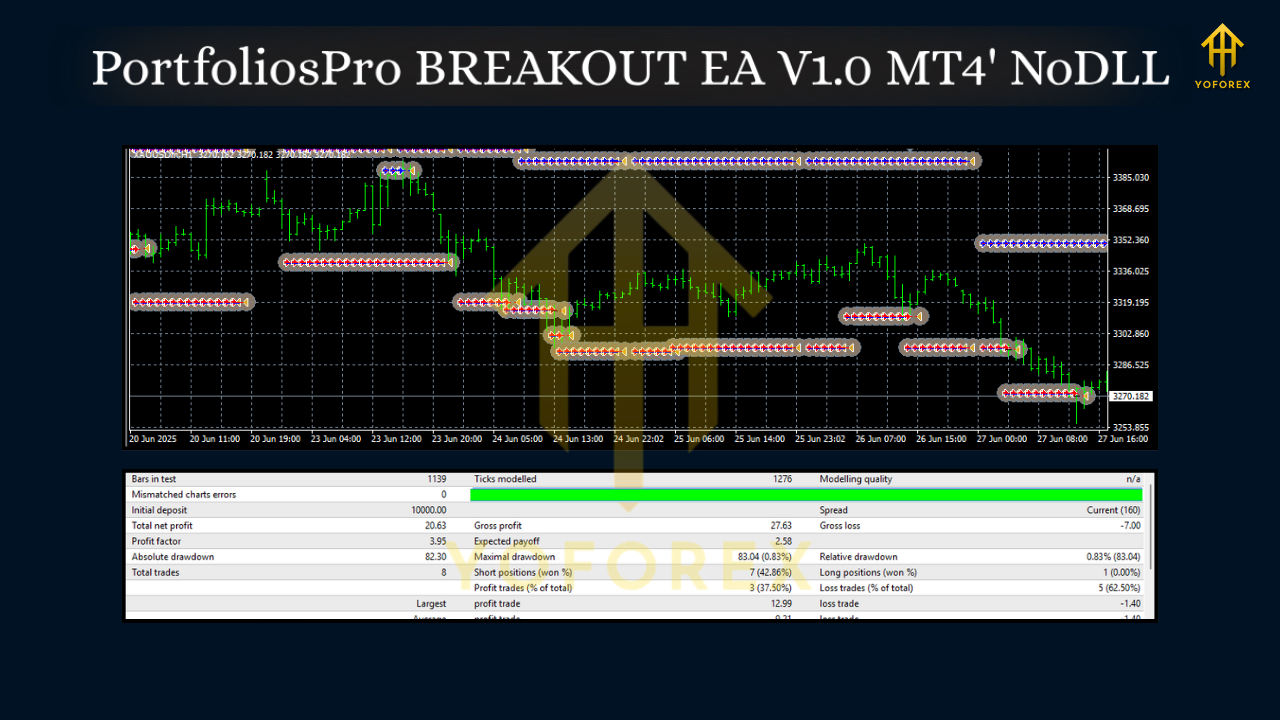
Portfolio Mindset: Running the EA on EURUSD + GBPUSD + XAUUSD with pair-specific settings can smooth returns versus a single-pair approach.
Backtesting & Forward Testing
-
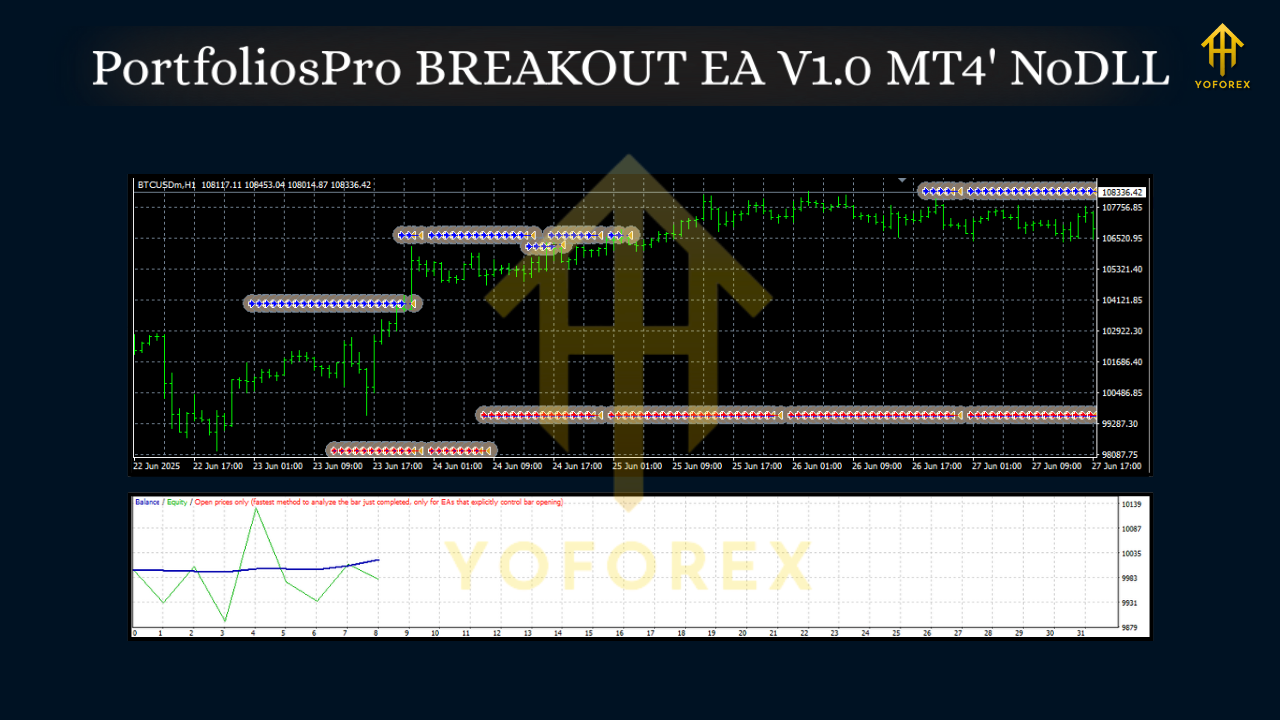
Quality Data: Use the best tick data available for realistic spread/slippage.
-
Walk-Forward Approach: Optimize on one time segment, validate on the next. Repeat across several windows.
-
Robustness Checks:
-
Vary the entry offset ±20%
-
Try ATR multipliers across a reasonable grid (e.g., 1.2–2.5 × ATR)
-
Shift session windows slightly
-
Test with different brokers’ typical spreads
-
-
Forward Demo: Run at least 2–4 weeks on demo to confirm behavior in live conditions before going live.
Practical Tips
-
Mind the Calendar: Breakouts during major news can gap or slingshot; consider the news pause if your broker’s execution is inconsistent.
-
Session Discipline: Many traders find best traction around London open and NY session; consider disabling entries during illiquid hours.
-
Spread & Slippage: Tighten your spread filter for M15. If your fill quality is poor, consider H1.
-
“One and Done” Days: If you catch a clean 1.5R–2.0R early, it can be sensible to cap new entries for the day to protect equity.
Who Is This EA For?
-
Busy traders who want rules-driven entries without screen-watching.
-
System traders who prefer clear, testable logic with fixed risk per trade.
-
Small accounts starting from $200, provided risk per trade is kept low and expectations are realistic.
-
Portfolio builders who run multiple uncorrelated systems (trend, mean reversion, breakout) and want a breakout component.
Limitations & Realistic Expectations
No breakout EA wins all the time. Expect:
-
False breaks in low-volatility or news-whipsaw conditions.
-
Stagnant periods when markets coil tightly.
-
Broker dependency: Execution quality, spread, and stop-level rules matter.
The goal is not perfection—it’s a repeatable process with defined risk and a rational edge over many trades.
Getting Started Checklist
-
Fund a small account you can afford to test with (e.g., $200–$500).
-
Choose your pairs (EURUSD, GBPUSD, XAUUSD) and timeframe (M15/H1).
-
Apply the baseline settings above; adjust only one or two parameters at a time.
-
Run a demo for 2–4 weeks; compare live fills vs. backtest.
-
Go live with tiny size, then scale gradually if results align with expectations.
Final Word
PortfoliosPro BREAKOUT EA V1.0 is built to capture clean expansions from well-defined ranges, with a strong emphasis on risk control and session-aware execution. Treat it like a professional tool: test methodically, respect your risk limits, and think in terms of a portfolio of systems—not just a single chart. Do that, and this EA can be a valuable, disciplined addition to your trading playbook.