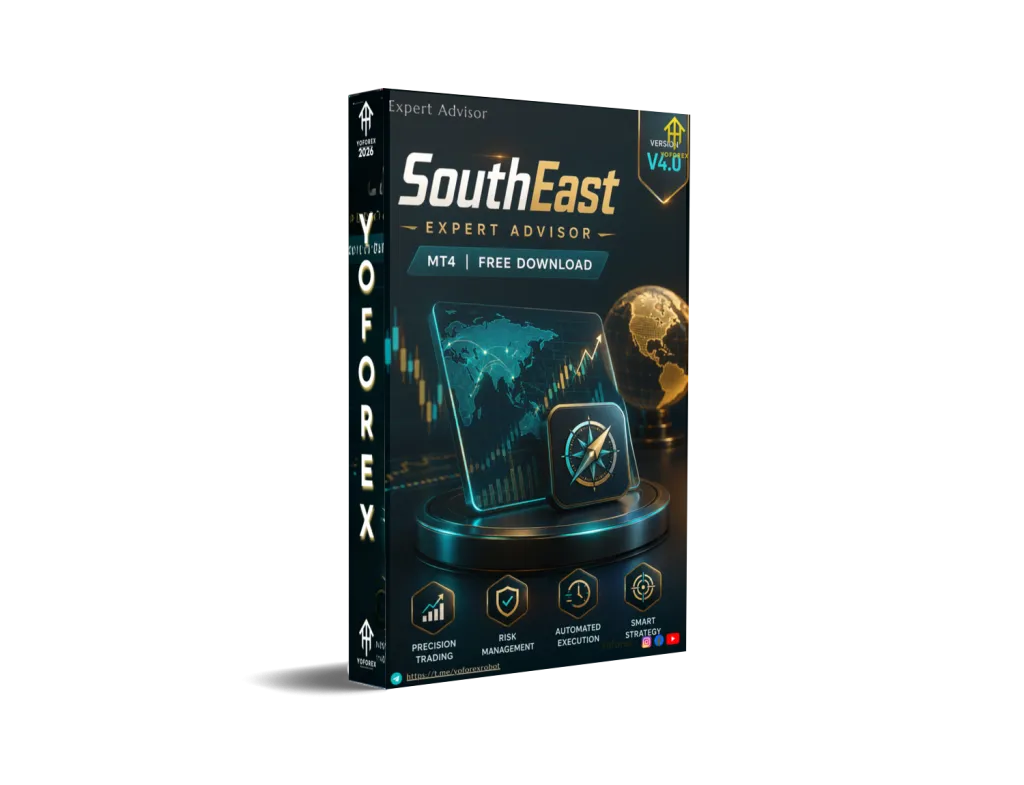
SouthEast EA V4.0 MT4: A Practical Look at This Grid-Style Forex Bot for Busy Traders
Many Forex traders reach a point where watching charts all day becomes exhausting. You want consistent exposure to the market without sitting in front of the screen for hours. That is the problem automated systems try to solve. SouthEast EA V4.0 MT4 is one of those tools built for MetaTrader 4 users who prefer a structured, rules-based approach on pairs such as EUR/USD.
This article explains what the bot does, how it operates, its main features, who it fits, and what you should verify before using it. The goal is simple: help you decide if it matches your trading style and risk tolerance.
What Is SouthEast EA V4.0 MT4?
SouthEast EA V4.0 is an Expert Advisor designed for the MetaTrader 4 platform. It automates a grid-based trading approach combined with mild position sizing adjustments. The system was developed from manual trading experience and focuses on recovering from adverse moves through controlled averaging while applying risk filters.
It supports multiple currency pairs, with EUR/USD frequently highlighted among the workable markets. The recommended and commonly used timeframe includes M15, alongside M30 and H1 options depending on the set files used. The EA comes with preset configuration files that simplify setup for different pairs.
You will typically find it offered with installation guidance and set files for roughly 20 pairs. It does not require complicated coding knowledge—users mainly load the .ex4 file and apply a matching set file.
How Does SouthEast EA V4.0 Work?
The core idea is a grid trading system. The EA places trades at defined price intervals. When price moves against an open position, it can open additional positions (averaging) using a mild martingale-style lot increase to help recover. Virtual stop-loss and take-profit levels are used so the levels stay hidden from the broker’s visible order book.
Additional logic includes:
- Monitoring market conditions before opening new trades
- Applying filters around high-impact news
- Partially closing distant losing positions to free margin
- Trailing profitable trades
- Stopping new entries once a maximum drawdown threshold is reached
Some functions, such as full multi-symbol control and certain virtual trade tracking via global variables, work primarily in live trading rather than pure backtests. The EA can also accept manual intervention through on-chart buttons for buy/sell or pending orders if the trader wants to step in during unusual conditions.
On EUR/USD M15, the system looks for structured entry opportunities and manages the resulting basket of positions according to the loaded settings. Results depend heavily on broker conditions, spread, slippage, and how conservatively the risk parameters are set.
Key Features
- Grid averaging with controlled spacing
- Mild martingale lot sizing for recovery
- Virtual stop-loss and take-profit
- Trailing stop and partial close options
- News filter to avoid high-volatility events
- Money management (fixed or auto lot)
- Smart multi-symbol control
- Holiday and time filters
- Account protection via maximum drawdown limits (money or percentage)
- Manual control buttons for critical situations
- Ready-made set files for multiple pairs
These features aim to give structure and some protection, but they do not eliminate market risk.
Quick Features Table
| Feature | Details |
|---|---|
| Platform | MetaTrader 4 (MT4) |
| Strategy | Grid + mild martingale |
| Trading Style | Automated grid / recovery-oriented |
| Pairs | EUR/USD and other majors (multiple supported) |
| Timeframe | M15 (also M30, H1 with presets) |
| Risk Management | Max DD limits, virtual SL/TP, news filter, partial close |
| Automation | Fully automated with optional manual buttons |
| Best For | Traders comfortable with grid systems and proper capital |
Main Benefits
Hands-off execution – Once configured and running on a stable connection, the EA handles entries, averaging, and exits according to its rules. This suits traders who cannot monitor markets constantly.
Structured recovery logic – Instead of closing every losing trade immediately, the grid and mild lot increase attempt to average and exit the basket at a net positive or reduced loss when price recovers.
Built-in filters – News filter, time control, and drawdown limits help avoid some high-risk periods and cap exposure.
Easy initial setup – Preset files reduce the need to invent parameters from scratch. Most users start by loading a recommended set for EUR/USD M15 or another pair.
Flexibility – Multi-pair capability and manual override buttons give options beyond pure “set and forget.”
These benefits appear only when the EA is used with adequate capital, realistic expectations, and ongoing monitoring of overall account health.
Who Is SouthEast EA V4.0 For?
- Traders already familiar with grid or averaging strategies
- MT4 users looking to automate a rules-based approach on EUR/USD and similar pairs
- Busy individuals who prefer automation over constant chart watching
- Intermediate traders who understand drawdown and can size accounts appropriately
- Users willing to run the EA on a VPS for reliable 24/5 operation
- Those who test thoroughly on demo before going live
It can also suit experienced algorithmic traders who want to compare different grid-style systems.
Who Should Avoid It?
- Complete beginners who do not yet understand lot size, margin, or drawdown
- Traders with very small accounts relative to the recommended deposit levels (often cited around $500 minimum, higher for more comfortable risk)
- Anyone seeking a “set and forget forever” system with no oversight
- Risk-averse traders who cannot tolerate temporary open drawdowns common in grid systems
- Users on brokers with wide spreads, frequent requotes, or restrictions on automated trading
- Those who expect guaranteed results or zero-loss performance
Grid systems can produce extended losing periods during strong one-directional trends. If that scenario is unacceptable, this style of EA is not a match.
SouthEast EA V4.0 vs Manual Trading
| Aspect | SouthEast EA V4.0 | Manual Trading |
|---|---|---|
| Time required | Low once running | High – constant monitoring |
| Emotion factor | Reduced (rules-based) | High – fear and greed influence |
| Consistency | Follows programmed logic | Varies with trader discipline |
| Recovery approach | Grid + mild averaging | Depends on individual plan |
| Flexibility | Limited to coded rules + buttons | Fully adaptable in real time |
| Overnight exposure | Managed by filters and limits | Requires personal decision |
Automation removes emotional decision-making but also removes the ability to adapt instantly to unexpected news or regime changes unless the trader intervenes.
What To Check Before Buying
- Strategy fit – Confirm you accept grid and mild martingale behavior.
- Risk settings – Review maximum drawdown limits, starting lot size, and recovery steps.
- Drawdown history – Ask for or review any available live account data; understand that past results do not predict future performance.
- MT4 compatibility – Ensure it works with current MT4 builds (many versions support 1431+).
- Broker compatibility – Prefer low-spread ECN/raw accounts; test execution quality.
- VPS requirement – A reliable VPS is strongly recommended for continuous operation.
- Settings and presets – Verify set files for EUR/USD M15 and other pairs are included.
- Support and updates – Check what documentation and future updates are provided.
- Testing – Plan to run on demo first under real market conditions.
Never risk money you cannot afford to lose. Proper position sizing and account capital remain the trader’s responsibility.
How To Get Started
- Obtain the EA file and matching set files from a trusted source such as the resources available through yoforexea.com or yoforex.org.
- Install the .ex4 into your MT4 Experts folder and restart the platform.
- Open an EUR/USD M15 chart (or another supported pair).
- Attach the EA and load the recommended set file.
- Enable AutoTrading and allow live trading if required.
- Verify news filter, time settings, and risk parameters match your account size.
- Run on a demo account long enough to observe behavior across different market conditions.
- Move to a live account only after you understand the drawdowns and recovery patterns.
- Use a quality VPS and monitor overall account equity regularly.
FAQs
What platform does SouthEast EA V4.0 run on?
It is built for MetaTrader 4.
Which pair and timeframe work with it?
EUR/USD on M15 is a common and workable combination. Other majors and M30/H1 are also supported via presets.
Does it use martingale?
It uses a mild form of lot increase within a grid framework, not aggressive uncontrolled martingale.
Is a VPS necessary?
Yes, for reliable 24-hour operation and to avoid connection interruptions.
Can beginners use it?
Only after they understand grid risk and have tested thoroughly. It is not ideal as a first trading tool.
How is risk controlled?
Through maximum drawdown limits, virtual stops, news filters, partial closes, and money management settings.
Will backtests match live results?
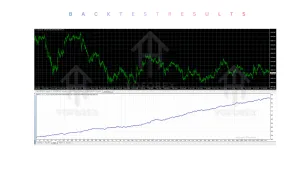
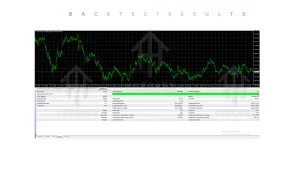
Not always. Some features (virtual trades, multi-symbol control, news filter) function fully only in live trading.
Where can I find more information or the bot?
Visit yoforexea.com/blog and the main site at yoforex.org for related trading automation resources and product details.
Conclusion
SouthEast EA V4.0 MT4 offers a structured way to automate grid-style trading on EUR/USD M15 and similar markets. It combines averaging, mild recovery sizing, and several protective filters into one package with ready presets. Like any automated system, success depends on realistic expectations, adequate capital, proper broker conditions, and ongoing oversight.
If this approach matches your trading philosophy and risk tolerance, the next step is to review the full details, test carefully on demo, and decide whether it belongs in your toolkit. You can explore further information and related Expert Advisors at yoforexea.com/blog and yoforex.org. Always trade responsibly.
Support & Disclaimer
Support
If you need help installing or configuring your EA, or face any kind of bug, feel free to reach out on:
WhatsApp: Click here
Telegram Group: Join our community
Disclaimer:
Forex and gold trading involve risk. Past performance doesn’t guarantee future results. Always test robots on demo before live trading and use proper risk management.
REFERRAL
Join the VIP Signals Telegram Channel for real-time expert trading signals and stay ahead in the forex market. Get personalized strategies by becoming a part of our Real Account Management Telegram Channel and optimize your trading experience. If you’re aiming to Pass PropFirm Challenges , join our dedicated channel for tips and proven methods. Start managing your capital effectively with expert advice from our Funded Account Management Telegram Channel. For advanced traders, our HFT EA / Passing Telegram Channel offers high-frequency trading insights and strategies to boost your performance.