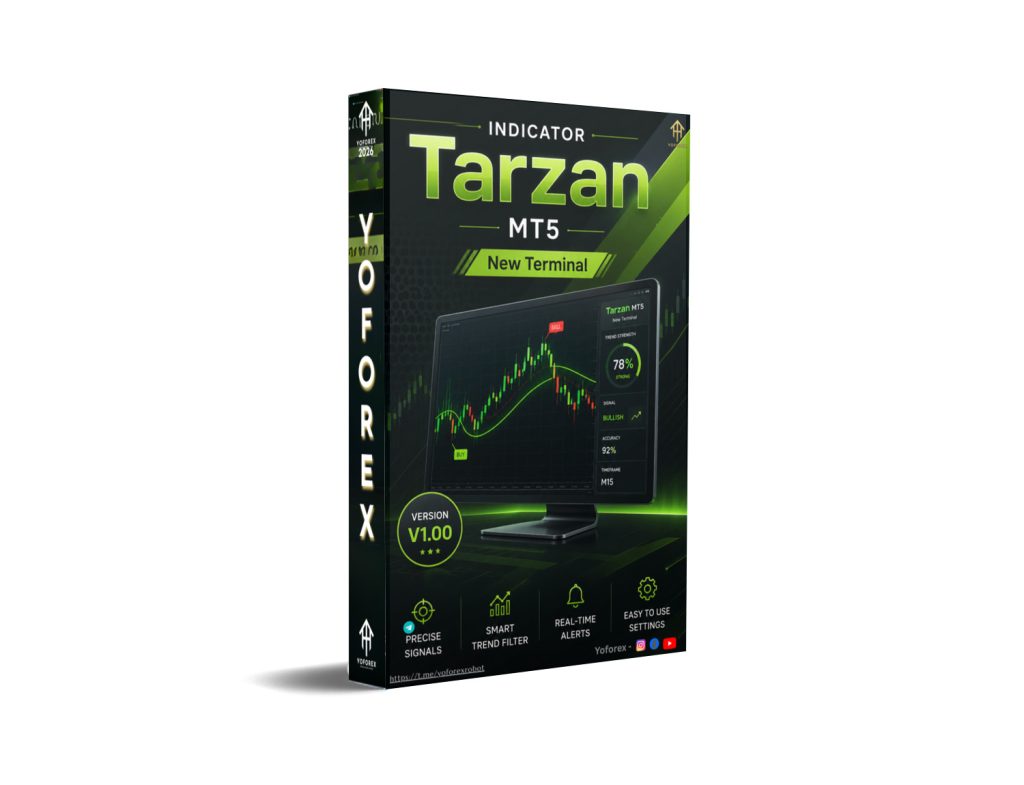
Tarzan Indicator V1.00 MT5: Clear RSI Channel Signals for EUR/USD H1
Many EUR/USD traders on the H1 chart struggle with noisy RSI readings and unclear momentum shifts. Standard oscillators often leave you second-guessing entries during ranges or pullbacks. The Tarzan Indicator V1.00 MT5 addresses this by combining a smoothed RSI line with a dynamic channel and visual arrows, giving cleaner structure without cluttering the main chart.
What Is Tarzan Indicator V1.00 MT5?
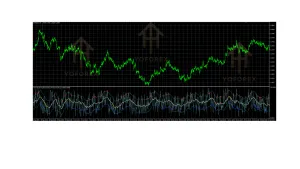
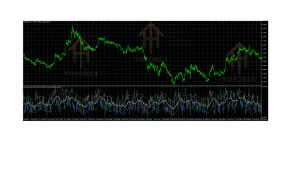
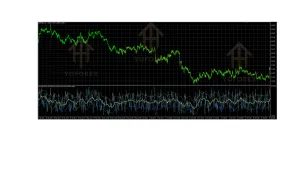
Tarzan Indicator V1.00 is a custom oscillator for MetaTrader 5. It displays in a separate subwindow and is built around RSI smoothed by a moving average, then wrapped in upper and lower channel bands. Color changes on the central line and up/down arrows mark potential momentum shifts when the RSI line interacts with the channel.
It is designed for Forex pairs and works particularly well on timeframes such as H1. The version discussed here focuses on practical use with EUR/USD on the one-hour chart. You can find tools like this and related MT5 resources through platforms such as YoForex.
How Does Tarzan Indicator V1.00 Work?
The indicator calculates a standard RSI (default period often 5) and then smooths it with a moving average (commonly period 50). This creates a central line that moves inside adjustable upper and lower channel borders.
- When the RSI line enters the channel from below, an up arrow appears and the central line typically turns green.
- When it enters from above, a down arrow appears and the line turns red.
- Outside the channel (overbought/oversold zones) the line often shows a neutral color such as pale gray.
- Inside the upper part of the channel the line may appear sky blue; in the lower part, orange.
These visual cues help traders spot potential reversals, exhaustion, or continuation points. On EUR/USD H1 the smoother channel can filter some of the short-term noise common on lower timeframes while still reacting to meaningful momentum changes. Traders usually combine the arrows and color shifts with price action or higher-timeframe bias rather than trading every signal in isolation.
Key Features
- RSI-based central line with MA smoothing
- Dynamic upper and lower channel bands
- Color-coded central line (green, red, gray, blue, orange depending on position)
- Up and down arrows on channel entry
- Customizable inputs: RSI period, applied price, MA period, MA method, channel top/bottom size
- Separate subwindow display to keep the main chart clean
- Compatible with MT5
Quick Features Table
| Feature | Details |
|---|---|
| Platform | MetaTrader 5 |
| Strategy | RSI + MA channel oscillator |
| Trading Style | Momentum / reversal / pullback |
| Pairs | EUR/USD (and other Forex) |
| Timeframe | H1 (also suitable for M15–H1) |
| Risk Management | User-defined (indicator only) |
| Automation | Visual signals only |
| Best For | Day and swing traders needing clear momentum cues |
Main Benefits
The main practical advantage is visual clarity. Instead of staring at a raw RSI that swings wildly, you get a smoothed line, defined channel, and arrow signals that mark specific interaction points. This can make it easier to identify when momentum is stretched or when a potential shift is occurring on the EUR/USD H1 chart.
It keeps the main price chart uncluttered because everything lives in the indicator window. Traders who already use RSI or channel concepts can adopt it quickly without learning an entirely new system. The adjustable parameters let you tighten or widen the channel and change the RSI/MA periods to match your preferred sensitivity on H1.
Who Is Tarzan Indicator V1.00 For?
- EUR/USD traders who prefer the H1 timeframe
- Day traders and swing traders looking for momentum or reversal cues
- Traders who already understand RSI and want a cleaner visual version with arrows
- Intermediate users who combine oscillator signals with price structure or trend filters
- Anyone who wants a non-repainting visual aid rather than a fully automated system
Who Should Avoid It?
- Pure beginners who have never used RSI or oscillators
- Traders seeking a fully automated Expert Advisor that places trades by itself
- Scalpers who need signals only on M1–M5 (the design is better suited to M15–H1)
- Anyone expecting guaranteed entries or a “set and forget” tool without analysis
- Traders unwilling to test settings on their own broker’s EUR/USD data
Tarzan Indicator V1.00 vs Manual Trading
| Aspect | Manual Chart Reading | Tarzan Indicator V1.00 MT5 |
|---|---|---|
| Momentum view | Raw RSI or visual judgment | Smoothed RSI + channel + colors |
| Entry cues | Subjective | Arrows on channel interaction |
| Chart clutter | Can add multiple tools | Clean subwindow |
| Speed of reading | Requires more attention | Faster visual signals |
| Customization | Limited by manual method | Adjustable RSI/MA/channel settings |
| Decision control | Full | Full (signals are suggestions) |
What To Check Before Buying or Installing
- Confirm it is the MT5 version (Tarzan Indicator V1.00) and works with your broker’s data feed.
- Test the default or adjusted settings on EUR/USD H1 historical data.
- Review drawdown and signal frequency in different market conditions (trending vs ranging).
- Check broker compatibility and any minimum deposit or account type requirements if purchasing a packaged version.
- Decide whether you need a VPS (usually not required for a pure indicator).
- Examine available support, update policy, and installation instructions.
- Understand that this is a signal tool, not a complete trading system—risk management remains your responsibility.
- Run it on a demo account first and compare signals against your own rules.
How To Get Started
- Obtain the Tarzan Indicator V1.00 .ex5 file from a trusted source such as the resources available via YoForex.
- In MT5 go to File → Open Data Folder → MQL5 → Indicators and place the file there.
- Restart MT5 or refresh the Navigator.
- Open an EUR/USD H1 chart and drag the indicator onto it.
- Adjust the inputs (RSI period, MA period, channel sizes) if needed.
- Observe the arrows and color changes in real time or on historical data.
- Combine the signals with your own entry rules, stop-loss, and position sizing.
- Keep a journal of how the signals performed under different conditions.
FAQs
Is Tarzan Indicator V1.00 only for EUR/USD?
No. It can be applied to other Forex pairs, but many traders find it useful on EUR/USD H1 because of the pair’s liquidity and typical H1 behavior.
Does the indicator place trades automatically?
No. It is a visual oscillator that shows arrows and color changes. You still decide and execute every trade.
Can I change the settings?
Yes. Common adjustable parameters include RSI period, applied price, MA period, MA method, and channel top/bottom size.
Is it suitable for beginners?
It is better for traders who already understand basic RSI concepts. Absolute beginners should first learn how oscillators work.
Does it repaint?
The original design is non-repainting once a bar closes, but always verify the specific version you install.
What timeframe works best?
H1 is a practical choice for EUR/USD. Many users also test M15 and H4.
Do I need a VPS?
Not for an indicator that only displays signals. A VPS is more relevant for automated EAs that run 24/5.
Where can I find support or updates?
Check the provider’s documentation or the resources linked through YoForex for installation help and any available updates.
Conclusion
Tarzan Indicator V1.00 MT5 gives EUR/USD H1 traders a structured way to read RSI momentum through a smoothed channel and clear arrows. It solves the common problem of noisy oscillator readings by adding visual filters and entry markers, while still leaving full control and risk management in the trader’s hands.
If the description matches the kind of visual aid you have been looking for, the logical next step is to review the full product details, test it thoroughly on demo, and decide whether it fits your existing process. You can explore the indicator and related MT5 tools directly through the resources at YoForex. Always trade with proper risk controls and realistic expectations.
Support & Disclaimer
Support
If you need help installing or configuring your EA, or face any kind of bug, feel free to reach out on:
WhatsApp: Click here
Telegram Group: Join our community
Disclaimer:
Forex and gold trading involve risk. Past performance doesn’t guarantee future results. Always test robots on demo before live trading and use proper risk management.
REFERRAL
Join the VIP Signals Telegram Channel for real-time expert trading signals and stay ahead in the forex market. Get personalized strategies by becoming a part of our Real Account Management Telegram Channel and optimize your trading experience. If you’re aiming to Pass PropFirm Challenges , join our dedicated channel for tips and proven methods. Start managing your capital effectively with expert advice from our Funded Account Management Telegram Channel. For advanced traders, our HFT EA / Passing Telegram Channel offers high-frequency trading insights and strategies to boost your performance.