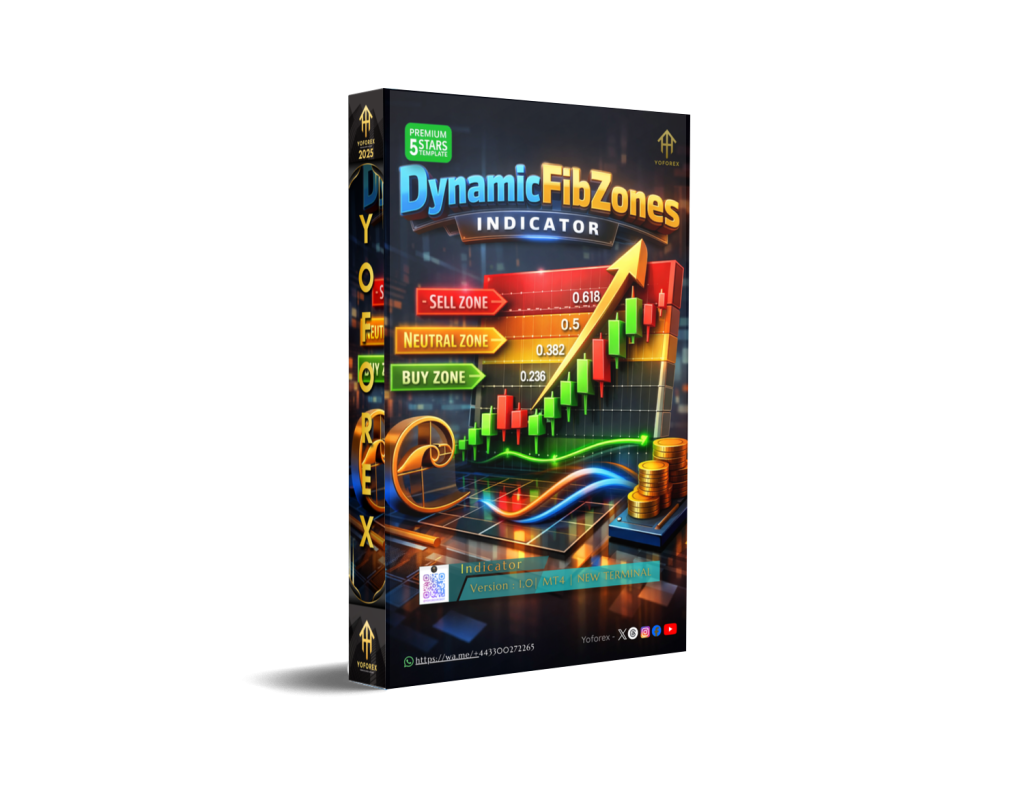
Unlock the Power of Fibonacci with DynamicFibZones Indicator V1.0 MT4
The DynamicFibZones Indicator V1.0 MT4 is a groundbreaking tool designed for traders who rely on Fibonacci retracements and want to enhance their trading strategy with dynamic and automated zones. This powerful MT4 indicator automates the tedious process of identifying potential price reversal zones based on Fibonacci levels, offering traders an edge in the fast-paced forex market.
What is DynamicFibZones Indicator V1.0 MT4?
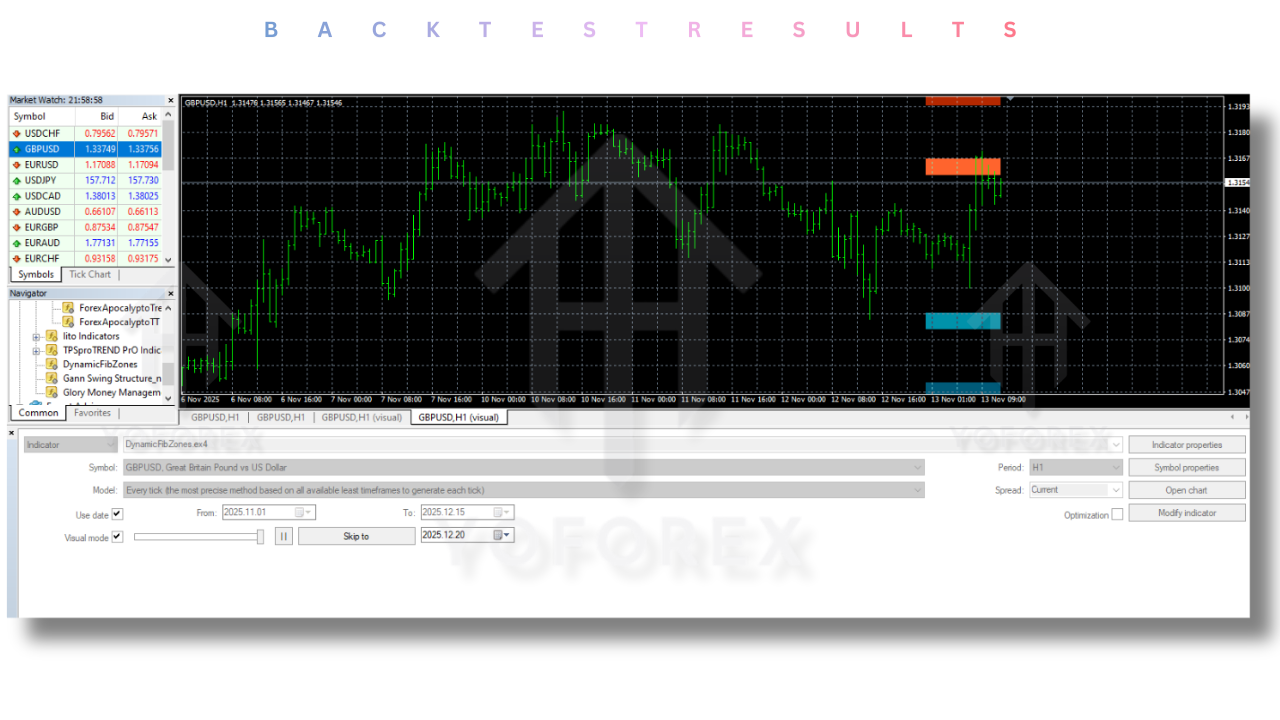
The DynamicFibZones Indicator V1.0 MT4 is a custom-built tool that automatically plots Fibonacci retracement levels on the MT4 chart. Unlike traditional static Fibonacci retracement tools, the DynamicFibZones Indicator adjusts the Fibonacci levels dynamically based on the latest market movements, making it a perfect companion for both scalpers and long-term traders.
This tool identifies and marks key support and resistance levels derived from Fibonacci ratios, including 23.6%, 38.2%, 50%, 61.8%, and 78.6%. These zones are essential for spotting potential entry and exit points for trades. By using DynamicFibZones, traders can optimize their trading strategies by quickly identifying high-probability trade setups.
Key Features of DynamicFibZones Indicator V1.0 MT4
-
Dynamic Fibonacci Levels: Automatically adjusts Fibonacci levels to current market trends.
-
Multiple Timeframe Support: Works across different timeframes, allowing traders to adjust settings based on their preferred trading style.
-
Customizable Settings: Traders can customize Fibonacci retracement levels, line colors, and zone settings according to their trading preferences.
-
Real-time Market Data: The indicator dynamically updates Fibonacci levels based on live market data, ensuring accuracy and relevancy in your trades.
-
User-Friendly Interface: Designed with a simple, intuitive interface that makes it accessible for both beginner and experienced traders.
How Does DynamicFibZones Indicator Work?
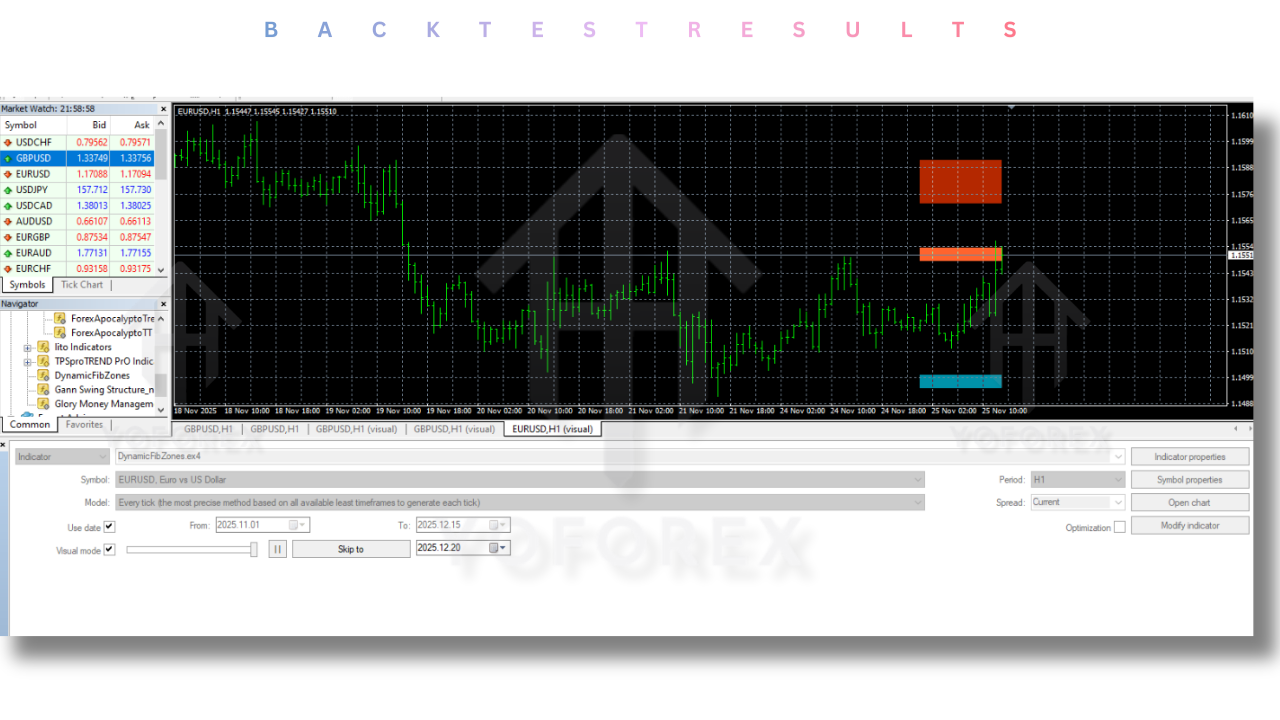
The DynamicFibZones Indicator V1.0 MT4 analyzes past price movements to generate dynamic Fibonacci retracement levels. By using real-time price data and updating Fibonacci zones on the fly, this indicator can provide more accurate levels than static Fibonacci tools.
The indicator’s core function revolves around identifying potential reversal points by highlighting the Fibonacci retracement levels. It then provides the trader with areas where the price is likely to reverse or consolidate. Traders can use these levels to time their entries or exits, potentially increasing the probability of successful trades.
Trading Strategies Using DynamicFibZones
The DynamicFibZones Indicator V1.0 MT4 can be used in various trading strategies, whether you are scalping, day trading, or swing trading. Below are some common ways traders use this indicator:
-
Entry and Exit Signals: Traders often use Fibonacci levels as entry and exit points. When the price reaches a specific Fibonacci level, traders can enter or exit trades based on their risk appetite.
-
Trend Reversals: The key Fibonacci levels, such as 50% and 61.8%, are often seen as strong support or resistance areas. These levels help identify potential trend reversal points in both trending and ranging markets.
-
Breakout Trading: When the price breaks through a critical Fibonacci level, it can signal the start of a new trend. Traders often use this signal to capture strong price moves.
-
Confluence with Other Indicators: Combining the DynamicFibZones Indicator with other technical tools, such as moving averages, RSI, or MACD, can enhance the reliability of the signals generated by the Fibonacci levels.
Why Choose DynamicFibZones Indicator V1.0 MT4?
The DynamicFibZones Indicator V1.0 MT4 offers a range of benefits over traditional Fibonacci tools, making it a valuable addition to any trader’s toolkit. Here are some key advantages:
-
Accurate and Updated Data: Unlike static Fibonacci retracement tools, which are based on pre-set price points, this indicator adapts to real-time market changes, providing more accurate and timely data.
-
Customizable Features: The ability to adjust Fibonacci levels, line colors, and zone settings offers traders greater flexibility and personalization.
-
Automatic Plotting: The DynamicFibZones Indicator automatically plots Fibonacci zones, saving traders time and effort while ensuring accuracy.
-
Multi-timeframe Compatibility: Whether you’re trading on M1, M5, H1, or daily charts, this indicator works across all timeframes, allowing you to trade in any market condition.
Best Time to Use DynamicFibZones Indicator V1.0 MT4
The DynamicFibZones Indicator V1.0 MT4 is ideal for traders who want to focus on price action and technical analysis. The best time to use this indicator is during volatile market conditions, where Fibonacci retracement levels are more likely to offer significant support or resistance. It’s especially useful in:
-
Trending Markets: When the market is in a clear trend, Fibonacci retracement levels can help traders pinpoint potential reversal points.
-
Range-bound Markets: During sideways price action, Fibonacci levels can provide entry and exit points at key support and resistance levels.
-
Volatile Times: When market conditions are highly volatile, the DynamicFibZones Indicator can help you stay ahead of price movements and make informed decisions.
If you need help installing or configuring your EA, or face any kind of bug, feel free to reach out on:
WhatsApp: https://wa.me/+443300272265
Telegram Group: https://t.me/yoforexrobot
How to Install DynamicFibZones Indicator V1.0 MT4
Installing the DynamicFibZones Indicator V1.0 MT4 on your MetaTrader 4 platform is straightforward. Simply follow these steps:
-
Download the Indicator: Obtain the DynamicFibZones Indicator file from a trusted source.
-
Open MetaTrader 4: Launch the MT4 platform on your computer.
-
Navigate to Indicators Folder: Go to “File” > “Open Data Folder” > “MQL4” > “Indicators.”
-
Copy and Paste the Indicator: Paste the DynamicFibZones Indicator file into the “Indicators” folder.
-
Restart MT4: Close and reopen the MT4 platform to refresh the indicator list.
-
Add the Indicator to Your Chart: In MT4, go to “Navigator” > “Indicators,” find the DynamicFibZones Indicator, and drag it onto your chart.
Conclusion
The DynamicFibZones Indicator V1.0 MT4 is a must-have tool for traders looking to enhance their Fibonacci trading strategies with dynamic, real-time data. Whether you’re new to Fibonacci retracements or an experienced trader, this indicator offers valuable insights into potential price reversals, making it a powerful asset for your trading toolbox.
By using the DynamicFibZones Indicator, you can automate your Fibonacci analysis, save time, and make more informed decisions in the fast-paced forex market. Try it out today and see how it can help you unlock better trading opportunities.