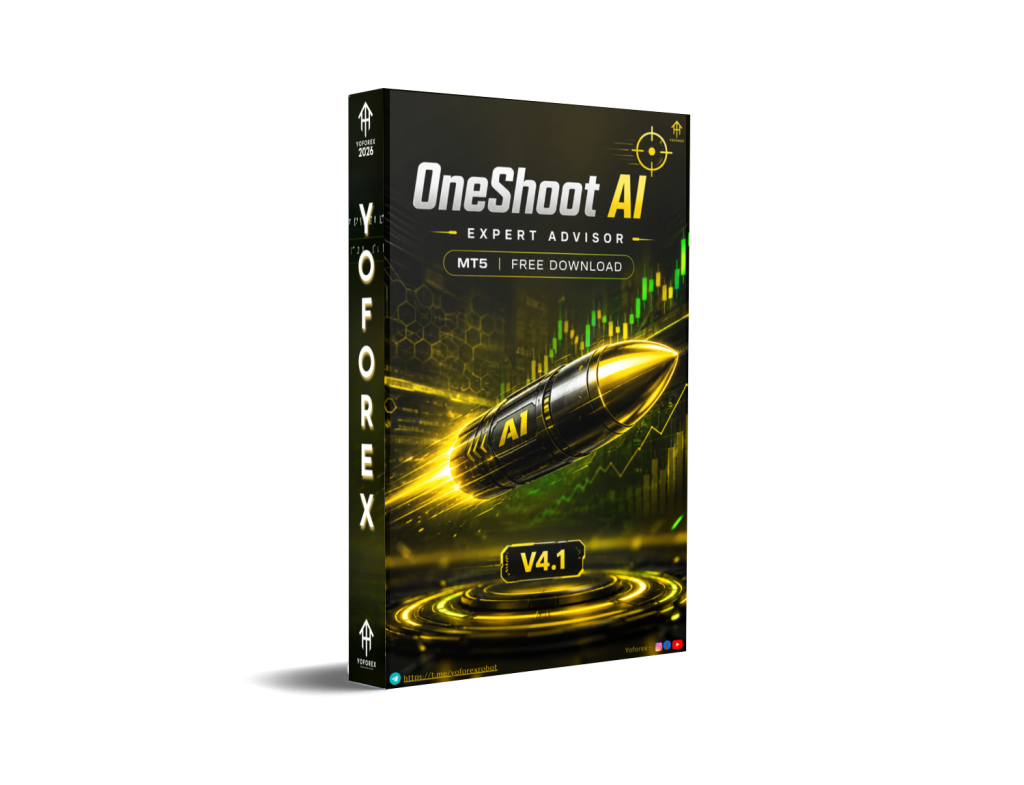
OneShoot AI EA V4.1 MT5: A Practical Look at This XAUUSD One-Shot Style AI Expert Advisor
Many gold traders face the same daily problem: XAUUSD moves fast, high-quality setups appear infrequently, and staying glued to the charts on M15 or H1 is exhausting. Overtrading, revenge entries after a loss, and emotional position sizing destroy more accounts than a bad strategy ever does.
OneShoot AI EA V4.1 MT5 is designed around the idea of selective, automated execution on gold rather than constant order spam. Available through resources connected to the YoForex community (yoforex.org / yoforexea.com/blog), it targets traders who want the platform to handle entries and management on XAUUSD while they focus on risk parameters and overall account health.
This article explains what the bot is, how it generally operates, its known working conditions, who it suits, and the practical checks every buyer should complete before going live.
What Is OneShoot AI EA V4.1 MT5?
OneShoot AI EA V4.1 is an Expert Advisor built for MetaTrader 5. The name and positioning point to a “one-shot” style approach — aiming for controlled, selective trades rather than grids, martingale recovery, or high-frequency scalping spam.
It is intended for XAUUSD (gold) and supports common intraday and short-term timeframes including M15, H1 and similar periods. The “AI” element in the name indicates algorithmic decision support layered on top of rule-based logic, though exact internal models are proprietary to the developer.
It is not a set-and-forget money printer. Like every EA, results depend on broker conditions, spread/slippage, risk settings, market regime, and the trader’s discipline in monitoring drawdown and equity.
How Does OneShoot AI EA V4.1 Work?
In practical terms, the EA attaches to an XAUUSD chart on a chosen timeframe (M15, H1, etc.). It monitors market conditions according to its programmed logic. When its criteria align, it can place a trade, manage the position (stop loss, take profit, and any built-in exits), and generally avoids stacking multiple overlapping recovery positions — consistent with a one-shot philosophy.
Traders typically control:
- Risk per trade or lot sizing
- Maximum allowed exposure
- Time filters or session preferences (if available in inputs)
- Magic number and other standard MT5 parameters
The bot runs as long as the MT5 terminal (or VPS) stays connected. It does not remove the need for the user to understand gold volatility, news impact, and account risk limits.
Key Features
- Platform: MetaTrader 5
- Primary pair: XAUUSD (Gold)
- Supported timeframes: M15, H1 and similar (as confirmed for this version)
- Style orientation: Selective / one-shot style automation rather than continuous high-frequency or recovery systems
- AI-assisted decision layer (as indicated by the product name)
- Standard risk and trade-management inputs expected of modern EAs
- Full automation once attached and configured
Exact indicator combinations, AI model details, or proprietary filters are not publicly detailed beyond the product positioning, so independent testing remains essential.
Quick Features Table
| Feature | Details |
|---|---|
| Platform | MT5 |
| Strategy Style | One-shot / selective AI-assisted |
| Trading Style | Intraday / short-term on gold |
| Pairs | XAUUSD |
| Timeframe | M15, H1 and similar |
| Risk Management | User-configurable (lot/risk %) |
| Automation | Fully automated once running |
| Best For | Traders seeking selective gold automation |
Main Benefits
- Reduces the need to watch every M15 or H1 candle on gold.
- Encourages disciplined single-trade or limited-exposure thinking instead of overtrading.
- Lets the trader focus on higher-level decisions (risk percentage, overall portfolio exposure, news calendar).
- Suitable for running on a VPS so the terminal stays online 24/5.
- Clear focus on one major instrument (XAUUSD) rather than trying to trade everything.
These are operational benefits. They do not guarantee profits or protect against losses.
Who Is OneShoot AI EA V4.1 For?
- Traders who already understand XAUUSD volatility and spread behavior.
- Busy traders who want selective automation rather than pure manual charting.
- Intermediate users comfortable configuring MT5 EAs, testing in Strategy Tester, and running a VPS.
- Those who prefer controlled risk per trade over aggressive recovery systems.
- Algorithmic traders comparing one-shot style gold EAs.
Who Should Avoid It?
- Absolute beginners with no understanding of leverage, margin, or gold price behavior.
- Traders looking for high-frequency scalping or dozens of trades per day.
- Anyone seeking “set and forget forever” with zero monitoring.
- Users unwilling to test on demo or micro accounts first.
- Those who cannot accept drawdowns or who trade with money they cannot afford to risk.
OneShoot AI EA V4.1 vs Manual Trading
| Aspect | OneShoot AI EA V4.1 MT5 | Manual Trading |
|---|---|---|
| Screen time | Low once configured | High |
| Emotional control | Rules-based | Depends on trader discipline |
| Speed of execution | Instant when conditions met | Limited by human reaction |
| Flexibility | Fixed to programmed logic | Fully adaptable in real time |
| Oversight needed | Monitoring + risk review | Constant attention |
| Best use case | Selective gold automation | Discretionary or hybrid setups |
What To Check Before Buying
- Confirm the exact strategy logic and available input parameters with the seller.
- Review maximum historical and expected drawdown behavior in the Strategy Tester (use quality data).
- Verify full MT5 compatibility and any broker requirements (hedging vs netting, minimum stop levels).
- Test on your intended broker’s demo account — spreads and execution on gold vary widely.
- Plan for a reliable VPS with low latency to the broker server.
- Understand and set conservative risk (many start at 0.5–1% per trade or lower).
- Check support channels, update policy, and whether source or settings files are provided.
- Run forward tests on demo or very small live size before scaling.
- Read the full risk disclaimer — past performance (if any is shown) is not indicative of future results.
How To Get Started
- Obtain the EA from the official source linked through YoForex channels.
- Install it in the MT5 Experts folder and refresh Navigator.
- Open an XAUUSD chart on M15 or H1 (or your preferred supported timeframe).
- Attach the EA and configure risk, lot size, magic number, and any filters.
- Enable AutoTrading and run on demo first.
- Move to a VPS for continuous operation once you are comfortable.
- Monitor equity, open trades, and overall exposure regularly.
- Adjust only after proper testing — avoid constant parameter chasing.
FAQs
Does OneShoot AI EA V4.1 work only on XAUUSD?
It is positioned for XAUUSD. Always confirm current supported symbols with the seller.
Which timeframes are recommended?
M15, H1 and similar periods are noted for this version. Test which matches your risk tolerance and broker conditions.
Is it a grid or martingale system?
The “OneShoot” naming and positioning indicate a selective, non-recovery style. Confirm the exact logic before purchase.
Do I need a VPS?
Strongly recommended for uninterrupted operation, especially outside your local market hours.
Can beginners use it?
Only if they already understand basic risk, gold characteristics, and how to test an EA. Otherwise start with education and demo trading first.
Does it guarantee profits?
No Expert Advisor can. Markets change, spreads widen, and drawdowns occur.
How do I verify broker compatibility?
Run it on a demo account with your intended broker and observe execution, slippage, and stop-level behavior on gold.
Where can I find more information or the bot?
Check current listings and related resources at yoforex.org and the blog at yoforexea.com/blog.
Conclusion
OneShoot AI EA V4.1 MT5 addresses a real pain point for gold traders: the difficulty of staying selective and disciplined on a volatile instrument while life happens outside the charts. By focusing on XAUUSD with support for M15, H1 and similar timeframes, and emphasizing a one-shot style approach, it offers a structured automation option for the right user.
Success still depends on realistic risk settings, proper testing, a suitable broker, and ongoing oversight. If the selective gold-automation concept matches your trading style and risk tolerance, the logical next step is to review the official product page, examine the available settings and any provided test data, and run thorough demo tests yourself.
Visit the relevant listings and resources on yoforex.org or the YoForex blog to view the current version of OneShoot AI EA V4.1 MT5 and decide whether it fits your plan. Trade responsibly.
Support & Disclaimer
Support
If you need help installing or configuring your EA, or face any kind of bug, feel free to reach out on:
WhatsApp: Click here
Telegram Group: Join our community
Disclaimer:
Forex and gold trading involve risk. Past performance doesn’t guarantee future results. Always test robots on demo before live trading and use proper risk management.
REFERRAL
Join the VIP Signals Telegram Channel for real-time expert trading signals and stay ahead in the forex market. Get personalized strategies by becoming a part of our Real Account Management Telegram Channel and optimize your trading experience. If you’re aiming to Pass PropFirm Challenges , join our dedicated channel for tips and proven methods. Start managing your capital effectively with expert advice from our Funded Account Management Telegram Channel. For advanced traders, our HFT EA / Passing Telegram Channel offers high-frequency trading insights and strategies to boost your performance.