
Soluna AI EA V6.27 for MetaTrader 4 is built for traders who want consistent, rules-driven execution without babysitting every entry. This version focuses on adaptive market detection, volatility-aware position sizing, and protective drawdown controls—so the EA can react to changing conditions instead of forcing one rigid strategy across all sessions.
What makes Soluna AI EA V6.27 different?
- Adaptive regime logic: The EA classifies price behavior into trending, mean-reverting, or choppy states and picks entries accordingly.
- Volatility-normalized risk: Position sizes adjust using ATR-based ranges so risk remains relatively stable when markets speed up or slow down.
- Capital protection first: Built-in equity stop, daily max loss, and session cut-offs help avoid cascading losses after abnormal events.
- Spread & slippage awareness: Filters avoid entries when the trading environment is unfavorable, typical around news spikes or rollover.
- News-time avoidance (optional): If you prefer, you can enable a pre-news flat rule and pause entries around high-impact releases.
Recommended instruments & timeframes
- Best pairs: XAUUSD (Gold), EURUSD, GBPUSD, USDJPY.
- Timeframes: M15–H1 for most FX pairs; M5–M15 if you specifically optimize for XAUUSD volatility windows.
- Session bias: London and early New York sessions generally offer the cleanest fills and more reliable follow-through.
Core strategy flow (high level)
- Market state detection: Uses slope, range compression/expansion, ATR bands, and micro-structure tests to label the environment.
- Signal generation:
- Trend state: Pullback-to-MA + momentum confirmation; pyramids only within risk caps.
- Range state: Fade extremes to VWAP/Midline with tight stops and take-profit brackets.
- Transition state: Reduced size, require stronger confirmation or skip.
- Risk control: ATR-scaled stop loss, partial profit at R:R milestones, trailing stop after break-even, and daily guardrails.
- Trade hygiene: Skip trades on abnormal spread, off-hours liquidity, or broker-specific constraints you define.
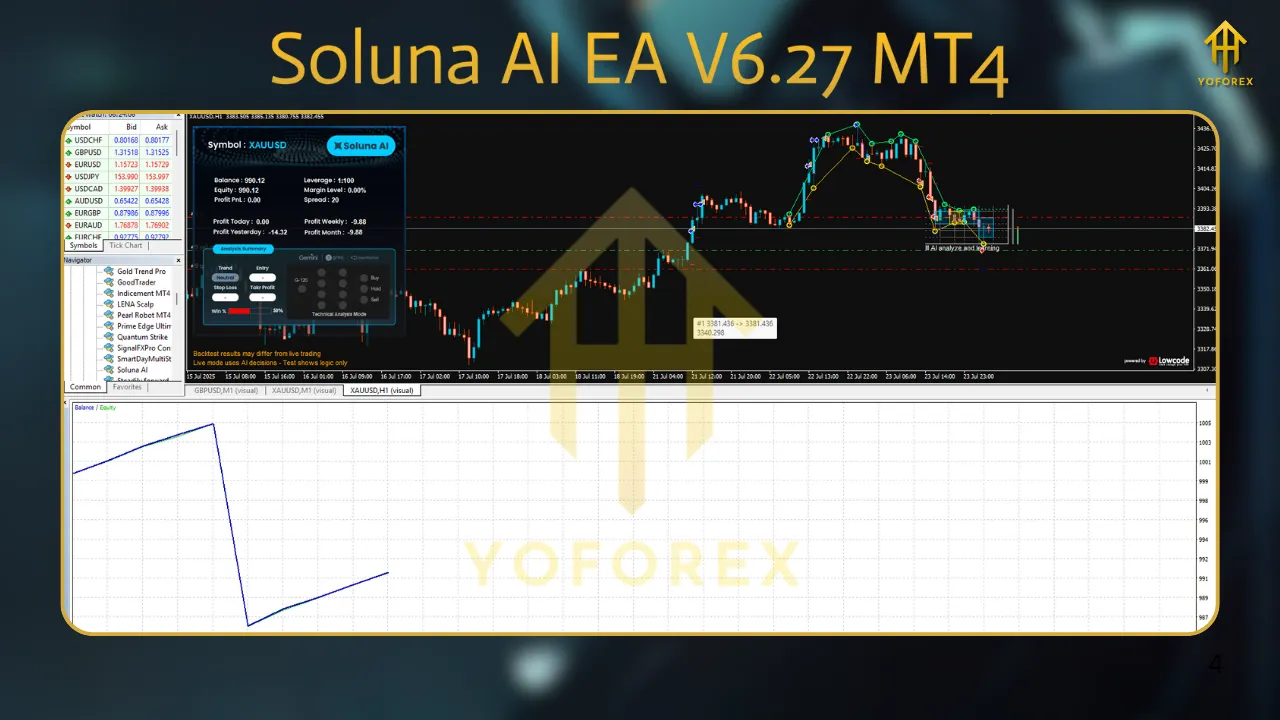
Suggested settings (start points)
Always forward-test on demo first and tune to your broker’s execution.
- RiskPerTrade: 0.5%–1.0% per position (conservative), 1.5% (aggressive).
- MaxOpenPositions: 3 (FX), 2 (Gold).
- ATRPeriod / ATRMultiplier: 14 / 1.5–2.0 for stops; 0.75–1.2 for trailing depending on pair.
- DailyMaxDrawdown: 3%–5% (EA pauses for the day when hit).
- SpreadFilter (points): Set to your broker’s typical + 20–30% buffer during peak news times.
- NewsPause (minutes): 15–30 before/after high-impact if you enable it.
- SessionTimes: Enable only the sessions you actually want to trade; disable late NY/Asia if your broker widens spreads.
Installation & setup (MT4)
- Copy the Soluna AI EA V6.27.ex4 file to:
File → Open Data Folder → MQL4 → Experts. - Restart MT4.
- Drag the EA onto your preferred chart and timeframe.
- In Common, allow DLL imports if the EA uses them; check “Allow live trading.”
- In Inputs, load the preset closest to your pair/timeframe, then tweak risk/spread filters to match your broker.
- Confirm the smiley face appears in the chart corner—this means the EA is live.
Backtesting & forward-testing tips
- Model quality: Use the highest quality tick data available; ensure realistic spread and slippage.
- Walk-forward approach: Don’t overfit one period—validate across different months and volatility regimes.
- Portfolio view: Combine 2–3 pairs with low correlation rather than forcing high risk on one symbol.
- Latency matters: VPS hosting near your broker can meaningfully improve fills for short-hold strategies.
Money management approach
- Small, repeatable risk: Consistency beats hero trades. Keep risk per trade modest and let the edge compound.
- Equity-based brakes: Use the built-in daily loss cap and a weekly loss cap (e.g., 7%–8%) to stop trading after outlier days.
- Profit harvesting: Consider a monthly withdrawal plan or moving a portion of profits to a separate account to reduce behavioral risk.
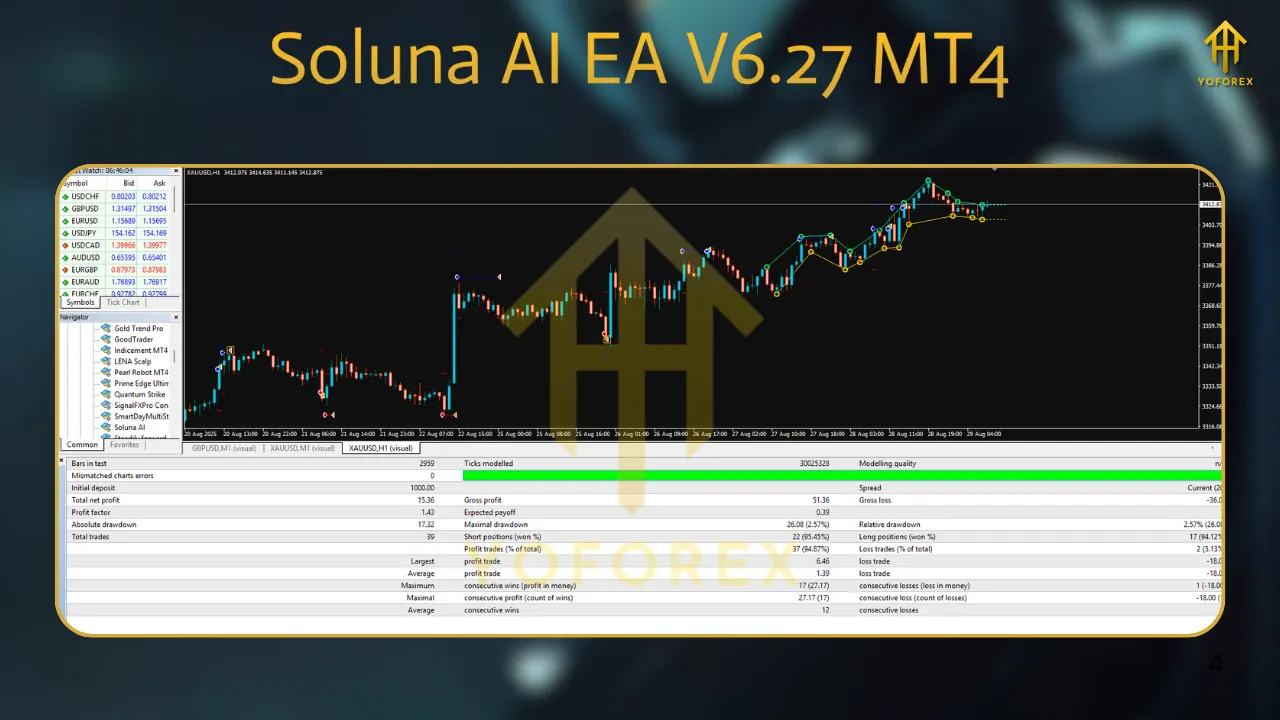
When to use (and not use) Soluna
Use when: You want disciplined entries, dynamic stops, and defense against bad environments without micromanagement.
Avoid when: Your broker has consistently high spreads, frequent re-quotes, or you plan to enable the EA through illiquid holiday sessions.
Troubleshooting quick wins
- No trades opening: Check AutoTrading is enabled, market is open, spread filter not blocking, and symbols match your broker’s suffixes (e.g., “.m”, “.pro”).
- Frequent small losses: Increase ATRMultiplier for stops, reduce risk, or narrow trading sessions to London only.
- Missed big moves: Your confirmation may be too strict; relax momentum threshold slightly or allow one pyramid add-on.
- Equity stop hit often: Lower risk per trade and consider disabling choppy Asian hours.
Safety & compliance
This EA is a tool, not a guarantee. Past performance does not assure future results. Use proper risk controls, respect prop-firm rules if applicable, and follow local regulations. Trade only with capital you can afford to risk.
Final word
Soluna AI EA V6.27 MT4 is designed to be pragmatic: identify the market you’re actually in, size appropriately, and protect equity first. Start conservative, forward-test patiently, and scale only when your data supports it.
Optional FAQs
Q: Which timeframe should I start with?
A: Begin on M15 for FX majors and M5–M15 for XAUUSD, then evaluate H1 once you’re comfortable with risk and execution.
Q: Can I run it on multiple pairs at once?
A: Yes, but cap MaxOpenPositions across symbols and ensure your account balance supports margin and worst-case drawdown.
Q: Does it work for prop firms?
A: Many settings are designed with daily max loss and lot-cap logic in mind. Still, verify each firm’s rules and test on a demo first.
Q: What VPS specs do I need?
A: A lightweight Linux/Windows VPS near your broker with stable low latency, 1–2 vCPUs, and 2–4 GB RAM is typically sufficient.