
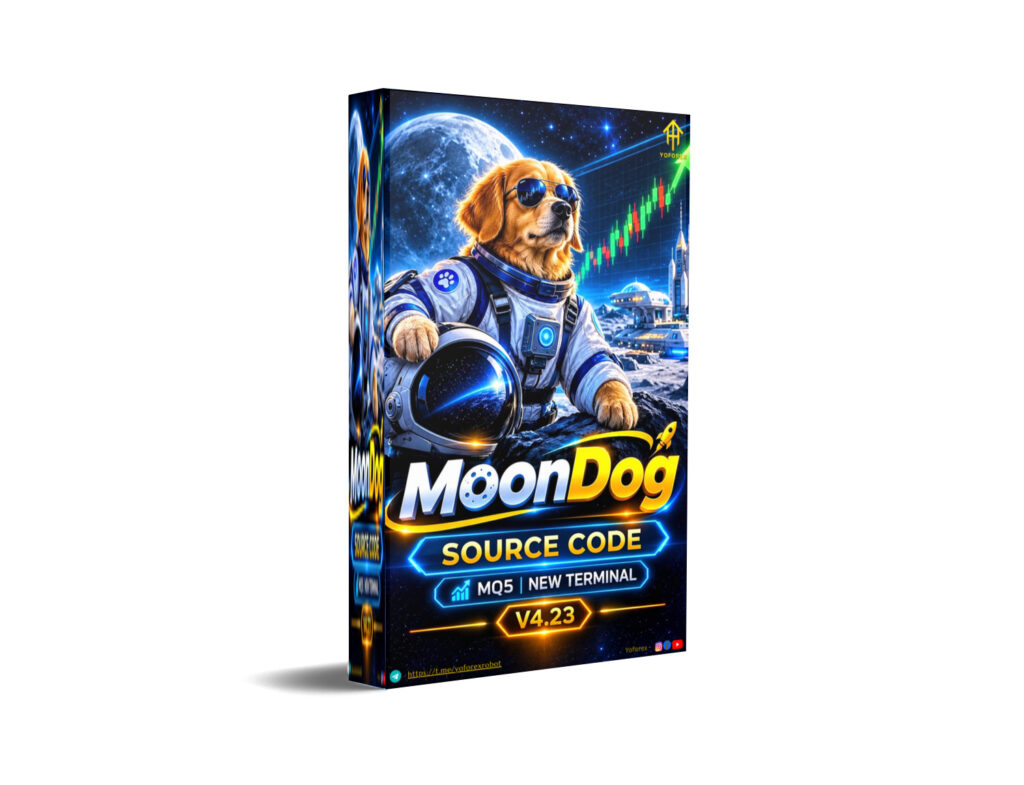
Many gold traders want consistent execution without sitting in front of charts all day. Manual XAUUSD trading often means missed breakouts, emotional exits, and inconsistent risk application. MoonDog Source Code V4.23 MQ5 is an Expert Advisor built for MetaTrader 5 that aims to address these issues through multi-strategy automated breakout trading.
This article explains what the bot is, how it works based on publicly available information, its known features, limitations, and the practical points a trader should evaluate before purchasing or installing it. The goal is to help you decide whether it fits your style, risk tolerance, and technical setup.
What Is MoonDog Source Code V4.23 MQ5?
MoonDog Source Code V4.23 MQ5 is the source-code version of the MoonDog Expert Advisor for MetaTrader 5. It is a multi-strategy breakout EA primarily designed for XAUUSD (gold).
It runs several independent breakout strategies from a single chart. The original five strategies are Moon Nova, Moon Apex, Moon Zenith, Moon Pulse, and Moon Eclipse. Four additional strategies (Moon Orbit, Moon Halo, Moon Titan, and Moon Comet) can be enabled optionally. The default configuration uses the original five.
The EA does not use martingale, recovery grids, or loss averaging. Each position carries its own initial Stop Loss and Take Profit. Profit protection is handled through a feature called MoonLock.
YoForex EA covers a range of MT4 and MT5 tools, and traders researching automated XAUUSD solutions often look at products like this when evaluating systematic approaches to gold.
How Does MoonDog Source Code V4.23 MQ5 Work?
The known process follows a structured flow:
- Signal generation — Breakout conditions are evaluated by the active strategies. Optional ONNX models can filter entries.
- Entry — Trades are placed according to the selected strategies and filters. Pending orders may be used and can be rechecked in certain modes.
- Position management — Each trade has its own Stop Loss and Take Profit. MoonLock tracks floating profit and aims to protect a portion of the peak after activation.
- Exit — Positions close via Take Profit, Stop Loss, or MoonLock protection. MoonLock closes the full position when triggered (not partial by default).
- Risk management — Fixed lots, percentage-based risk, or optional adaptive sizing based on ONNX scores are supported. News, weekend, and spread filters can pause new entries.
The two ONNX models run locally inside MetaTrader 5. No external signal service or API key is required.
MoonDog Strategy Explained
MoonDog is a multi-strategy breakout system focused on XAUUSD. The original five strategies form the core and are active by default. The additional four strategies are optional and increase trade frequency and concurrent positions when enabled.
Exact entry rules, indicator combinations, or proprietary filters beyond the public description are not fully disclosed in open product information. Traders should treat the strategy as a breakout approach with multi-strategy diversification and built-in protection layers rather than a single-rule system.
Key Features
- Multi-strategy breakout logic (5 core + 4 optional)
- Designed primarily for XAUUSD on MetaTrader 5
- Individual Stop Loss and Take Profit per trade
- MoonLock profit protection (classic 50% or adaptive versions)
- Optional ONNX filtering (Conservative 2x ONNX is the default mode)
- News protection (NFP, CPI, FOMC windows)
- Weekend Shield and optional spread filters
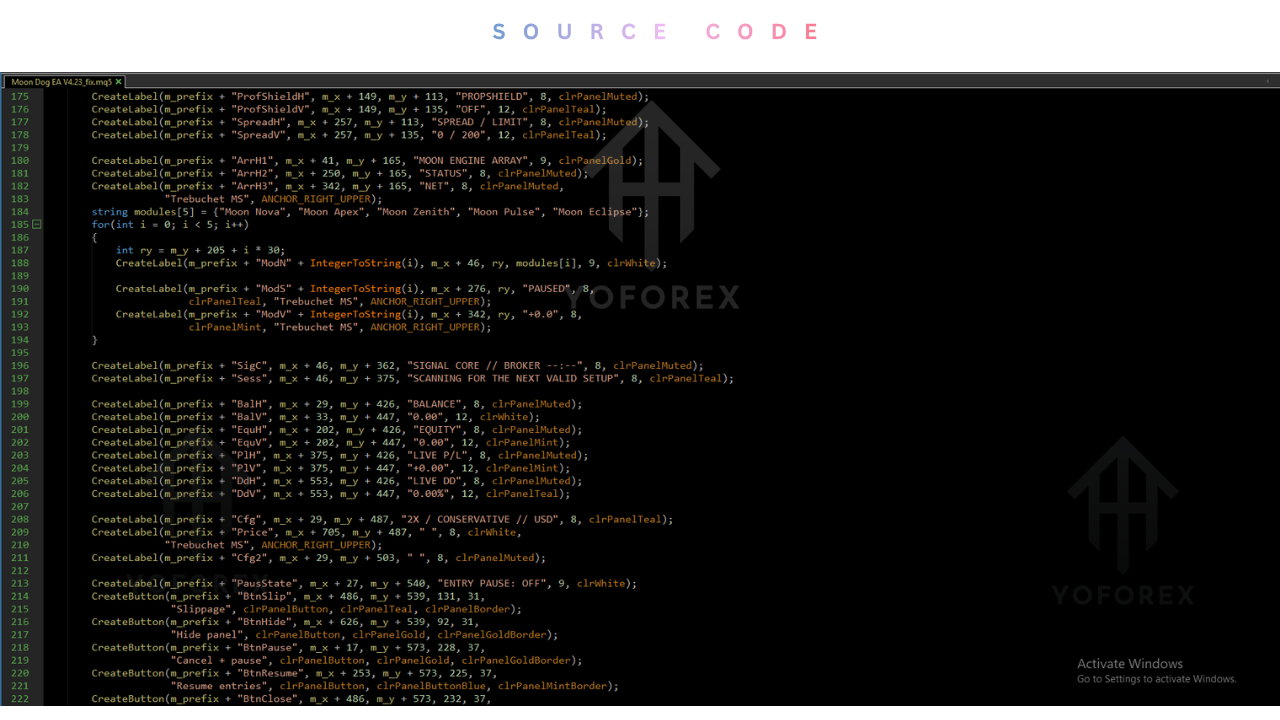
- Dashboard with trading status and chart controls
- Fixed lot, percentage risk, or adaptive sizing options
- No martingale, grid recovery, or loss averaging
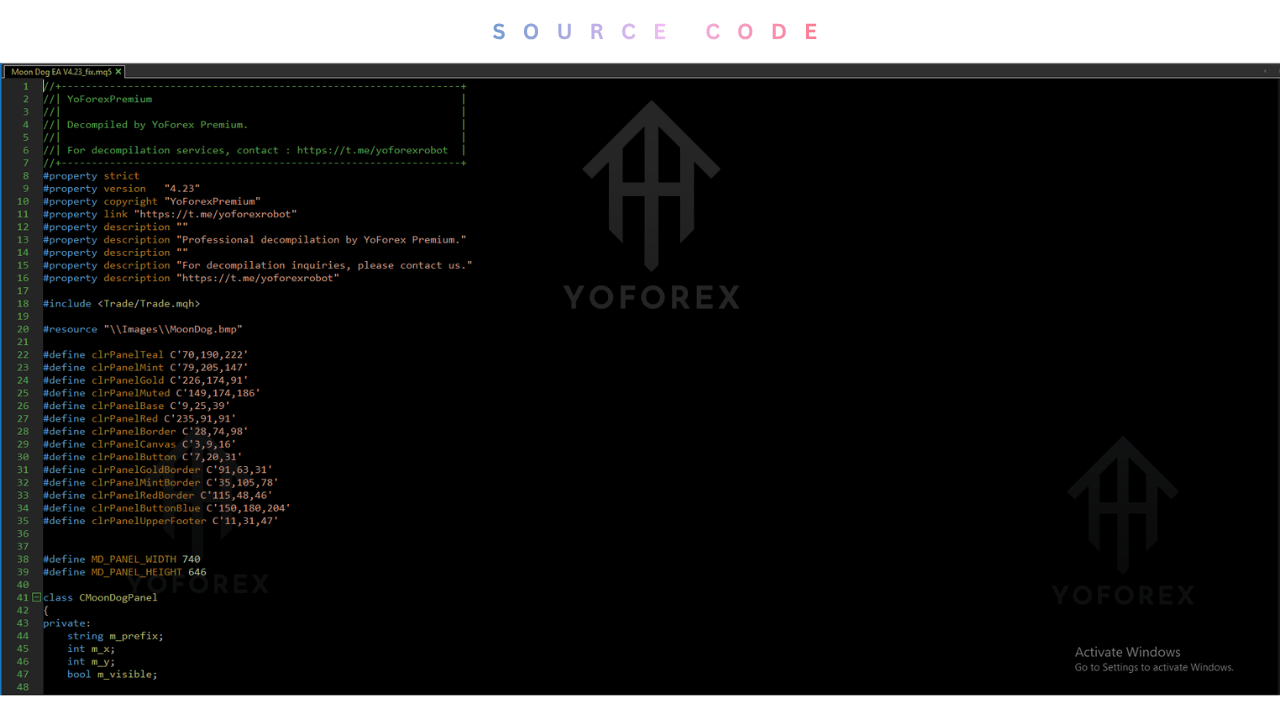
- Source-code (.mq5) version available for inspection and customization
Quick Specifications
| Feature | Details |
|---|---|
| Platform | MetaTrader 5 |
| Strategy | Multi-strategy breakout |
| Trading Style | Automated breakout |
| Instruments/Pairs | Primarily XAUUSD |
| Timeframe | M15 |
| Risk Management | Per-trade SL/TP, MoonLock, news/weekend filters |
| Automation | Fully automated with optional manual controls |
| VPS | Recommended for reliable virtual protection |
| Best For | Traders seeking systematic XAUUSD breakout automation |
Main Benefits
Automation removes the need for constant chart watching and reduces the impact of hesitation or over-trading. Multi-strategy design spreads opportunity across different breakout conditions rather than relying on a single setup. Built-in filters for news and weekends help avoid high-impact periods. Source-code access allows technical traders to review logic and adapt parameters within the bounds of the license. Consistent rule-based execution is the core practical advantage over pure discretionary trading.
Limitations & Risks
- Drawdowns and losing trades are expected; the seller explicitly states it is not a holy-grail system.
- Performance depends heavily on broker spreads, slippage, execution quality, and latency.
- Multiple strategies can open concurrent positions, increasing overall exposure beyond the risk set for a single trade.
- MoonLock closes at market and final fill can differ from the protected level.
- Backtests cannot fully replicate live spreads, slippage, or order cancellations.
- Incorrect lot sizing, Magic Number conflicts, or disabled protection settings can increase risk.
- VPS or stable connection is important when using virtual protection features.
- Market regime changes can affect any breakout system.
Always verify current behavior on a demo account with your specific broker.
Who Is MoonDog Source Code V4.23 MQ5 For?
It suits traders who:
- Prefer systematic XAUUSD trading over pure discretion
- Want multi-strategy diversification on a single chart
- Are comfortable managing risk parameters and monitoring overall exposure
- Value source-code access for review or controlled customization
- Understand that automated systems still require proper money management and realistic expectations
Who Should Avoid It?
- Traders seeking guaranteed profits or zero-drawdown systems
- Those unwilling to test thoroughly on demo with their broker
- Beginners who have not yet learned basic risk management and MT5 operation
- Anyone expecting the EA to replace all personal responsibility for position sizing and account risk
- Traders who cannot or will not use a reliable VPS when needed
MoonDog Source Code V4.23 MQ5 vs Manual Trading
| Aspect | MoonDog EA | Manual Trading |
|---|---|---|
| Execution | Rule-based, automated | Discretionary |
| Screen time | Low once configured | High |
| Consistency | High (same rules every time) | Variable |
| Emotional interference | Minimal | Significant |
| Speed | Fast reaction to conditions | Depends on trader |
| Flexibility | Limited to coded logic + settings | High |
| Monitoring | Periodic checks + dashboard | Continuous |
| Risk management | Pre-defined + filters | Trader-dependent |
Neither approach is automatically superior. Automation helps with consistency and reduces emotional errors; manual trading allows greater adaptability to unusual market conditions.
What To Check Before Buying
- Confirm MT5 compatibility and that the source-code version matches your needs
- Review the strategy description and available SET files
- Check risk parameters, default lot sizing, and MoonLock settings
- Verify broker suitability (spreads, execution, symbol naming for gold)
- Assess VPS requirements for stable operation
- Plan thorough demo testing under realistic conditions
- Clarify license terms, activation limits, and support availability
- Compare price and update policy against alternatives
- Read the official user guide and broker execution notes before going live
MoonDog Source Code V4.23 MQ5 Settings
Public information indicates several configuration options:
- Choice of strategy sets (original five vs all nine)
- Classic vs Adaptive MoonLock
- ONNX modes (Conservative 2x default, More Trades 2x, or Without ONNX)
- Fixed lot, percentage risk, or adaptive sizing
- News, weekend, and spread protection toggles
- Default SL around 20 gold pips; TP settings differ by strategy (approximately 140–150 gold pips)
Exact parameter lists and recommended SET files should be obtained from the product provider or user documentation. Always start with conservative lot sizes.
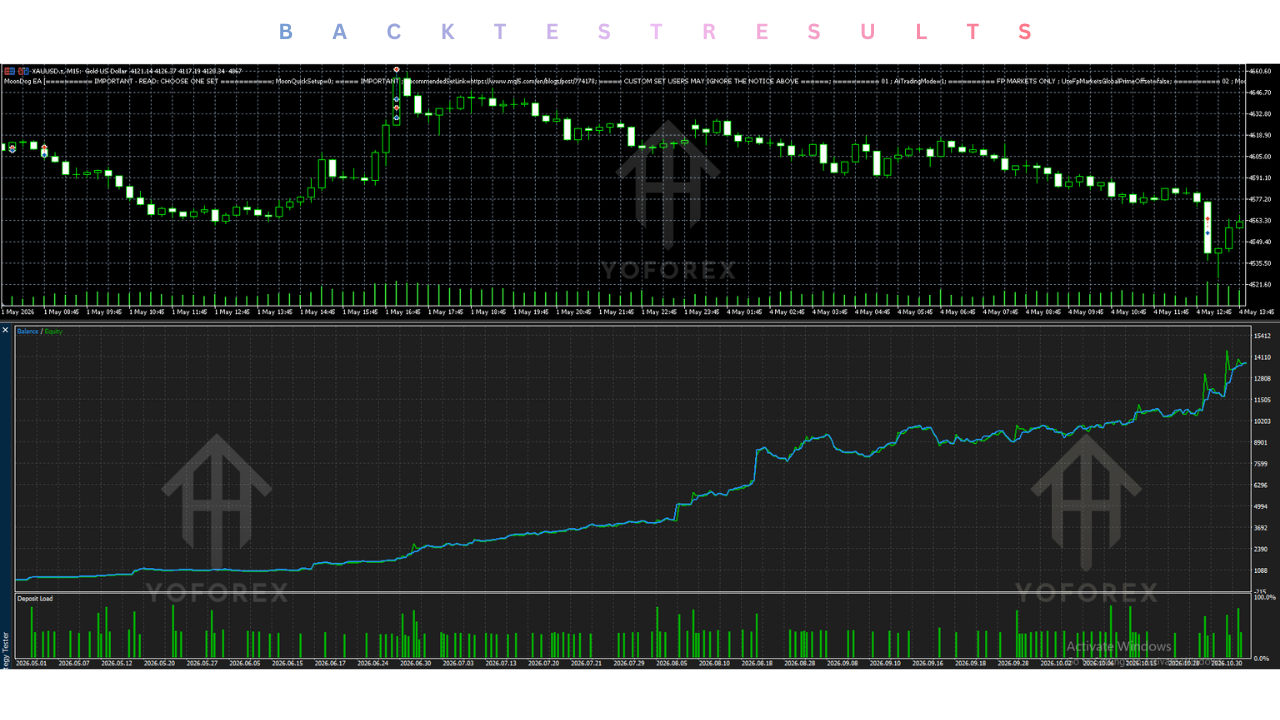
MoonDog Source Code V4.23 MQ5 Backtesting & Performance
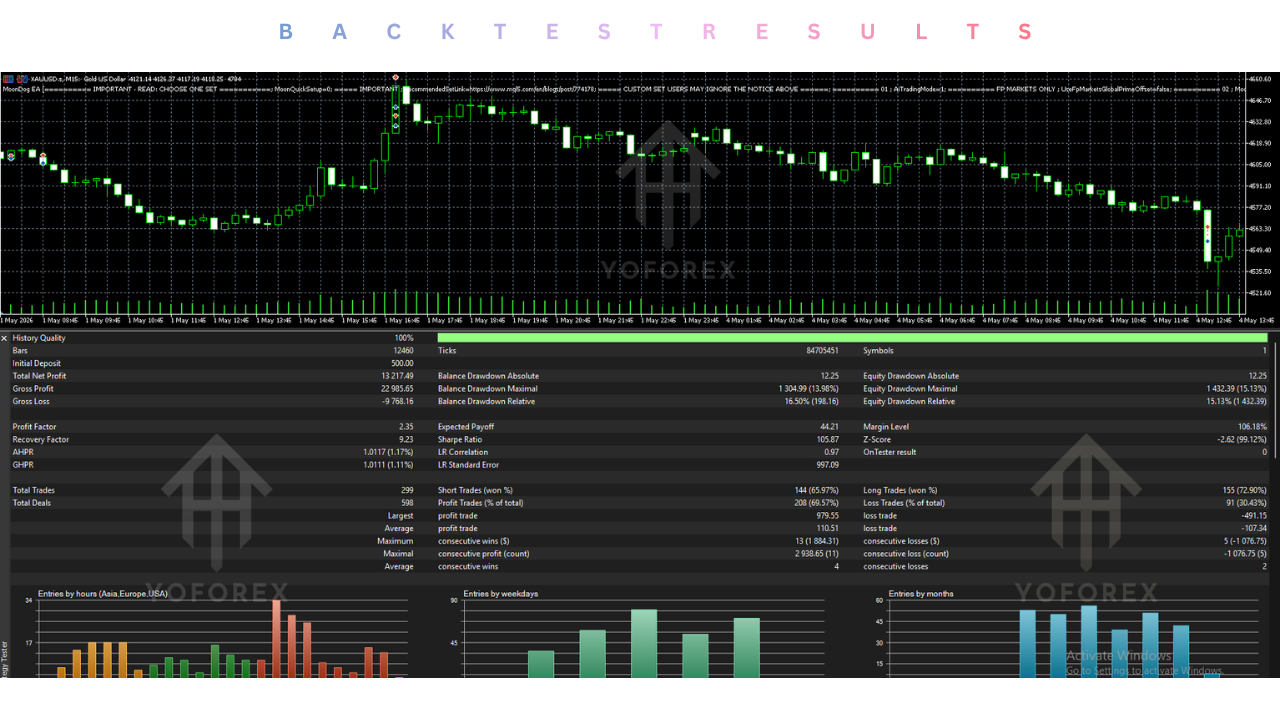
No specific verified backtest statistics, win rates, or live account results are included here because publicly available numbers can vary by settings, broker, and testing period. The product page links to live signals for transparency but notes that results differ due to spread, commission, slippage, and execution.
Any backtest should use “Every tick based on real ticks” where possible and include realistic trading costs. Historical results never guarantee future performance. Forward testing on a demo account with your broker remains essential.
How To Get Started
- Confirm MetaTrader 5 compatibility and review the product documentation.
- Obtain the correct SET files and understand the selected strategy/MoonLock configuration.
- Install the EA on a demo account.
- Run extended demo tests under conditions close to your intended live environment.
- Monitor behavior, spreads, and overall exposure.
- Only consider live use after you understand the risk profile and have verified settings with your broker.
Never jump straight to significant live risk.
Is MoonDog Source Code V4.23 MQ5 Worth Buying?
It can be worth considering if you specifically want a multi-strategy XAUUSD breakout EA on MT5 with source-code access, built-in profit protection, and news/weekend filters, and if you are prepared to test thoroughly and manage risk properly.
It is less suitable if you need a simple single-strategy system, prefer MT4, or expect consistent profits without drawdowns. The decision depends on your experience, risk tolerance, broker quality, and willingness to treat the EA as a tool rather than a complete solution. Evaluate the features against your own requirements rather than relying on marketing claims.
FAQs
What is MoonDog Source Code V4.23 MQ5?
It is the source-code version of a multi-strategy breakout Expert Advisor for MetaTrader 5, focused on XAUUSD.
Is it MT4 or MT5?
It is built for MetaTrader 5.
How does it work?
Multiple breakout strategies run from one chart. Optional ONNX filters, MoonLock profit protection, and news/weekend filters manage entries and risk.
What strategy does it use?
Multi-strategy breakout (five core strategies by default, four optional).
Can it be backtested?
Yes, in the MT5 Strategy Tester. Use realistic conditions and treat results as historical only.
Is it suitable for beginners?
Only if the trader already understands risk management, MT5 basics, and the importance of demo testing. It is not a set-and-forget profit machine.
What broker is required?
A broker with good XAUUSD execution, reasonable spreads, and proper symbol naming. Specific recommendations should be verified with current product documentation.
How do I buy or install it?
Purchase through authorized channels, follow the installation steps for MT5, apply the recommended SET files, and begin on demo.
Final Verdict
MoonDog Source Code V4.23 MQ5 is a multi-strategy XAUUSD breakout EA for MetaTrader 5 that offers structured automation, profit-protection tools, and source-code access. Its main strengths are diversification across strategies, the absence of martingale-style recovery, and built-in filters for news and weekends. Important considerations include realistic expectations around drawdowns, the impact of broker execution, and the need for proper testing and risk control.
It is best suited for traders who want systematic gold trading and are willing to manage the system responsibly. Those seeking guaranteed results or minimal involvement should look elsewhere.
Next step: Review the full product details, documentation, and available SET files for MoonDog Source Code V4.23 MQ5 on yoforex.org, then test thoroughly on a demo account before considering any live use.
Support & Disclaimer
Support:
If you need help installing or configuring your EA, or face any kind of bug, feel free to reach out on:
Telegram Group: Join our community
Disclaimer:
Forex and gold trading involve risk. Past performance doesn’t guarantee future results. Always test robots on demo before live trading and use proper risk management.
REFERRAL
Join the VIP Signals Telegram Channel for real-time expert trading signals and stay ahead in the forex market. Get personalized strategies by becoming a part of our Real Account Management Telegram Channel and optimize your trading experience. If you’re aiming to Pass PropFirm Challenges , join our dedicated channel for tips and proven methods. Start managing your capital effectively with expert advice from our Funded Account Management Telegram Channel. For advanced traders, our HFT EA / Passing Telegram Channel offers high-frequency trading insights and strategies to boost your performance.