Gold (XAUUSD) remains one of the most sought-after instruments in the forex market, prized for its liquidity, round-the-clock trading, and status as a safe-haven asset. Yet capturing its moves consistently can be daunting: news events spark sudden spikes, manual entries invite emotional mistakes, and static settings fail to adapt when volatility shifts. Solar Metal EA V1.25 MT4 seeks to overcome these hurdles by automating every aspect of gold trading on MetaTrader 4—signal generation, position sizing, risk controls, and even suspensions around high-impact news.
In this comprehensive guide, we’ll walk through exactly how Solar Metal EA V1.25 MT4 works, step by step: its core strategies, adaptive risk-management features, installation and configuration process, optimization tips, performance benchmarks, and best practices for long-term success. Whether you’re new to algorithmic trading or an experienced automation enthusiast, you’ll gain the insights needed to deploy Solar Metal confidently and maximize your edge on XAUUSD.
What Is Solar Metal EA V1.25 MT4?
Solar Metal EA V1.25 MT4 is the latest version of the gold-focused Expert Advisor developed by Dmitriq Evgenoeviz Ko. Designed exclusively for the MetaTrader 4 platform, it combines three complementary modules: a trend-following engine, a controlled martingale multiplier, and intelligent exit management with trailing stops and news filters.
Key highlights include:
- Trend-Following Module that scans exponential moving averages (EMAs), Relative Strength Index (RSI), and MACD histograms to identify high-probability directional moves.
- Adaptive Martingale Logic which increases lot sizes after losses—but caps the number of multipliers—to accelerate recovery while controlling risk.
- Dynamic Trailing Stops offering both fixed and volatility-based modes to lock in profits as markets move in your favor.
- News and Volatility Filters that automatically suspend trading around scheduled economic events or when Average True Range (ATR) exceeds user-defined thresholds.
- Real-Time Parameter Tuning that continuously adjusts stop-loss (SL), take-profit (TP), and lot sizes based on recent market behavior rather than static presets.
By uniting these elements under a single automated roof, Solar Metal EA V1.25 MT4 empowers traders to capture sustained gold trends, mitigate drawdowns, and avoid whipsaw trades that often plague manual approaches.
Core Trading Strategies
1. Trend Detection and Signal Generation
At the heart of Solar Metal EA lies its trend-following engine:
- Dual EMA Crossovers. The EA uses a fast EMA (e.g., 9-period) crossing above or below a slower EMA (e.g., 21-period) as the primary signal for potential trend entries.
- Momentum Confirmation. To filter out false crossovers, the EA checks RSI (default 14-period) to ensure the market is not overbought or oversold. Additionally, the MACD histogram must align with the EMA signal—positive for long entries, negative for shorts.
- Filter Windows. Users can restrict trading to specific sessions (e.g., London, New York) to avoid low-volume Asian ranges.
This multi-layered approach reduces noise and focuses on cleaner directional moves, improving the win rate compared to single-indicator systems.
2. Controlled Martingale Module
Rather than a blind martingale that doubles position size indefinitely, Solar Metal EA implements a measured recovery logic:
- Multiplier Steps. After each losing trade, lot size is multiplied by a configurable factor (e.g., 1.2× or 1.5×), up to a maximum number of steps (default: 3).
- Drawdown Cap. The EA halts martingale increases if total drawdown exceeds the user-set threshold (e.g., 8% of equity), preventing runaway losses.
- Selective Activation. Martingale can be enabled only during strong trending conditions, as determined by ATR readings, to avoid compounding risk in choppy markets.
This “smart martingale” accelerates account recovery when trends reassert themselves, while built-in safeguards guard against catastrophic drawdowns.
3. Exit Management: Trailing Stops & News Filters
Exiting at the right time is as important as entering correctly. Solar Metal EA offers:
- Fixed-Pip Trailing. Once a position moves in profit by a set number of pips (e.g., 50 pips), the stop-loss trails behind the market by the same amount, locking in gains.
- ATR-Based Trailing. For more dynamic exits, the EA can trail stops based on a multiple of current ATR, adapting to changing volatility.
- Built-In News Filter. Before each new bar, the EA checks for upcoming high-impact economic events (configurable via a JSON calendar) and suspends new entries within a user-defined window (e.g., 10 minutes before and after).
- Volatility Suspension. If ATR exceeds a maximum threshold (indicating extreme volatility), Solar Metal EA pauses trading until conditions calm.
Together, these exit tools help protect profits, reduce stop-outs during sudden spikes, and keep the system from opening new trades when the market is likely to whipsaw.
Adaptive Risk Management
Dynamic Lot Sizing
Solar Metal EA calculates position size as a percentage of account equity rather than fixed lots. For example, with a RiskPercent of 1.5%, the EA uses current balance to determine the lot size needed to risk exactly that fraction on the defined SL. This keeps risk consistent when equity fluctuates.
Volatility-Based SL/TP
Instead of static pip distances, Solar Metal EA can derive stop-loss and take-profit levels as multipliers of ATR (e.g., 1.5× ATR for SL, 2.5× ATR for TP). This ensures stops are wide enough to withstand normal volatility swings, yet tight enough to lock in reasonable gains.
Maximum Drawdown Safeguard
A user-defined MaxDrawdown parameter forces the EA to stop all trading if equity drawdown reaches, say, 10%. This hard cap protects against extended losing streaks and helps preserve capital for future opportunities.
Equity Protection Mode
When account equity surpasses a high-water mark, the EA reduces risk settings—lowering RiskPercent and disabling martingale—locking in accrued gains.
By layering these money-management controls, Solar Metal EA V1.25 MT4 delivers professional-grade risk oversight that adapts to market conditions and account performance.
Installation & Configuration on MetaTrader 4
-
Download the EA
-
Obtain
SolarMetalEA.ex4and its accompanyingNewsCalendar.json.
-
-
Copy Files
-
Paste both files into your MT4 Experts folder (
...\MQL4\Experts\). -
If using news filtering, also place
NewsCalendar.jsoninto...\MQL4\Files\.
-
-
Restart MT4
-
Close and reopen MetaTrader 4 so the EA and its data files load properly.
-
-
Attach to Chart
-
Open an XAUUSD chart on M5, M15, or H1.
-
Drag Solar Metal EA from the Navigator panel onto the chart.
-
-
Enable Settings
-
In the Common tab: check Allow Live Trading, Allow DLL imports, and Allow modification of signals.
-
In the Inputs tab:
-
RiskPercent: e.g., 1.2
-
MartingaleMultiplier: e.g., 1.3
-
MaxMartingaleSteps: e.g., 3
-
EMA_Fast / EMA_Slow: default 9 / 21
-
ATR_Period / ATR_Multiplier: default 14 / 2.0
-
NewsFilter: true, with NewsBufferMinutes set to 10
-
MaxDrawdownPercent: e.g., 10
-
-
-
VPS & Broker Setup
-
Use a low-latency VPS located near your broker’s servers.
-
Choose an ECN account with sub-1 pip XAUUSD spreads to minimize slippage.
-
Optimizing for Your Trading Style
-
Time Frame Selection:
-
M5 delivers more frequent signals and may suit active traders seeking intraday profits.
-
H1 smooths out noise and reduces trade frequency, appealing to those preferring fewer but higher-confidence entries.
-
-
Adjusting ATR Multipliers:
-
During quiet markets, lower ATR multipliers (e.g., 1.5×) to tighten SL/TP.
-
In high-stress periods (e.g., FOMC releases), increase multipliers (e.g., 3×) to avoid stop-hunting.
-
-
Fine-Tuning Martingale:
-
Conservative users can disable martingale entirely by setting MaxMartingaleSteps = 0.
-
More aggressive users may experiment with 1.4×–1.6× multipliers, but always backtest thoroughly.
-
-
Session Filtering:
-
Restrict trading to London and New York hours when liquidity peaks, disabling entries in the quieter Tokyo session.
-
Document each parameter change and re-test over at least six months of XAUUSD data. Keep a versioned spreadsheet of configurations and performance metrics for reference.
Backtesting & Live Performance
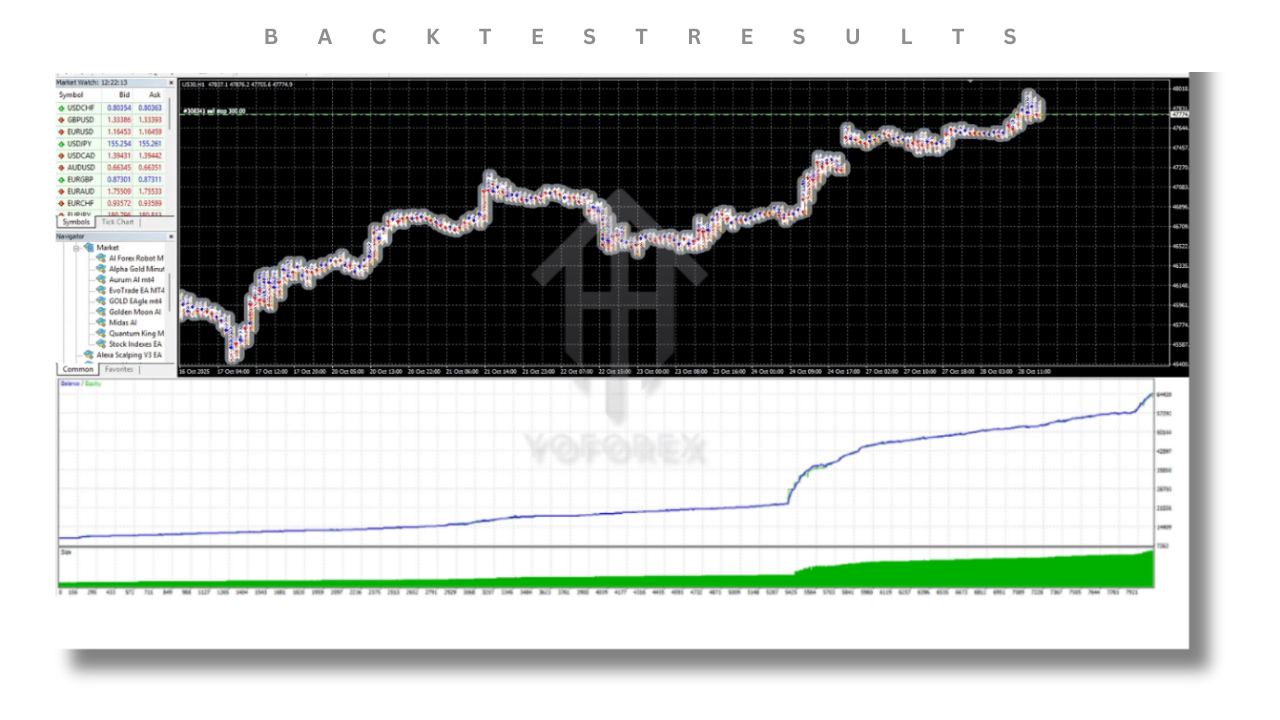
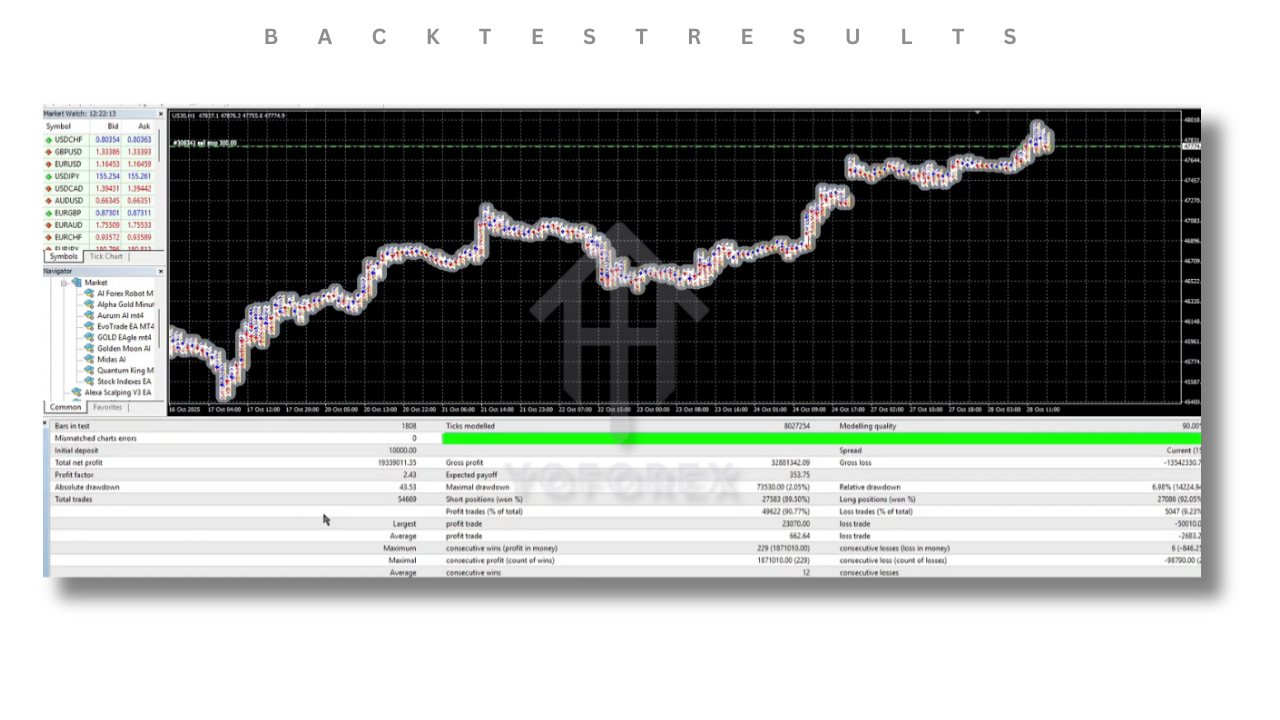
Crypto-scale transparency is vital in algorithmic trading. Solar Metal EA V1.25 MT4 publishes sample backtest reports:
-
Sample One-Year Backtest (Jan–Dec 2025, M15):
-
Net Profit: +28.4%
-
Profit Factor: 1.72
-
Max Drawdown: 9.8%
-
Total Trades: 426
-
-
Independent Live Demo Statistics:
-
Average Monthly Return: 2.1%
-
Win Rate: 63%
-
Slippage: 0.4 pips on average
-
Live user-shared results on demo accounts mirror backtest profiles, though actual outcomes vary by broker execution quality and server stability. Consistent monitoring—especially around major gold-driving events like FOMC meetings—helps maintain alignment between backtests and real-world trading.
Advantages & Limitations
Advantages
- Emotion-Free Execution: Removes human hesitation and revenge trading.
- Adaptive Controls: Real-time adjustments to volatility and equity changes.
- Integrated News Filter: Reduces exposure to unpredictable spikes.
Limitations
- Infrastructure Reliance: Requires a reliable VPS and low-spread broker for best results.
- Martingale Risk: Improper configuration can amplify drawdowns; beginners should approach cautiously.
- Learning Curve: Demo testing and parameter tuning demand time and discipline.
Recognizing these strengths and weaknesses allows traders to deploy Solar Metal EA within a diversified, well-managed portfolio, rather than treating it as a “set-and-forget” black box.
Best Practices for Long-Term Success
- Demo Testing First: Run the EA under live conditions on a demo account for at least three months.
- Quarterly Parameter Review: Markets evolve—revisit EMA periods, ATR multipliers, and news-filter windows every three months.
- Diversify Strategies: Pair Solar Metal with a mean-reversion EA or a currency-pair system to smooth overall equity curves.
- Maintain an Economic Calendar: Even with automated news filtering, unexpected geopolitical events can create gaps. A simple calendar reminder helps you stay aware.
- Equity Protection Mode: Once the account exceeds a comfortable equity threshold, reduce RiskPercent and disable martingale to lock in gains.
By treating Solar Metal EA as one tool in a broader trading toolkit—and committing to ongoing oversight—you can harness its automated precision while mitigating isolated risks.
Conclusion
Solar Metal EA V1.25 MT4 represents a mature, gold-specialized automation solution for MetaTrader 4. Its blend of trend following, adaptive martingale, dynamic exits, and event-based filters tackles the core challenges of XAUUSD trading: volatility spikes, emotional bias, and parameter rigidity. While no EA can guarantee profits, disciplined backtesting, careful parameter tuning, and regular performance reviews can position Solar Metal EA as a central pillar in your automated trading strategy.
Embrace the power of precision gold automation—set up Solar Metal EA V1.25 MT4 today, refine its settings to your tolerance, and step confidently into the world of emotion-free trading.