Introduction
Technical indicators play a crucial role in modern trading by helping traders interpret market behavior, identify trends, and improve decision-making. While some indicators focus purely on trend direction and others on momentum, advanced tools aim to combine multiple analytical elements into a single framework. This allows traders to simplify chart analysis while maintaining accuracy.XMC Indicator V1.0 MT4 is designed to provide traders with a structured view of the market by combining elements of trend detection, momentum analysis, and signal visualization. Built for the MetaTrader 4 platform, it aims to help traders identify potential entry and exit points with greater clarity while reducing the noise often associated with multiple indicators.
Overview
XMC Indicator V1.0 MT4 is a multi-functional technical analysis tool that focuses on identifying market direction and potential trade opportunities. It analyzes price data in real time and presents signals or visual cues directly on the chart, making it easier for traders to interpret market conditions.XMC Indicator V1.0 MT4 typically works by combining different analytical components such as trend filtering, momentum strength, and price behavior. This combination helps traders determine whether the market is trending, ranging, or preparing for a breakout.XMC Indicator V1.0 MT4 is commonly used on intraday and swing trading timeframes such as M5, M15, H1, and H4. Lower timeframes provide faster signals for active traders, while higher timeframes offer more stable and reliable market direction.
Unlike purely manual tools, this indicator aims to reduce decision fatigue by presenting simplified signals. However, it still requires trader confirmation and should ideally be used alongside other analysis techniques such as support/resistance or price action.
How XMC Indicator V1.0 MT4 Works?
1. Continuous Price Data Analysis
- XMC Indicator V1.0 MT4 processes live market data in real time
- Monitors:
- Price movements
- Candle patterns
- Market volatility
- Updates signals dynamically as new price data forms
2. Trend Detection Mechanism
- XMC Indicator V1.0 MT4 identifies overall market direction:
- Uptrend
- Downtrend
- Sideways market
- Uses internal calculations to filter weak trends
- Helps traders align trades with dominant direction
3. Momentum Evaluation
- Measures strength behind price movement
- Determines whether:
- Buyers are in control
- Sellers are dominating
- Prevents entering trades during weak or uncertain conditions
4. Signal Generation Logic
- Combines trend + momentum + price behavior
- Generates signals only when multiple conditions align
Typical conditions:
- Clear trend direction
- Strong momentum confirmation
- Favorable price positioning
5. Visual Signal Display
- XMC Indicator V1.0 MT4 displays signals directly on the chart
- Can include:
- Buy indications during upward momentum
- Sell indications during downward momentum
- Makes it easier to interpret without complex analysis
6. Market Condition Filtering
- Filters out low-quality setups such as:
- Sideways markets
- Low volatility periods
- Weak trends
- Improves signal reliability
7. Entry Timing Assistance
- Helps identify optimal entry points
- Signals often appear:
- After confirmation of trend
- At continuation points
- Reduces premature entries
8. Multi-Timeframe Adaptability
- XMC Indicator V1.0 MT4 works across different timeframes:
- Lower timeframes for quick signals
- Higher timeframes for stronger trend confirmation
- Allows traders to align short-term and long-term views
9. Dynamic Adjustment to Market Changes
- Continuously recalculates conditions
- Adapts to:
- Trend reversals
- Breakouts
- Volatility changes
- Keeps signals relevant in changing markets
10. Signal Confirmation Role
- Designed as a decision-support tool, not a standalone system
- Signals should be confirmed using:
- Support/resistance
- Price action
- Other indicators
11. No Trade Execution
- Does NOT:
- Open trades
- Manage positions
- Place stop-loss or take-profit
- Requires manual trading decisions
12. Trade Planning Support
- XMC Indicator V1.0 MT4 helps traders:
- Identify potential entry zones
- Align trades with trend
- Avoid low-probability setups.
Key Features
-
Trend Detection System
- Identifies overall market direction
- Filters out weak or sideways conditions
- Helps align trades with trend
-
Momentum Analysis
- Measures strength of price movement
- Confirms trade signals
- Reduces false entries
-
Signal Visualization
- XMC Indicator V1.0 MT4 displays buy/sell indications directly on chart
- Simplifies decision-making
- Improves reaction speed
-
Multi-Timeframe Compatibility
- Works on M5, M15, H1, and H4
- Suitable for intraday and swing trading
- Flexible across trading styles
-
User-Friendly Interface
- Clean chart display
- Easy to interpret signals
- Suitable for beginners and intermediate traders
-
Customizable Parameters
- Adjustable sensitivity
- Signal filtering options
- Can be optimized for different assets
-
Real-Time Analysis
- XMC Indicator V1.0 MT4 updates continuously with price movement
- Adapts to changing market conditions
- Provides timely insights
-
Multi-Asset Support
- Works on forex, commodities, and indices
- Offers flexibility for diversified trading.
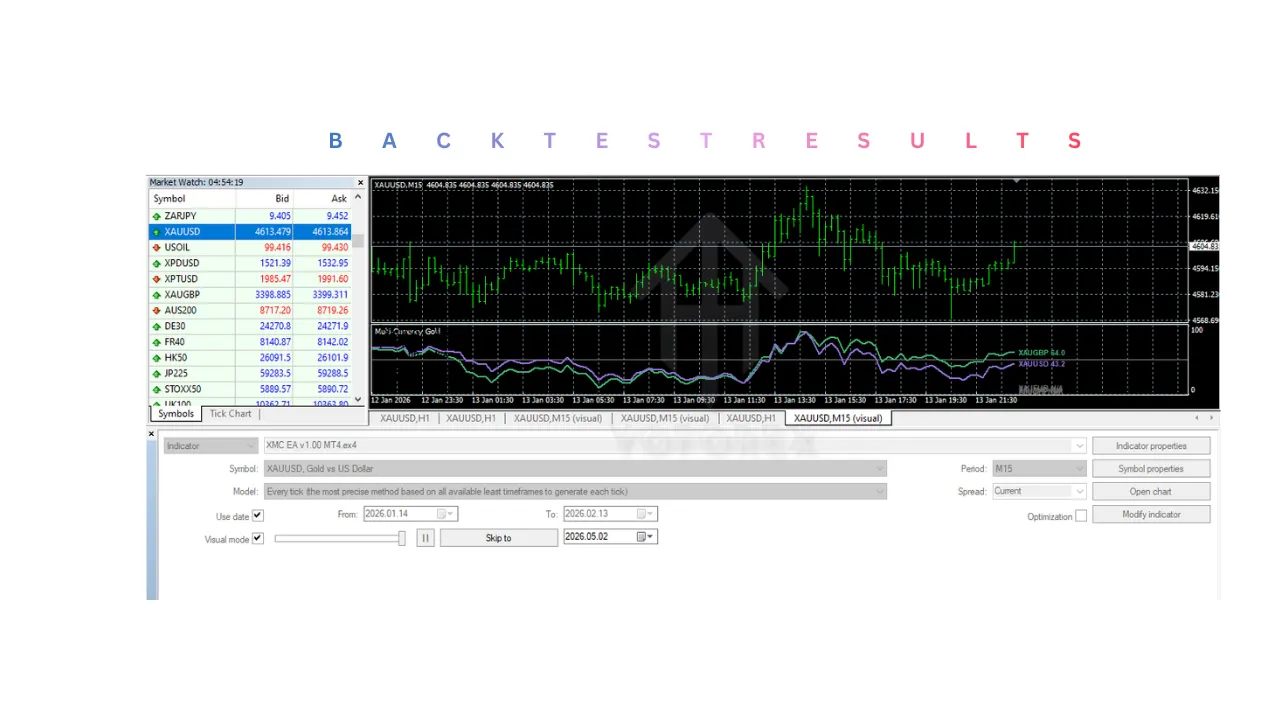
Installation & Setup Guide
1. Download XMC Indicator V1.0 MT4 File
- Obtain the
.ex4file from a trusted source - Ensure compatibility with MetaTrader 4
2. Open MetaTrader 4
- Launch the platformLog in to your trading account
3. Open Data Folder
- Click on File → Open Data Folder
- Navigate to:
MQL4 → Indicators
4. Copy XMC Indicator V1.0 MT4 File
- Paste the file into the Indicators folder
- Restart MetaTrader 4
5. Attach to Chart
- Open your preferred currency pair or asset
- Select timeframe (M5, M15, H1, or H4)
- Drag and drop the indicator onto the chart
6. Adjust Settings
- Configure parameters such as:
- Signal sensitivity
- Trend filters
- Visual display options
7. Verify Signals
- Ensure signals appear correctly on the chart
- Check alignment with market direction
8. Test on Demo Account
- Practice using the indicator
- Observe signal accuracy in real-time conditions.
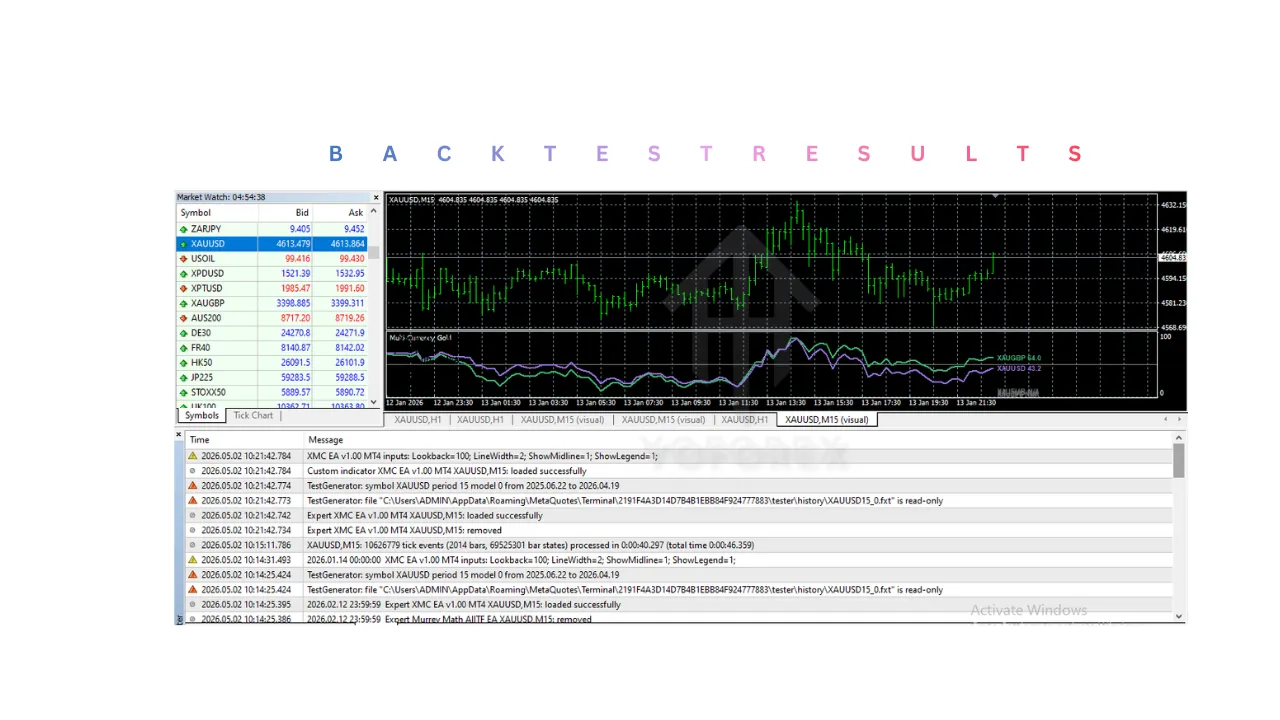
Advantages
-
Simplified Market Analysis
- XMC Indicator V1.0 MT4 combines multiple analytical elements
- Reduces need for multiple indicators
- Makes chart reading easier
-
Clear Trade Signals
- Provides visual buy/sell indications
- Helps traders act quickly
- Improves timing
-
Trend and Momentum Alignment
- Filters trades based on market strength
- Reduces false signals
- Enhances trade accuracy
-
Flexible Usage
- XMC Indicator V1.0 MT4 works on multiple timeframes
- Suitable for different trading styles
- Supports multi-asset trading
-
Beginner-Friendly Design
- Easy to understand signals
- Reduces complexity
- Helps new traders learn market behavior
-
Real-Time Updates
- Adapts to market changes
- Provides timely insights
- Keeps analysis relevant
Disadvantages
-
No Guaranteed Accuracy
- Signals may fail in certain market conditions
- Performance varies with volatility
-
Dependent on Market Conditions
- XMC Indicator V1.0 MT4 works best in trending markets
- May produce false signals in choppy markets
-
Requires Confirmation
- Should not be used alone
- Needs support from other analysis methods
-
Possible Signal Lag
- Some signals may appear after initial move
- Can reduce profit potential
-
Over-Reliance Risk
- Traders may depend too much on signals
- Reduces independent analysis skills.
Who Should Use XMC Indicator V1.0 MT4?
1. Beginner Traders
- XMC Indicator V1.0 MT4 provides simple visual signals that are easy to understand
- Reduces the need to analyze multiple indicators
- Helps build confidence in identifying market direction
2. Intraday Traders
- Works well on lower timeframes like M5 and M15
- Helps identify quick opportunities during active sessions
- Supports faster decision-making
3. Swing Traders
- Suitable for H1 and H4 timeframes
- Helps capture medium-term trends
- Assists in identifying continuation and reversal points
4. Traders Who Prefer Signal-Based Tools
- XMC Indicator V1.0 MT4 is ideal for users who want clear buy/sell indications
- Reduces complexity in chart analysis
- Simplifies trading decisions
5. Traders Who Combine Multiple Strategies
- Can be used alongside:
- Support and resistance
- Price action
- Trendline analysis
- Acts as a confirmation tool rather than a standalone system
6. Busy Traders
- Saves time by providing ready-to-read signals
- Reduces the need for continuous manual analysis
- Helps identify opportunities quickly
7. Intermediate Traders
- Useful for refining entry timing
- Helps confirm trend strength and momentum
- Can be optimized for better performance.
Why Use XMC Indicator V1.0 MT4?
1. Combines Trend and Momentum Analysis
- XMC Indicator V1.0 MT4 identifies direction and strength of the market
- Helps avoid trading against the trend
- Improves probability of successful trades
2. Simplifies Trading Decisions
- Converts complex data into clear signals
- Reduces chart clutter
- Makes analysis faster and more efficient
3. Improves Entry Timing
- Signals appear after confirmation
- Helps avoid premature entries
- Enhances trade precision
4. Filters Weak Market Conditions
- Avoids low-probability setups
- Reduces trading in sideways markets
- Improves overall signal quality
5. Saves Time
- Eliminates need for multiple indicators
- Provides quick insights
- Suitable for traders with limited time
6. Flexible Across Timeframes
- Can be used for:
- Scalping
- Intraday trading
- Swing trading
- Adapts to different trading styles
7. Enhances Trading Discipline
- Encourages rule-based trading
- Reduces emotional decisions
- Promotes consistency
8. Works as a Confirmation Tool
- Validates other trading strategies
- Helps reduce false signals
- Strengthens overall analysis
9. Real-Time Market Adaptation
- Adjusts to changing market conditions
- Provides updated signals continuously
- Keeps analysis relevant
10. Beginner-Friendly Yet Powerful
- Easy to use for new traders
- Still useful for experienced traders
- Balances simplicity and functionality
Conclusion
XMC Indicator V1.0 MT4 is a versatile and user-friendly tool designed to simplify trading decisions by combining trend detection, momentum analysis, and signal visualization into one system. It offers a structured way to interpret market conditions, making it suitable for both beginners and experienced traders. XMC Indicator V1.0 MT4‘s strength lies in its ability to present complex market data in a simplified format. By providing clear signals and filtering market noise, it helps traders improve timing and reduce emotional decision-making. However, like all indicators, it is not infallible and should be used with proper confirmation and risk management.For traders looking to streamline their chart analysis while maintaining flexibility, XMC Indicator V1.0 MT4 can be a valuable addition. When combined with sound trading practices and disciplined risk management, it can enhance overall trading efficiency and consistency.
Support & Disclaimer
Support
If you need help installing or configuring your EA, or face any kind of bug, feel free to reach out on:
WhatsApp: Click here
Telegram Group: Join our community
Disclaimer:
Forex and gold trading involve risk. Past performance doesn’t guarantee future results. Always test robots on demo before live trading and use proper risk management.
REFERRAL
Join the VIP Signals Telegram Channel for real-time expert trading signals and stay ahead in the forex market. Get personalized strategies by becoming a part of our Real Account Management Telegram Channel and optimize your trading experience. If you’re aiming to Pass PropFirm Challenges , join our dedicated channel for tips and proven methods. Start managing your capital effectively with expert advice from our Funded Account Management Telegram Channel. For advanced traders, our HFT EA / Passing Telegram Channel offers high-frequency trading insights and strategies to boost your performance.