Scalping Robot EA V5.0 MT4 — Ultra-Fast Grid Scalper for XAUUSD (M1)
Scalping Robot EA V5.0 MT4 is built for traders who want speed, structure, and smart risk controls on the M1 timeframe—without having to babysit the charts. The core algorithm is designed to identify high-probability micro-moves and execute with precision, focusing primarily on XAUUSD (Gold), with optional support for EURUSD, GBPUSD, USDJPY, and EURJPY. If you like the scalping method and want a rules-based engine that reacts quickly to price, this EA can become a dependable part of your toolkit.
What This EA Tries to Do (and What It Doesn’t)
The mission is simple: capture small, repeatable bursts of price movement in liquid sessions, compounding many small wins rather than swinging for home runs. The EA uses a rule-driven scalping model combined with a measured grid to enhance position management. It’s not a martingale “double-or-nothing” gimmick; instead, it uses calibrated grid spacing and position scaling to improve the average exit price and reduce reliance on single-entry perfection.
What it doesn’t do: it won’t defy market conditions, guarantee profits, or ignore risk. Grid trading amplifies both opportunity and exposure. Used responsibly, it can smooth entries and exits; used recklessly, it can over-leverage an account. This EA is designed to lean toward discipline over drama.
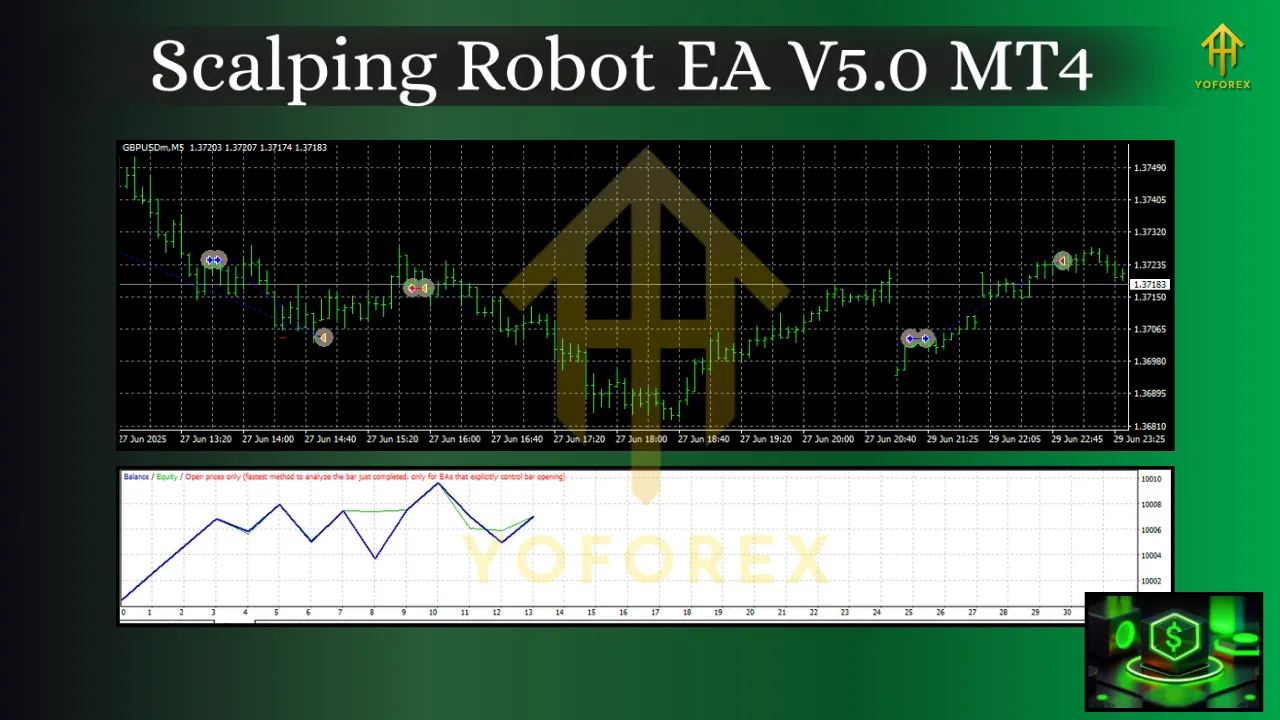
Pairs and Timeframe
-
Primary Pair: XAUUSD (Gold)
-
Optional Pairs: EURUSD, GBPUSD, USDJPY, EURJPY
-
Timeframe: M1 (1-minute)
Why Gold? XAUUSD combines deep liquidity with frequent micro-swings ideal for scalping strategies. On M1, those swings present numerous entry/exit windows each session—perfect for a system that thrives on short bursts rather than long holds.
Core Strategy Logic
-
Signal Detection:
The EA continuously measures short-term momentum, volatility pulses, and micro-structure shifts (e.g., breakouts from tiny consolidations). It seeks conditions where spreads and slippage won’t overwhelm the expected move. -
Precision Entries:
Entries are triggered only when spread filters and latency checks pass, aiming to avoid chasing poor fills. For Gold, where spreads can widen quickly around news, the EA is conservative until the market normalizes. -
Measured Grid Layering:
If price moves against the initial position, the EA can layer additional orders at pre-defined intervals. The idea is to improve average price and use small retracements to exit the basket profitably.-
Dynamic Spacing: Grid steps can widen during high volatility and tighten during calm conditions.
-
Lot Scaling: Position size can be fixed or scaled within user-defined ceilings—no forced martingale.
-
-
Fast Exits & Micro-Targets:
Take-profit targets are tight. When the market gives the expected micro-move, the EA closes quickly and resets. A breakeven and trailing logic can protect gains once a threshold is hit. -
Risk Governance:
The EA supports max basket size, daily stop-loss, equity-based protections, and trading time windows. These guardrails matter more than any single entry rule in scalping.
Why Beginners and Pros Both Use It
-
Beginners: You get an automated structure that removes emotion. You set risk, define sessions, and let the EA handle the entries and exits.
-
Experienced Traders: You gain a flexible execution engine for your grid-scalping playbook—fine-tune grid spacing, cap exposure, and align it with your broker’s execution profile.
Key Features You’ll Care About
-
M1-Optimized Engine: Built for millisecond-level decisions under 1-minute candles.
-
XAUUSD-First Design: Tuned for the unique micro-behavior of Gold.
-
Grid With Limits: Adjustable spacing, capped layers, and optional lot scaling.
-
Spread & Slippage Filters: Trade only when costs make sense.
-
Session Control: Enable/disable by market hours to focus on the best liquidity windows.
-
Equity Guards: Daily loss cap, stop trading after profit target hit, and basket-level protections.
-
News-Aware Pauses (Optional): Pause around major events to avoid erratic spreads (configure via your own calendar workflow if you prefer).
-
Detailed Logging: Understand why a trade was taken (or skipped) for faster iteration.
Recommended Operating Conditions
-
Broker: Tight spreads, fast execution, low commissions, and stable liquidity on XAUUSD.
-
VPS: A reliable, low-latency VPS for continuous uptime and stable ping to your broker.
-
Account Type: A standard hedging account is generally preferred for grid flexibility (broker policies vary).
-
Risk Profile: Start conservative. Increase exposure only after reviewing at least several weeks of live or forward-test data.
Important: We intentionally don’t prescribe a “minimum deposit” or “default lot size” because accounts, brokers, and risk tolerances differ. Always size positions relative to your maximum intended drawdown—not the other way around.
Setup & Installation (MT4)
-
Copy Files: Place the EA file into
MQL4/Experts. -
Restart MT4: Or right-click Navigator → Refresh.
-
Attach to Chart: Open XAUUSD, switch to M1, and drag the EA onto the chart.
-
Enable Algo Trading: Make sure the “AutoTrading” button is green.
-
Inputs:
-
Risk Settings: Basket max orders, per-order lot, lot scaling on/off, equity/daily stops.
-
Grid Settings: Step in points/pips, dynamic step on/off, target per basket.
-
Filters: Max spread, slippage, allowed time windows.
-
Protections: Close-all on equity % drawdown, pause after loss, pause around news.
-
Run it first on a demo or small live account to validate real-world fills and slippage.
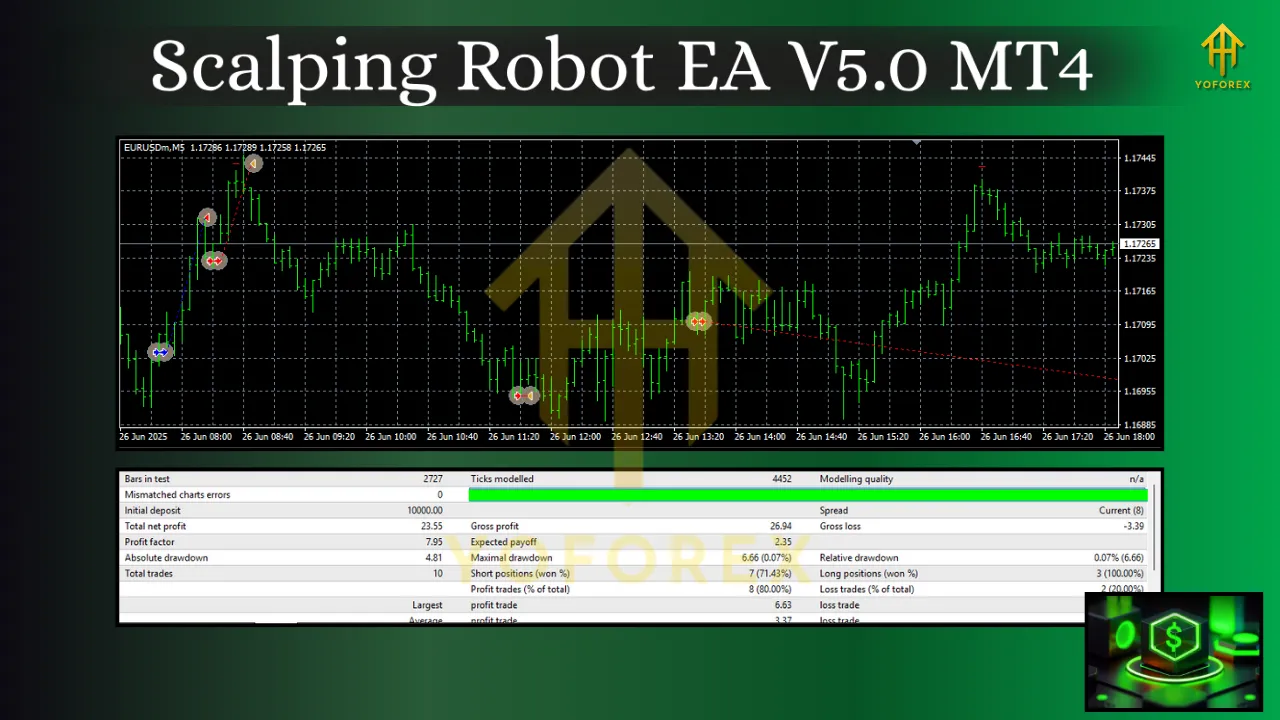
Best Practices for Grid-Scalping on Gold
-
Respect Volatility: Gold can surge on headlines; let the EA pause during known event windows or widen grid steps.
-
Cap the Basket: Define a hard maximum number of layers. Unlimited layering is how good strategies go bad.
-
Daily Guardrails: Decide your daily stop and daily target. Stop trading once either hits—discipline compounds.
-
Avoid Illiquid Times (if your broker thins out): Late rollover spreads can be rough; use the session filter.
-
Review Execution Reports: Check average spread, slippage, and win/loss per session. Use data to fine-tune.
Forward-Testing & Optimization Tips
-
Forward Over Backward: Backtests on M1 are sensitive to tick quality. Use forward tests to judge execution and robustness.
-
One Change at a Time: Adjust grid step or target size incrementally; log changes and outcomes.
-
Pair-Specific Profiles: Create separate presets for EURUSD/GBPUSD/USDJPY/EURJPY. These pairs behave differently from Gold; don’t reuse Gold parameters without testing.
-
Scale Gradually: After consistent results and verified drawdown behavior, only then consider increasing lot size.
Who Should Consider This EA?
-
Scalpers who want repeatable micro-profits without staring at charts.
-
Risk-aware traders comfortable with measured grid logic and strict exposure limits.
-
Operations-minded traders who appreciate VPS uptime, session control, and data-driven iteration.
If you prefer swing trades, wide stops, or “set and forget” weekly holds, this is not the right tool. Scalping Robot EA V5.0 shines when you value frequency, structure, and risk discipline on M1.
Final Word
Scalping Robot EA V5.0 MT4 is a fast, structured, and risk-conscious way to approach Gold scalping on the M1 timeframe. Its high-probability entry logic aims to capture many small moves, while the measured grid and equity guardrails help manage the inevitable noise of ultra-short-term trading. Whether you’re new to automated trading and want a disciplined starting point, or you’re an experienced scalper looking for a configurable execution engine, the key to success is the same: start small, monitor closely, and scale only after the data proves your edge.