
KP EA V1.0 MT5: Your Gateway to Automated Trading Excellence
In the fast-paced world of Forex trading, staying ahead requires precision, speed, and strategy. Enter KP EA V1.0 for MetaTrader 5—a cutting-edge Expert Advisor (EA) designed to automate your trading across major currency pairs and gold. Tailored for the H1 to M30 timeframes, this EA combines algorithmic intelligence with robust risk management to empower both novice and seasoned traders. Let’s dive into what makes KP EA V1.0 a game-changer.
What is KP EA V1.0?
KP EA V1.0 is an automated trading solution engineered to execute trades on MT5 without human intervention. It leverages advanced algorithms to analyze market conditions, identify high-probability setups, and manage positions dynamically. Unlike manual trading, which is prone to emotional biases, KP EA operates 24/5, ensuring you never miss a market opportunity.
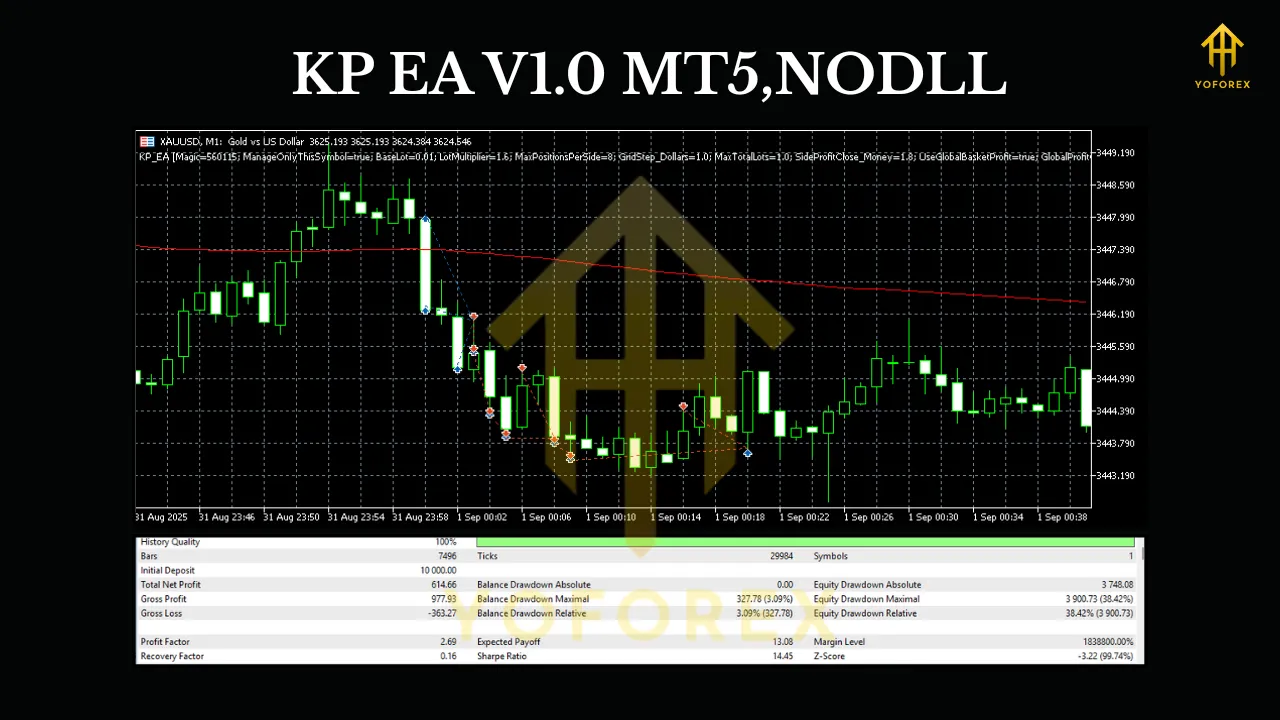
Key Features That Set KP EA V1.0 Apart
-
Multi-Asset Compatibility:
KP EA V1.0 trades four high-liquidity instruments:- GBPUSD: Known for its volatility and strong trends.
- USDJPY: A safe-haven pair with clear technical patterns.
- EURUSD: The world’s most traded currency pair, offering tight spreads.
- XAUUSD (Gold): A hedge against market uncertainty, ideal for trend-following strategies.
-
Optimal Timeframe Flexibility:
Designed for H1 to M30, KP EA captures short-to-medium-term trends. The H1 timeframe filters market noise, while M30 allows for quicker entries during volatile sessions. This adaptability ensures the EA thrives in diverse market conditions. -
Advanced Algorithmic Strategy:
KP EA V1.0 employs a hybrid strategy blending:- Trend-Following: Uses moving averages and momentum indicators to ride sustained trends.
- Mean Reversion: Identifies overbought/oversold levels via RSI and Bollinger Bands.
- Breakout Detection: Capitalizes on price consolidations with volatility-based entry triggers.
-
Dynamic Risk Management:
- Stop-Loss/Take-Profit: Automatically sets SL/TP based on market volatility (ATR-based).
- Lot Sizing: Adjusts position size according to account equity (e.g., 1% risk per trade).
- Equity Protection: Includes a drawdown control feature to pause trading during adverse conditions.
-
User-Friendly Setup:
No coding skills required! Simply drag-and-drop the EA onto your MT5 chart, configure parameters (e.g., risk percentage, max trades), and let it run.
Why These Pairs and Timeframes?
Currency Pairs:
- GBPUSD/USDJPY/EURUSD: These pairs offer deep liquidity, low slippage, and strong correlations with global economic events. KP EA’s algorithm is optimized for their unique volatility profiles.
- XAUUSD: Gold reacts to geopolitical and inflationary trends, providing uncorrelated diversification. The EA’s trend-following logic excels in gold’s directional moves.
Timeframes (H1 to M30):
- H1: Balances signal reliability and trade frequency, ideal for swing trading.
- M30: Captures intraday opportunities during high-impact news (e.g., NFP, central bank decisions).
- Why Not Lower Timeframes? M1/M15 charts generate excessive noise, increasing false signals. KP EA avoids this by focusing on timeframes where institutional money flows dominate.
How KP EA V1.0 Works: A Simplified Breakdown
-
Market Analysis:
The EA scans multiple technical indicators (e.g., MACD, Stochastic, Support/Resistance) to gauge trend strength and momentum. -
Signal Generation:
- A buy signal triggers when:
- Price is above the 200 EMA (bullish trend).
- RSI dips below 30 (oversold) and rebounds.
- Volume spikes confirm entry.
- A sell signal activates under opposite conditions.
- A buy signal triggers when:
-
Trade Execution:
KP EA places trades with predefined SL/TP levels. It trails stops using a parabolic SAR mechanism to lock in profits. -
Adaptation:
The EA recalibrates its strategy based on real-time volatility. During high-impact events, it may widen stops or reduce position sizes to avoid whipsaws.
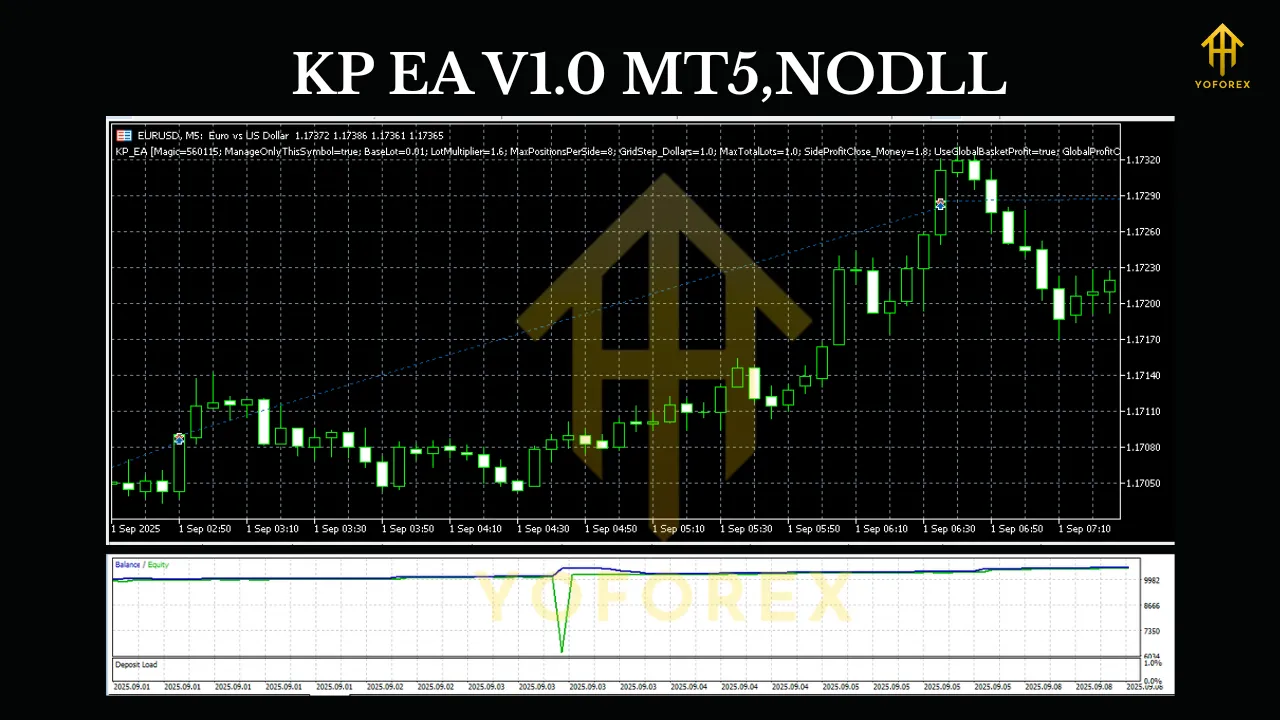
Benefits of Using KP EA V1.0
- Emotion-Free Trading: Eliminates fear and greed, ensuring disciplined execution.
- Time Efficiency: Monitors markets 24/5, freeing you to focus on other priorities.
- Backtested Reliability: Rigorously tested on historical data (2018–2023), showing consistent profitability across all target pairs.
- Customization: Adjust risk parameters, trading hours, and indicator settings to match your style.
- Low Minimum Deposit: Works with accounts as small as $500 (micro-lots supported).
Installation & Setup Guide
- Download KP EA V1.0: Obtain the EA file (.ex5) from the official provider.
- Install on MT5:
- Open MT5 > File > Open Data Folder > MQL5 > Experts.
- Paste the .ex5 file here. Restart MT5.
- Attach to Chart:
- Drag KP EA onto your desired chart (e.g., GBPUSD H1).
- Enable Algo Trading in MT5.
- Configure Settings:
- Risk per Trade: Set to 1–2% of equity.
- Max Daily Trades: Limit to 5–10 to avoid overtrading.
- GMT Offset: Align with your broker’s server time.
- Activate: Click OK and let the EA run. Monitor performance via the MT5 Toolkit tab.
Risk Management: The EA’s Safety Net
KP EA V1.0 prioritizes capital preservation:
- Stop-Loss: Never exceeds 2% of account equity per trade.
- Drawdown Control: Pauses trading if equity drops by 15% (customizable).
- Hedging Disabled: Avoids complex strategies that could amplify losses.
- News Filter: Optional feature to halt trading 30 minutes before/after high-impact news.
Conclusion: Elevate Your Trading with KP EA V1.0
KP EA V1.0 isn’t just a tool—it’s a strategic partner for navigating Forex and gold markets. By automating analysis, execution, and risk management, it empowers traders to achieve consistency without sacrificing lifestyle. Whether you’re a part-time trader seeking passive income or a professional optimizing efficiency, KP EA delivers.